mP4G/mP4GL Motherboard
○○○○○○○○○○○○○○○○○○○○○○○○○○○○○○○○○○○○○○○○○○○○○○○○○○
User’s Manual
5•28
○○○○○○○○○○○○○○○○○○○○○○○○○○○○○○○○○○○○○○○○○○○○○○○○○○
Making a Linux Support Disk
You can boot the system from the Power Installer disc.
The system will boot from a Linux kernel on the disc and
you can use the disk creator that loads to create a Linux
support disk. You can then use it to install any necessary
modules according to your Linux distribution’s instruc-
tions for module installation.
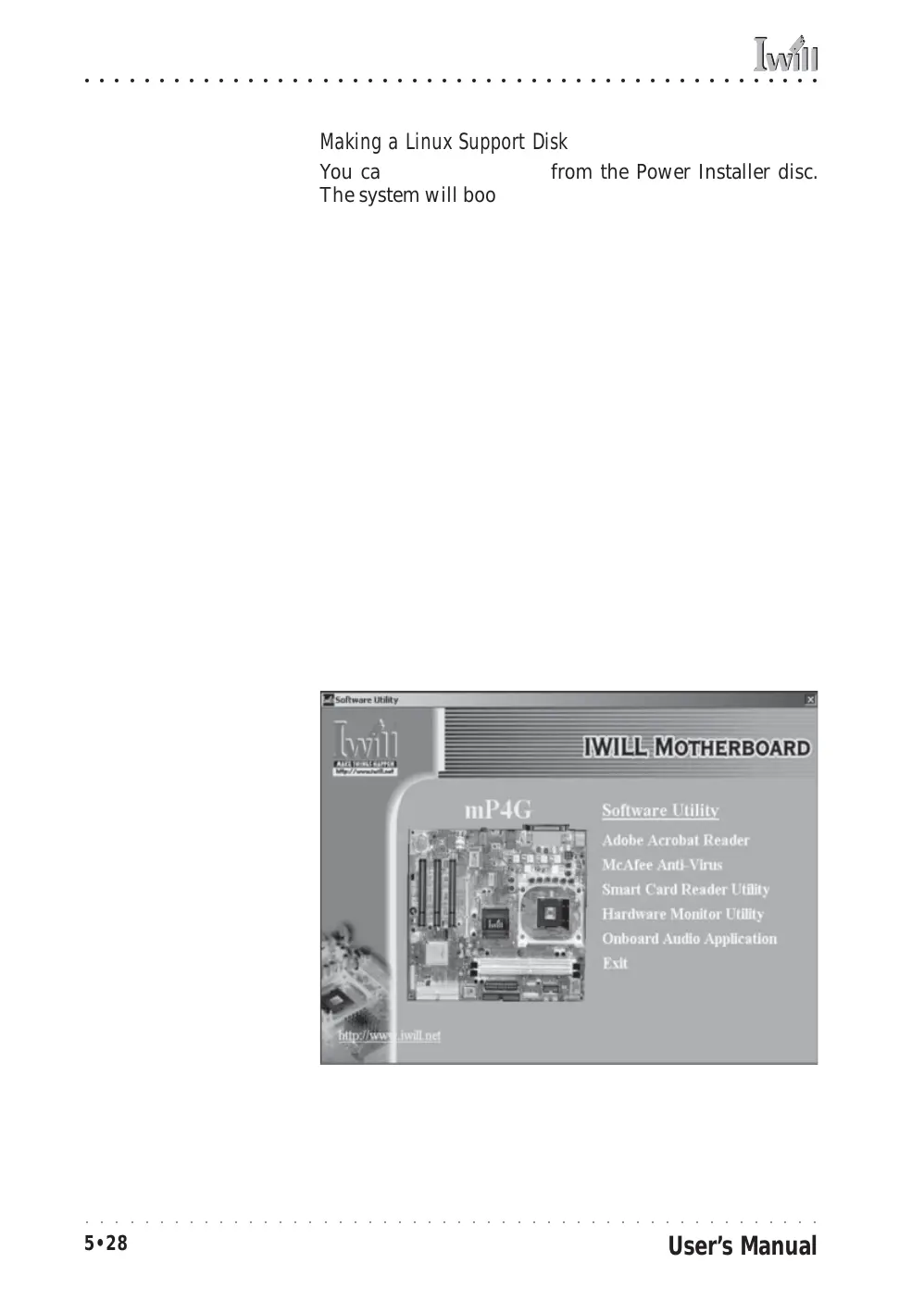
Installing the Utility Software
To install the utility software bundled on the Power In-
staller disc, click on “Software Utility” in the Drivers and
Utilities screen to open the Software Utility window.
To install the Adobe Acrobat reader or McAfee Anti-Vi-
rus software packages, click on the item you want to
install and follow the install program’s instructions.
You can install the Smart Card Reader Utility if you have
installed a Smart Card reader or the Smart Panel.
The Hardware Monitor Utility gives you access to infor-
mation detected by the Winbond hardware monitor.
The Onboard Audio Application item installs audio soft-
ware for use with the onboard AC’97 audio.
Power Installer:
Software Utility
Click on the item you want
to install and follow the
install program instruc-
tions.



 To Next Page