2: Key Features & Components
○○○○○○○○○○○○○○○○○○○○○○○○○○○○○○○○○○○○○○○○○○○○○○○○○○
User’s Manual
2•23
○○○○○○○○○○○○○○○○○○○○○○○○○○○○○○○○○○○○○○○○○○○○○○○○○○
Software Features
This motherboard comes with driver software and
bundled utility software on the supplied Power Installer
CD-ROM disc. The Installing OS & Support Software sec-
tion in Chapter 5 explains how to install the software
required to support this motherboard and profiles the
bundled utilities.
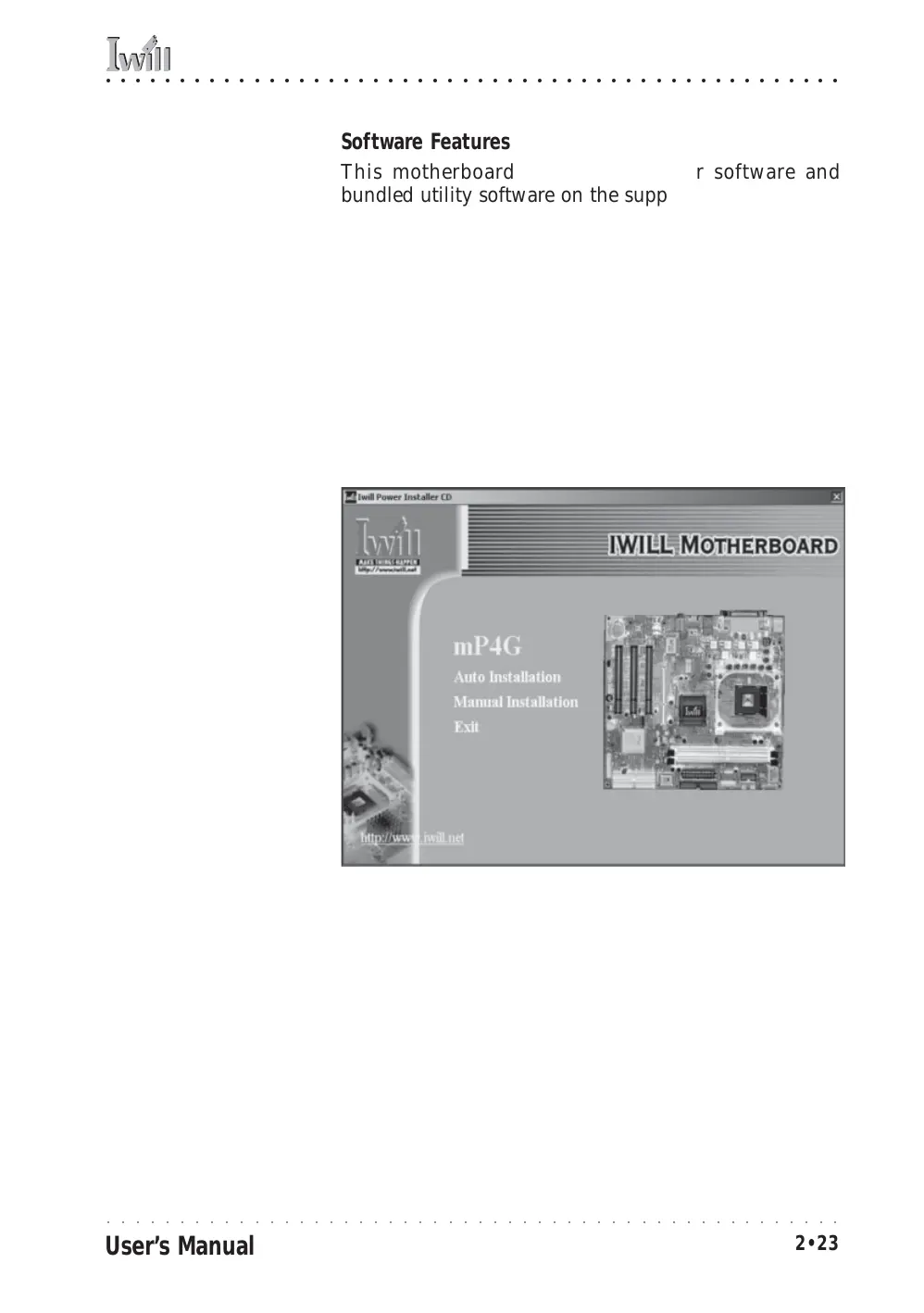
Using the Power Installer Disc
You can run the Power Installer CD-ROM install inter-
face under Microsoft Windows 9X, NT 4.0, 2000 or XP.
The disc’s install interface should load automatically and
you then click on the model name of this motherboard.
Power Installer:
mP4G section
Main installation screen



 To Next Page