2: Key Features & Components
○○○○○○○○○○○○○○○○○○○○○○○○○○○○○○○○○○○○○○○○○○○○○○○○○○
User’s Manual
2•13
○○○○○○○○○○○○○○○○○○○○○○○○○○○○○○○○○○○○○○○○○○○○○○○○○○
A temperature monitor detects the CPU and internal sys-
tem temperatures, which are displayed in the PC Health
section of the CMOS Setup Utility. You can set a system
shutdown temperature in that section that will automati-
cally shut down the computer to protect the CPU if it
reaches one of the three temperature options listed.
More Information: Please see the PC Health Status sec-
tion of “Configuring the CMOS Setup Utility” in Chapter
5 for information.
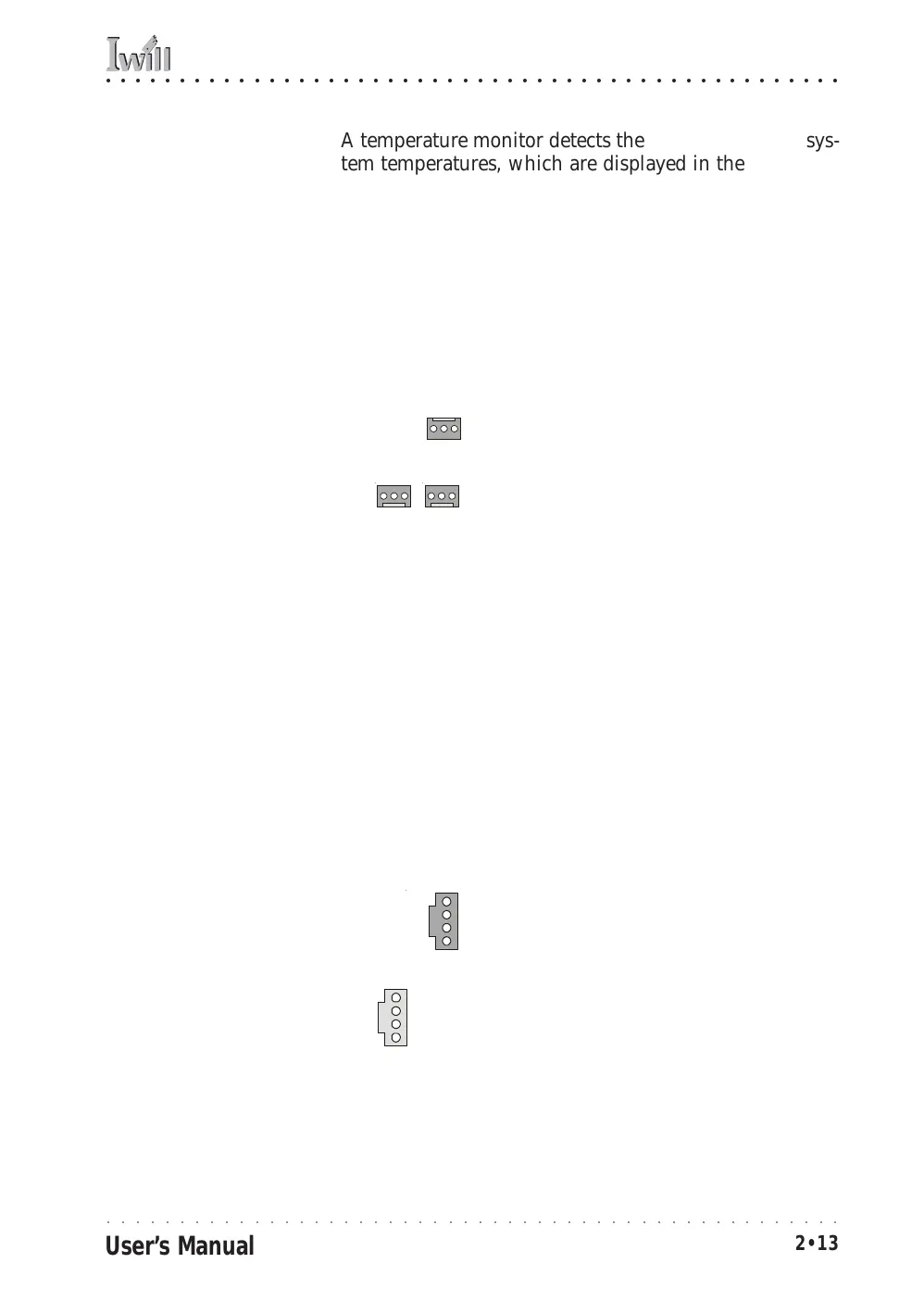
System Fan power connectors
Cooling Fan Connectors:
The cooling fan power
connectors are 3-pin con-
nectors.
CPU Fan power connector
CD-In & AUX Audio Connectors JCDIN1 & JAUX1
Function: Connectors for audio-in cables from internal
peripherals.
Description: The two audio-in connectors on the
motherboard are for audio cables from optical drives such
as a CD-ROM or DVD-ROM drive. The connectors pro-
vide an audio input connection between a device and
the integrated audio subsystem.
More Information: Please see the Connecting internal
peripherals section in Chapter 5.
Audio-In Connectors:
The JCDIN1 CD-In connec-
tor is for CD-ROM or other
optical drives. Use the
JAUX1 AUX connector for
an additional drive.
CD-In audio-in connector
AUX audio-in connector
JCDIN1
JAUX1



 To Next Page