mP4G/mP4GL Series Motherboard
○○○○○○○○○○○○○○○○○○○○○○○○○○○○○○○○○○○○○○○○○○○○○○○○○○
User’s Manual
2•14
○○○○○○○○○○○○○○○○○○○○○○○○○○○○○○○○○○○○○○○○○○○○○○○○○○
IR Connector JP1
Function: Connector for an Infrared (IR) port module.
Description: The IR connector supports both IrDA and
ASKIR infrared port modules. Follow the module’s in-
structions to install it.
More Information: Please see the Integrated Peripherals
section of “Configuring the CMOS Setup Utility” in Chap-
ter 5 for information.:
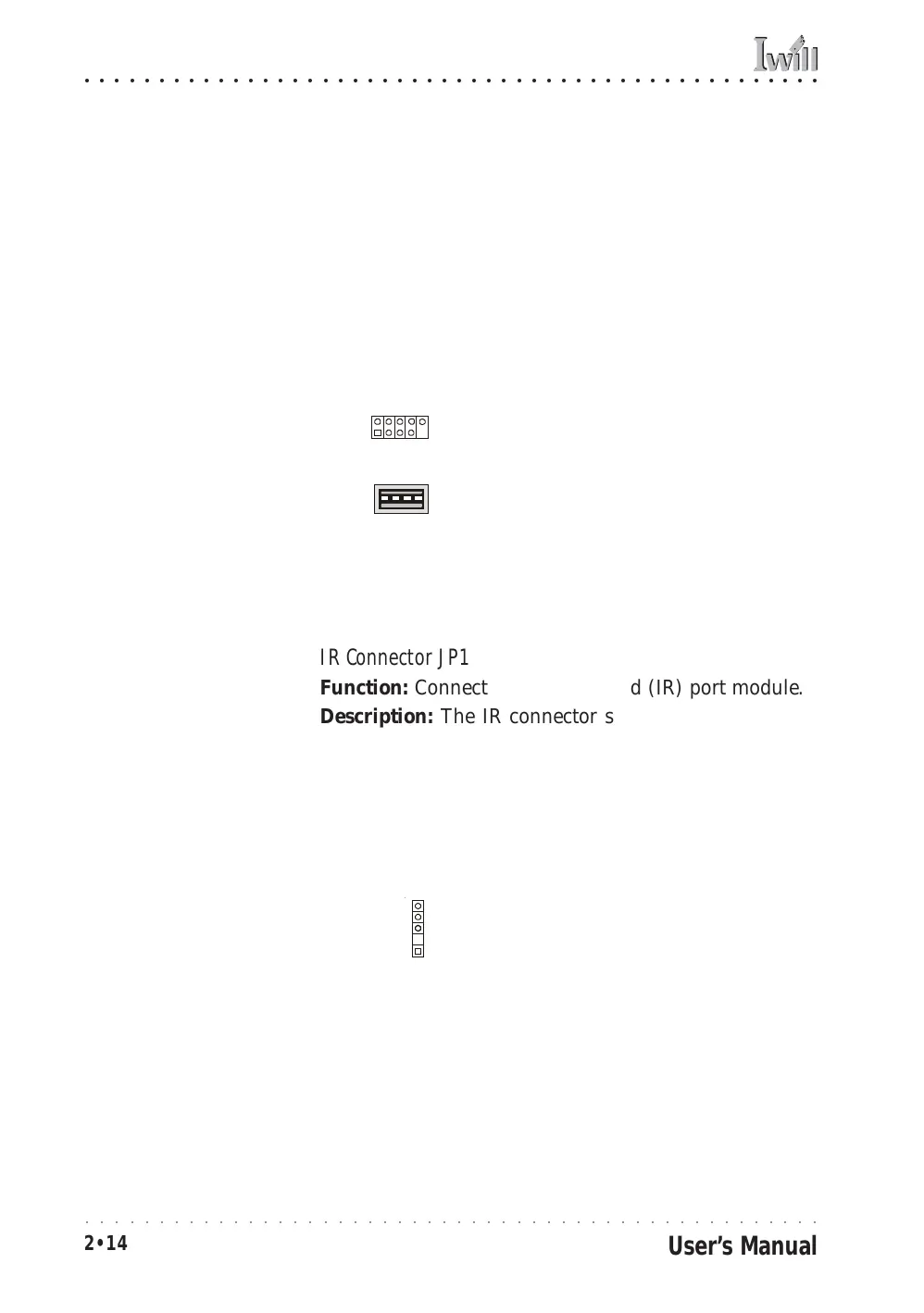
IR connector JP1
IR Connector JP1:
The IR connector is for
both IrDA and ASKIR port
modules. You must use the
CMOS Setup Utility to con-
figure the board to use the
IR feature.
JP1
Pin1
Onboard USB Port Connector JUSB1 & Connector JUSB3
Function: Connector for the additional two USB ports
port bracket. JUSB3 is an onboard internal USB 2.0 port.
Description: Connecting an external 2-port USB port
bracket to JUSB1 provides two additional Hi-Speed USB
2.0 ports that have their own Root Hub.
JUSB3 is a port mounted directly on the board for con-
necting internal USB 2.0 devices.
More Information: See the “Connecting Internal Periph-
erals” section of Chapter 5.
JUSB1 USB port bracket
pin-header connector
Other USB Ports:
Connecting a port bracket
to JUSB1 provides two ad-
ditional USB ports.
JUSB3 is a single port for
connecting internal de-
vices.
JUSB1
JUSB3
JUSB3 USB internal port



 To Next Page