2: Key Features & Components
○○○○○○○○○○○○○○○○○○○○○○○○○○○○○○○○○○○○○○○○○○○○○○○○○○
User’s Manual
2•19
○○○○○○○○○○○○○○○○○○○○○○○○○○○○○○○○○○○○○○○○○○○○○○○○○○
Serial (COM) Ports
Function: Connecting Serial devices.
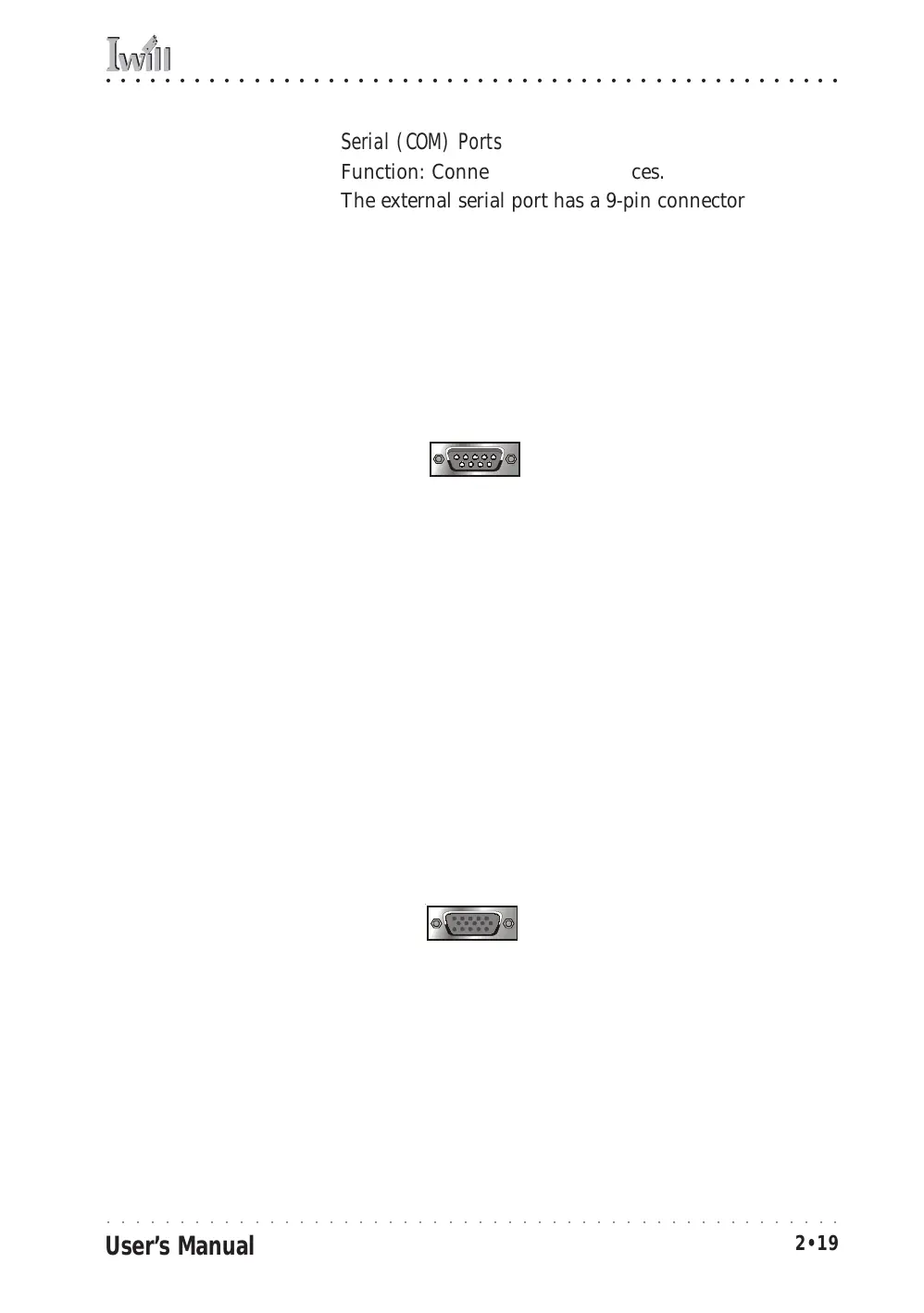
The external serial port has a 9-pin connector. It can op-
erate at speeds up to 115,200bps. You can configure the
port speed via the computer’s Operating System. Do not
connect or disconnect a serial cable when the system is
turned on.
More Information: See the Integrated Peripherals sec-
tion of “Configuring the CMOS Setup Utility” in Chapter
5 for information on adjusting port settings.
COM1 Serial Port
Serial Ports:
Default configuration –
External port is COM1
Onboard port is COM2
Installing an IR port re-
quires disabling COM2.
VGA Port
Function: Connecting a display monitor.
This external display port uses a 15-pin VGA connector.
The connector is for the onboard display graphics con-
troller. Do not connect or disconnect a display cable when
the system is turned on.
More Information: See the Integrated Peripherals sec-
tion of “Configuring the CMOS Setup Utility” in Chapter
5 for more information.
15-pin VGA Port
VGA Port:
The VGA port is for the
onboard display controller.



 To Next Page