5: System Configuration
○○○○○○○○○○○○○○○○○○○○○○○○○○○○○○○○○○○○○○○○○○○○○○○○○○
User’s Manual
5•21
○○○○○○○○○○○○○○○○○○○○○○○○○○○○○○○○○○○○○○○○○○○○○○○○○○
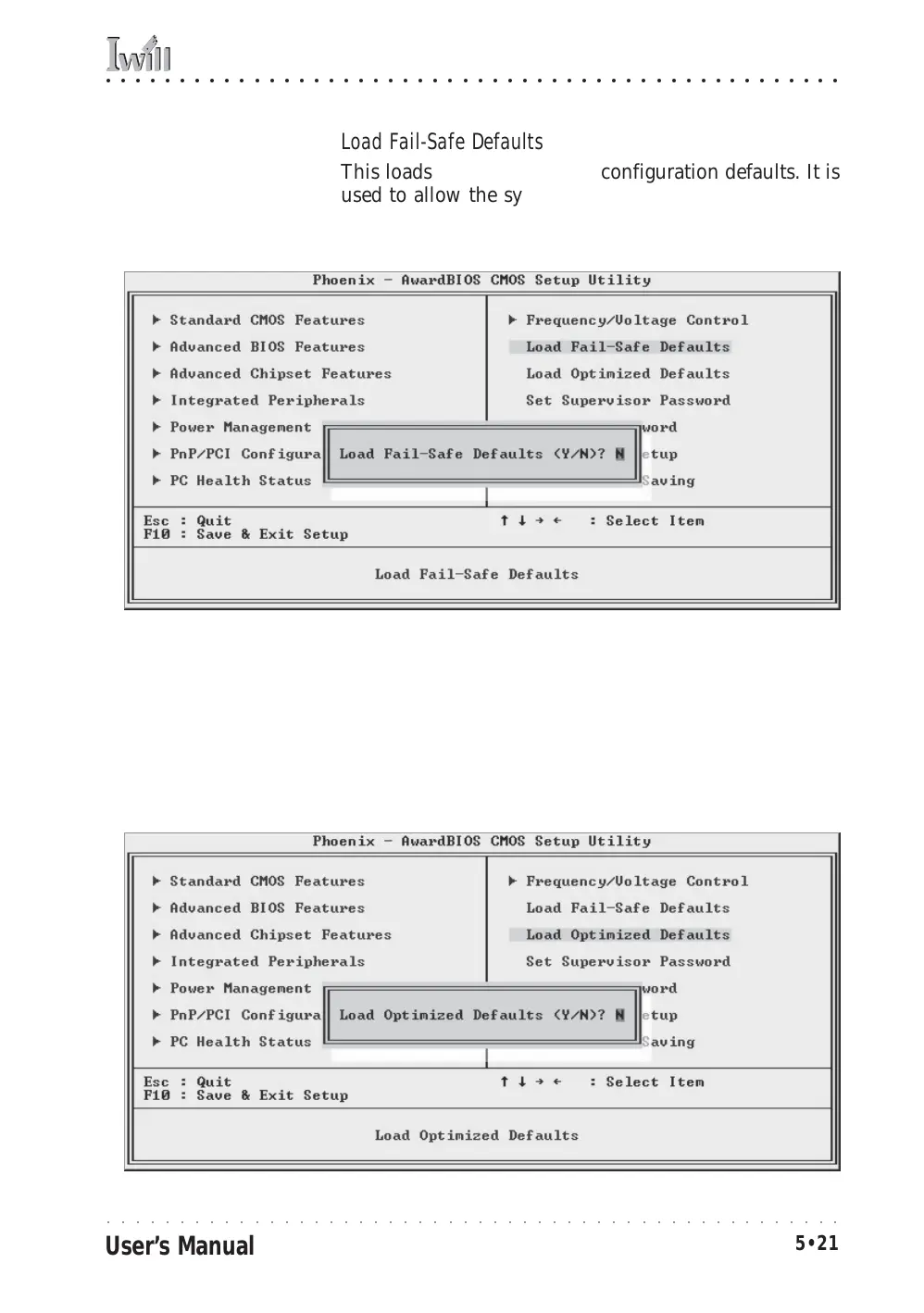
Load Fail-Safe Defaults
This loads a set of minimum configuration defaults. It is
used to allow the system to start and then troubleshoot
hardware problems. You shouldn’t need to use this, it’s
mainly for technicians.
Load Optimized Defaults
This loads the Optimized Defaults. Do this if the configu-
ration record has been corrupted or mistakenly config-
ured or after the Clear CMOS procedure has been per-
formed. See Chapter 3 for more information on this pro-
cedure. To load the defaults, select this item, press the
Enter key, type a Y and press Enter again.



 To Next Page