mP4G/mP4GL Series Motherboard
○○○○○○○○○○○○○○○○○○○○○○○○○○○○○○○○○○○○○○○○○○○○○○○○○○
User’s Manual
2•20
○○○○○○○○○○○○○○○○○○○○○○○○○○○○○○○○○○○○○○○○○○○○○○○○○○
LAN Port
Function: Connecting a CAT 5 LAN cable to the system.
Description: This is an RJ-45 connector for standard Cat
5 LAN cabling with RJ-45 jacks. The connector is for the
optional onboard LAN controller. You can connect or dis-
connect a LAN cable when the system is turned on.
More Information: See the System Features section of
Chapter 6 for information LED modes.
RJ-45 LAN jack
LAN RJ-45 Jack:
Right LED = Activity
Left LED = Link
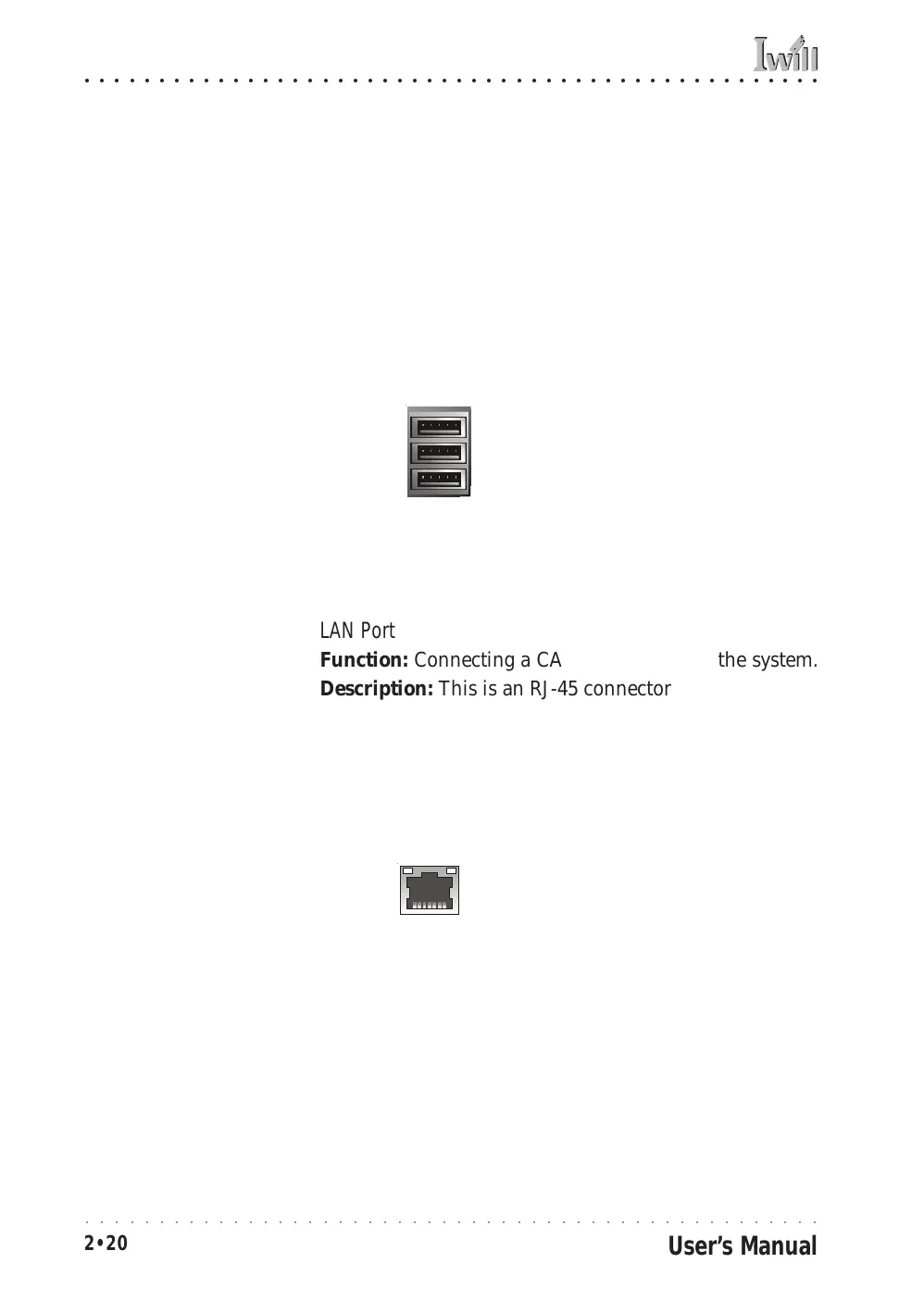
USB Ports
Function: Connecting USB 2.0 devices to the system.
Description: These are Hi-Speed USB 2.0 ports for con-
necting either USB 1.1 or 2.0 devices. The ports are for
“Type A” USB cable connectors. You can connect or dis-
connect USB cables when the system is turned on.
More Information: See the Integrated Peripherals sec-
tion of “Configuring the CMOS Setup Utility” in Chapter
5 for information on adjusting port settings.
USB ports 1, 2, 3
USB Ports:
There are three USB ports
on the rear panel. The
JUSB3 USB port shares a
root hub with the third
external USB port.
Note:
You must install the sup-
plied USB 2.0 drivers for
use with Windows 2000 or
Windows XP or the USB
ports will only work in USB
1.1 mode. Other operating
systems are not supported.



 To Next Page