mP4G/mP4GL Motherboard
○○○○○○○○○○○○○○○○○○○○○○○○○○○○○○○○○○○○○○○○○○○○○○○○○○
User’s Manual
5•2
○○○○○○○○○○○○○○○○○○○○○○○○○○○○○○○○○○○○○○○○○○○○○○○○○○
Installing an AGP Card
The AGP connector on the board supports AGP 4X 1.5-
volt display cards. Follow the instructions that come with
the display card for installing the card hardware in the
AGP slot.
AGP Configuration
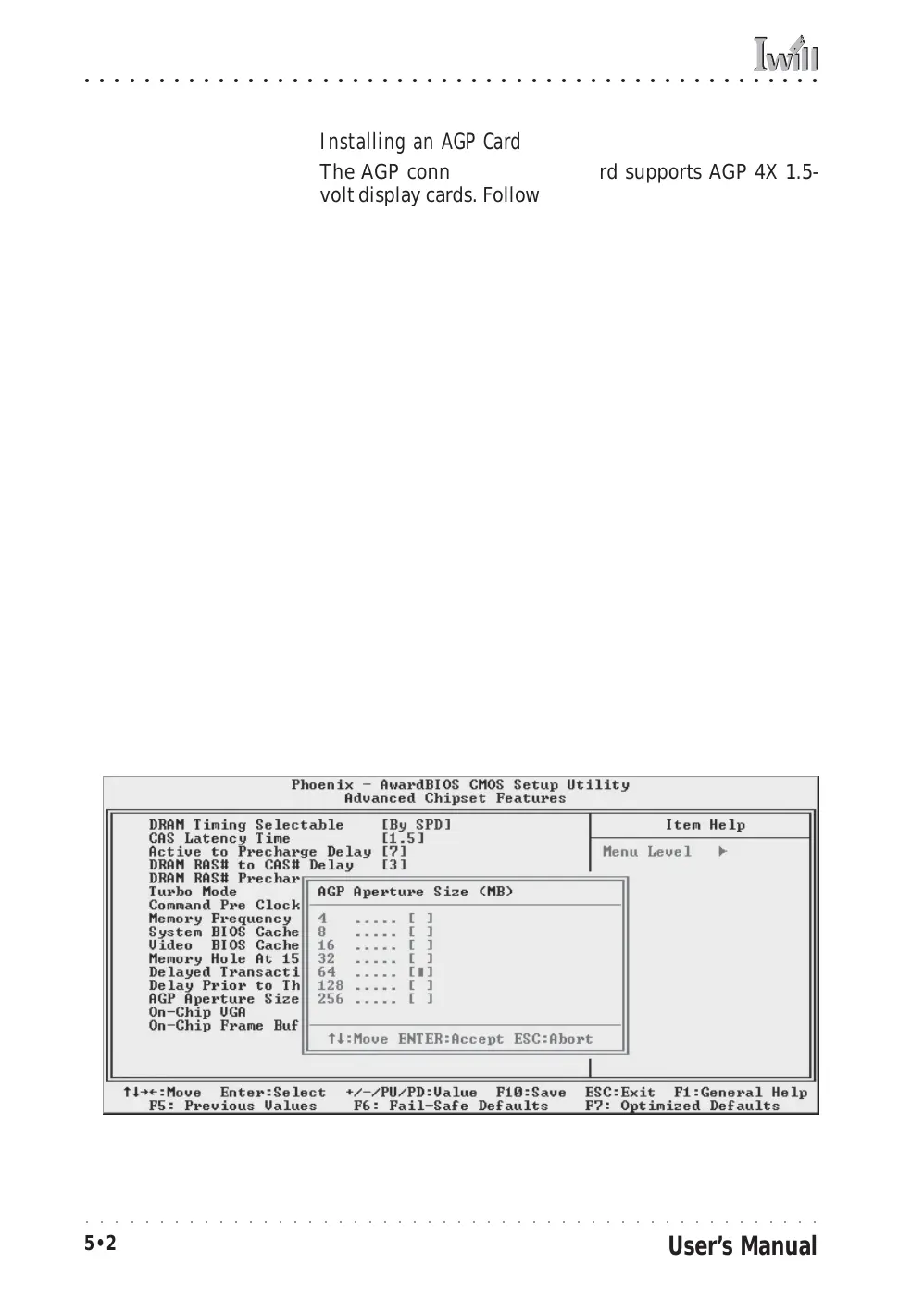
You can configure the amount of system memory the AGP
card will use as auxiliary memory by adjusting the AGP
Aperture Size setting in the Advanced Chipset Features
section of the CMOS Setup Utility. The default aperture
setting is 64MB the maximum is 256MB.
Display Drivers
You should install the display card’s display driver soft-
ware according to the instructions that come with the
card after you have completed system assembly and have
installed an OS and the support software for this
motherboard.
AGP Aperture Setting
You can set the AGP aper-
ture size in the Advanced
Chipset Features section of
the CMOS Setup Utility



 To Next Page