mP4G/mP4GL Series Motherboard
○○○○○○○○○○○○○○○○○○○○○○○○○○○○○○○○○○○○○○○○○○○○○○○○○○
User’s Manual
2•18
○○○○○○○○○○○○○○○○○○○○○○○○○○○○○○○○○○○○○○○○○○○○○○○○○○
Parallel Port
Function: Connecting a device with a parallel interface
to the system.
Description: The parallel port is generally used to con-
nect a printer to the system. The port supports common
parallel port modes and allows bidirectional communi-
cation. Use an IEEE 1284 compliant cable with the de-
fault ECP mode configuration.
More Information: See the Integrated Peripherals sec-
tion of “Configuring the CMOS Setup Utility” in Chapter
5 for information on adjusting port settings.
Parallel port
Parallel port:
The default mode is ECP,
configured as EPP 1.9,
DMA 3. 1284 compliant.
External I/O Ports
There are several external Input/Output ports on the rear
edge of the motherboard and connectors for more on the
board. Please refer to the Rear I/O Panel Ports illustra-
tion for the port locations. The ports are color-coded for
easy identification.
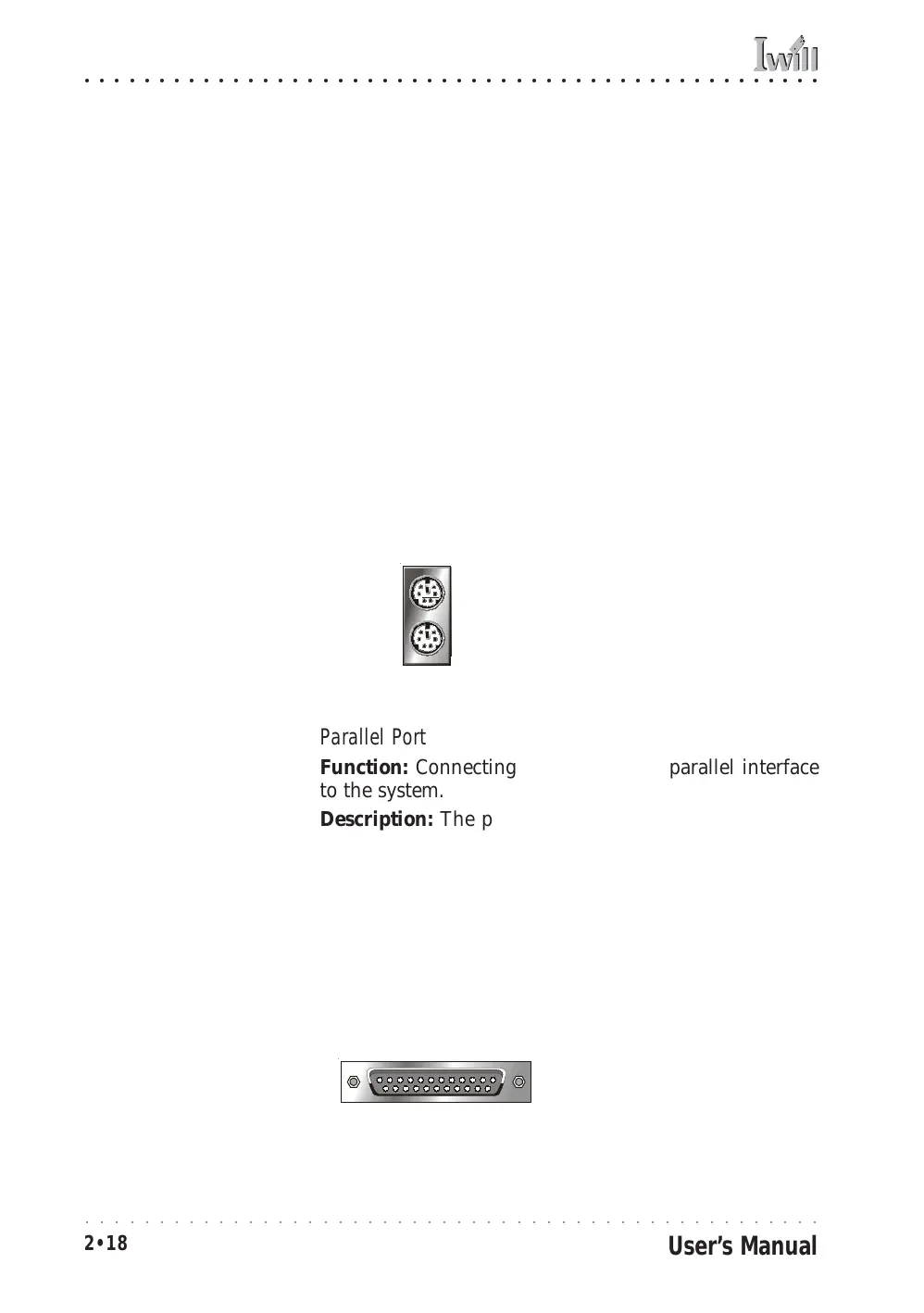
PS/2 Ports
Function: Connecting PS/2 devices to the system.
Description: The PS/2 ports are for a system keyboard
and mouse or other pointing device. Do not connect or
disconnect PS/2 devices when the system is turned on.
More Information: See the Advanced Boot Options sec-
tion of “Configuring the CMOS Setup Utility” in Chapter
5 for information on adjusting related settings.
PS/2 Mouse
PS/2 Ports:
Do not plug or unplug de-
vices when the system is
turned on.
PS/2 Keyboard



 To Next Page