2: Key Features & Components
○○○○○○○○○○○○○○○○○○○○○○○○○○○○○○○○○○○○○○○○○○○○○○○○○○
User’s Manual
2•21
○○○○○○○○○○○○○○○○○○○○○○○○○○○○○○○○○○○○○○○○○○○○○○○○○○
Audio Jacks & Connectors
Function: Jacks for connecting external audio devices to
the onboard audio subsystem.
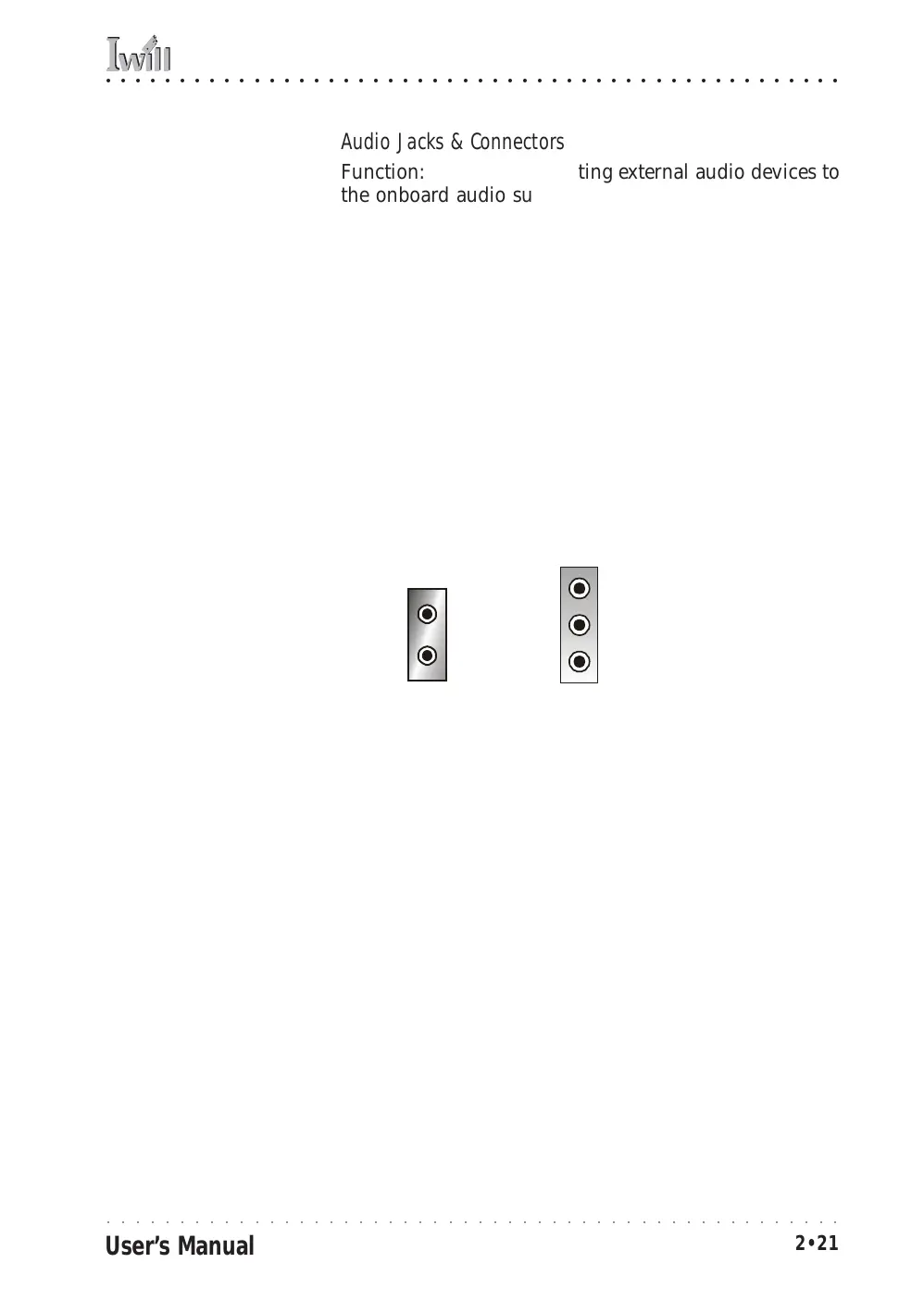
Description: There are three audio jacks:
• Line In (mP4G-U & mP4GL-U only)
Audio input connector for an external audio source.
• Line Out
For the two stereo speakers.
•Mic
Microphone connector for a computer microphone.
More Information: See the Integrated Peripherals sec-
tion of “Configuring the CMOS Setup Utility” in Chapter
5 for information on audio settings.
Line In (Light Blue)
External Audio Jacks:
The onboard audio sup-
ports stereo speakers, au-
dio input and a micro-
phone.
Line Out
(Lime)
Mic
(Pink)
Line Out (Lime)
Mic (Pink)
mP4G &
mP4GL
mP4G-U



 To Next Page