mP4G/mP4GL Motherboard
○○○○○○○○○○○○○○○○○○○○○○○○○○○○○○○○○○○○○○○○○○○○○○○○○○
User’s Manual
5•26
○○○○○○○○○○○○○○○○○○○○○○○○○○○○○○○○○○○○○○○○○○○○○○○○○○
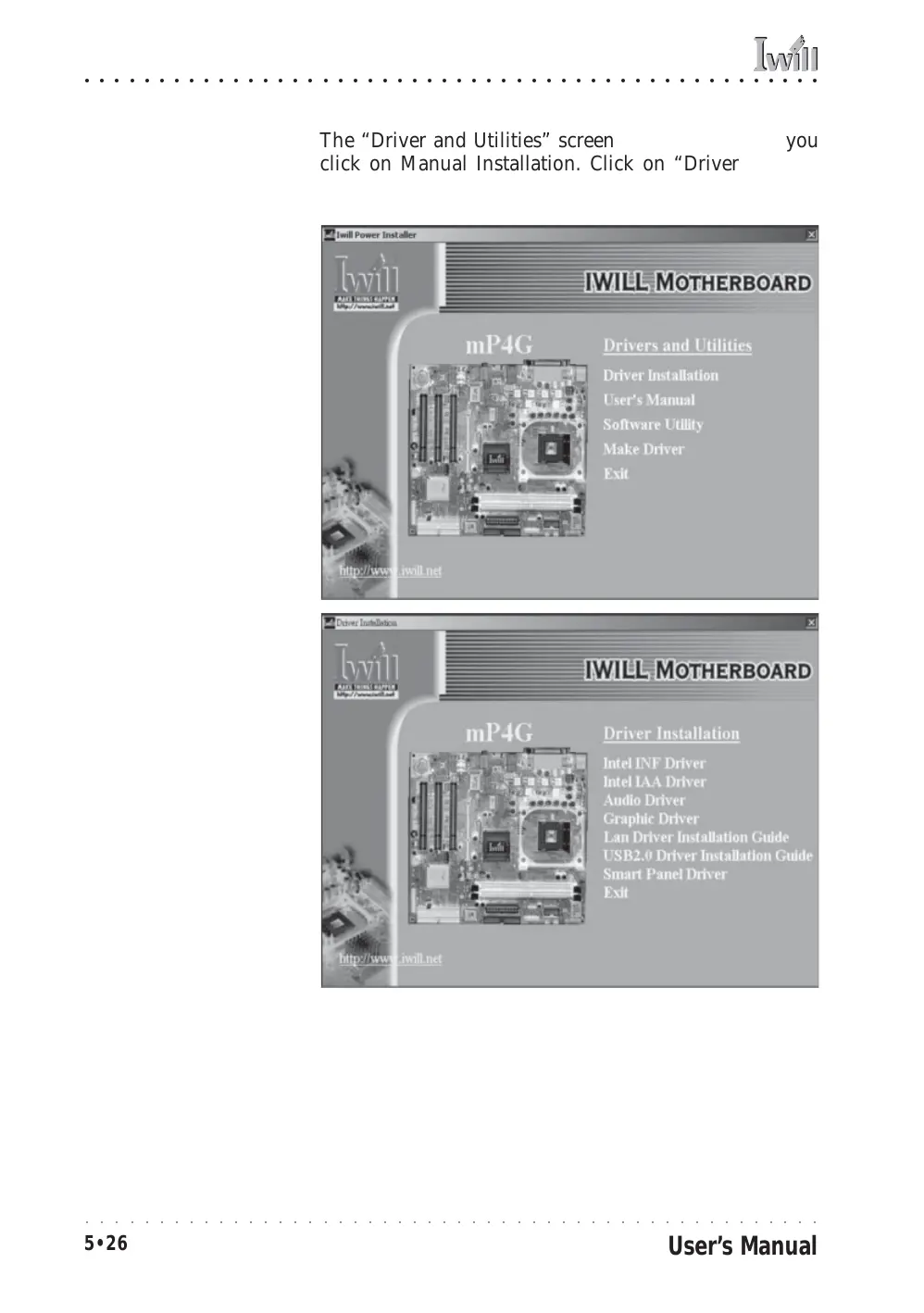
The “Driver and Utilities” screen will appear when you
click on Manual Installation. Click on “Driver Installa-
tion” and the Driver Installation screen will appear.
Power Installer:
Drivers and Utilities
Click on Driver Installation
to access the driver install
programs.
Install the first two items for the Intel Chipset, Intel INF
Driver and Intel IAA Driver, in sequence by clicking on
them and following the install program instructions.
Install the audio driver for Windows by clicking on the
Audio Driver item to run it and istall the driver.



 To Next Page