6: Using The Motherboard
○○○○○○○○○○○○○○○○○○○○○○○○○○○○○○○○○○○○○○○○○○○○○○○○○○
User’s Manual
6•5
○○○○○○○○○○○○○○○○○○○○○○○○○○○○○○○○○○○○○○○○○○○○○○○○○○
The supported Microsoft Operating Systems should au-
tomatically detect and configure the port module after
you restart the system. Consult the OS documentation or
online Help for more information if necessary. You may
also need to install support software that came with the
IR port module in order to use it. Consult the installation
instructions that came with the module for additional
instructions.
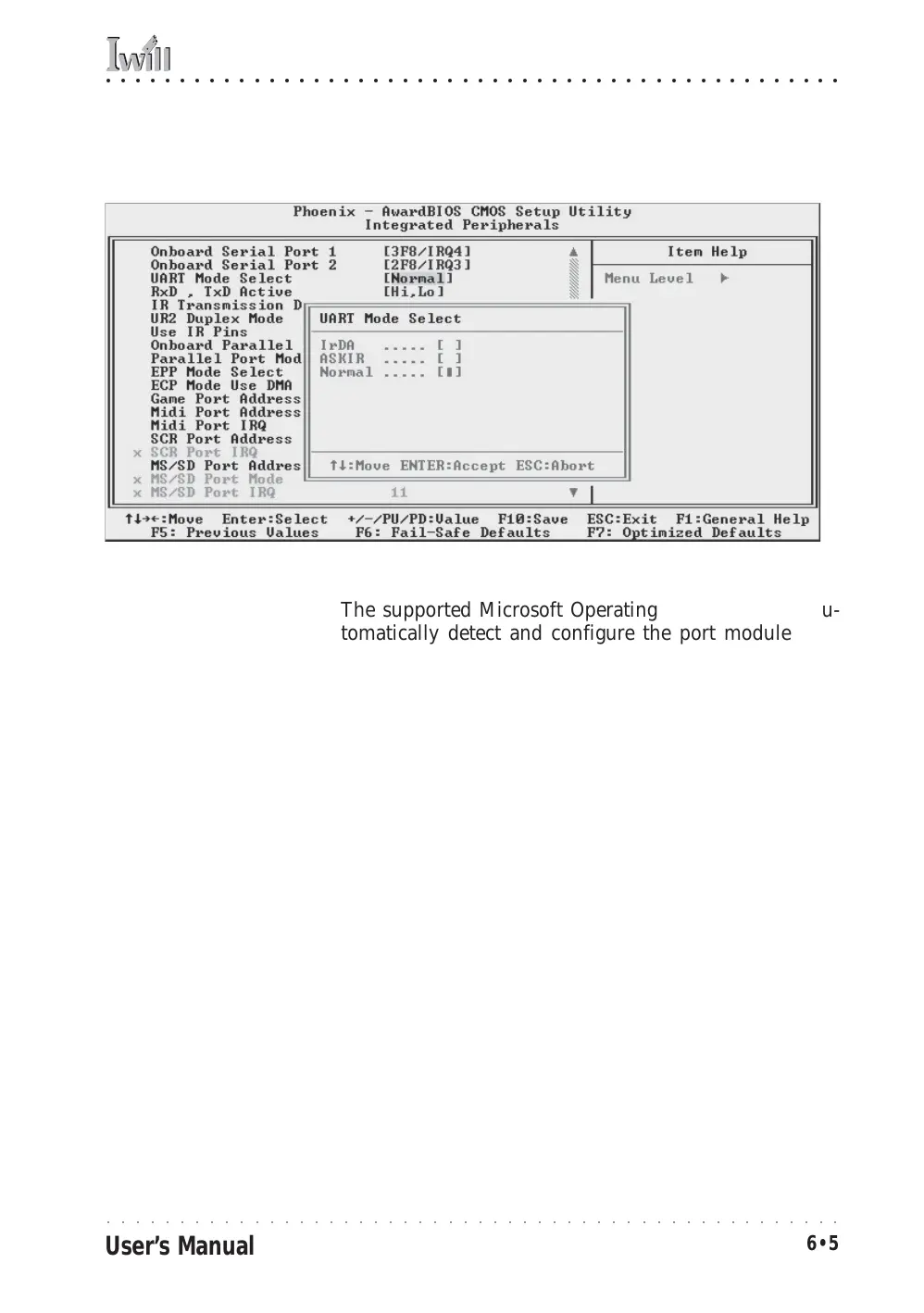
CMOS Setup Utility – Integrated Peripherals
UART Mode Select – IR mode selection



 To Next Page