EVOLVE 200 USER MANUAL
19
2.6.4 MMA synergic mode setting
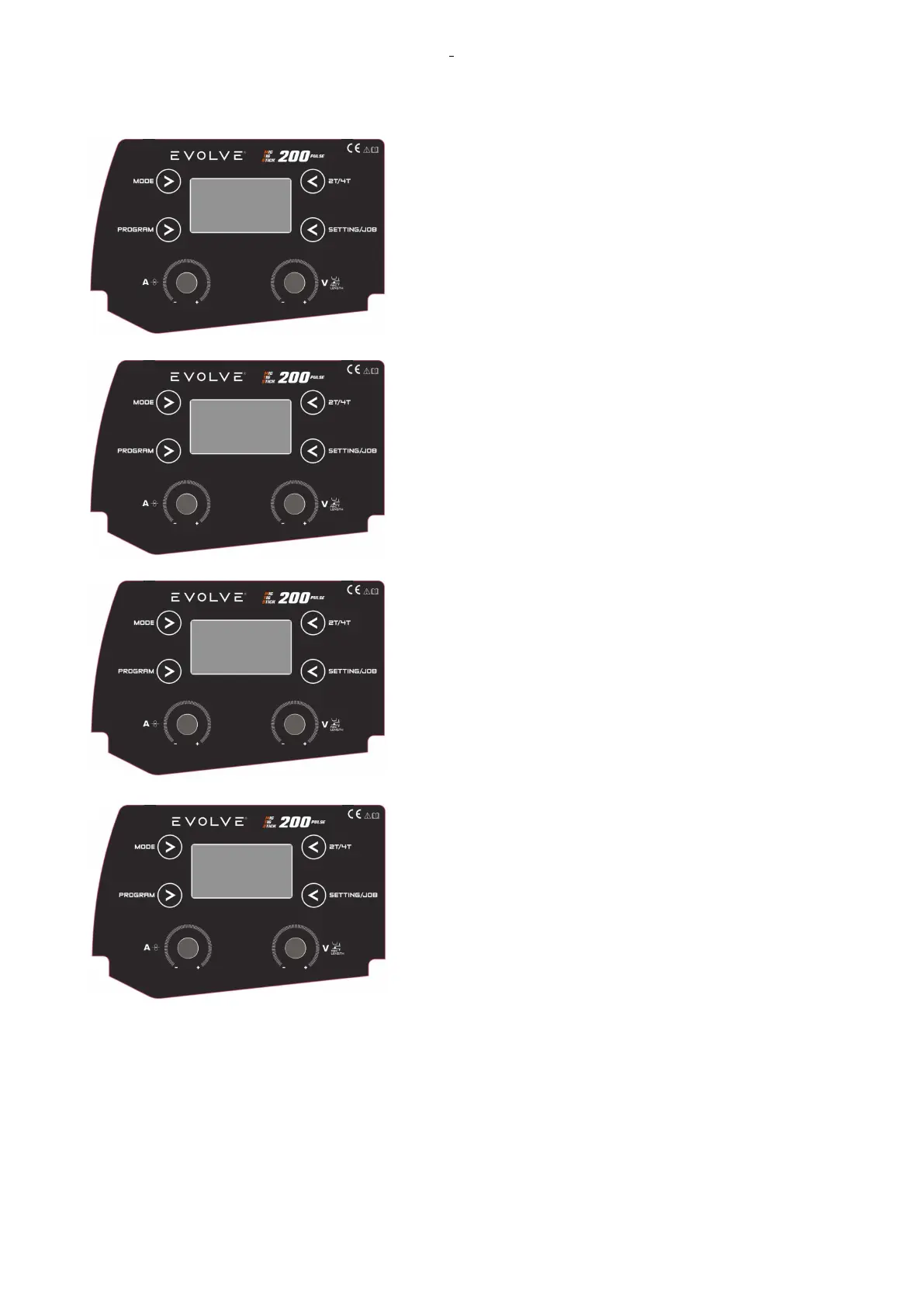
Press the PROG button to select the synergic material.
To select the ELECTRODE DIAMETER, push the PROG
button twice until the diameter is flashing on the display.
Rotate KNOB 1 to select the diameter and confirm selection by
pressing KNOB 1.
Rotate KNOB 1 to adjust the output current limitation for the
selected electrode. The range of this adjustment changes for
each type of electrode.










 To Next Page