EVOLVE 200 USER MANUAL
22
2.7.2 TIG welding display and function instructions
2.7.2.1 TIG welding display
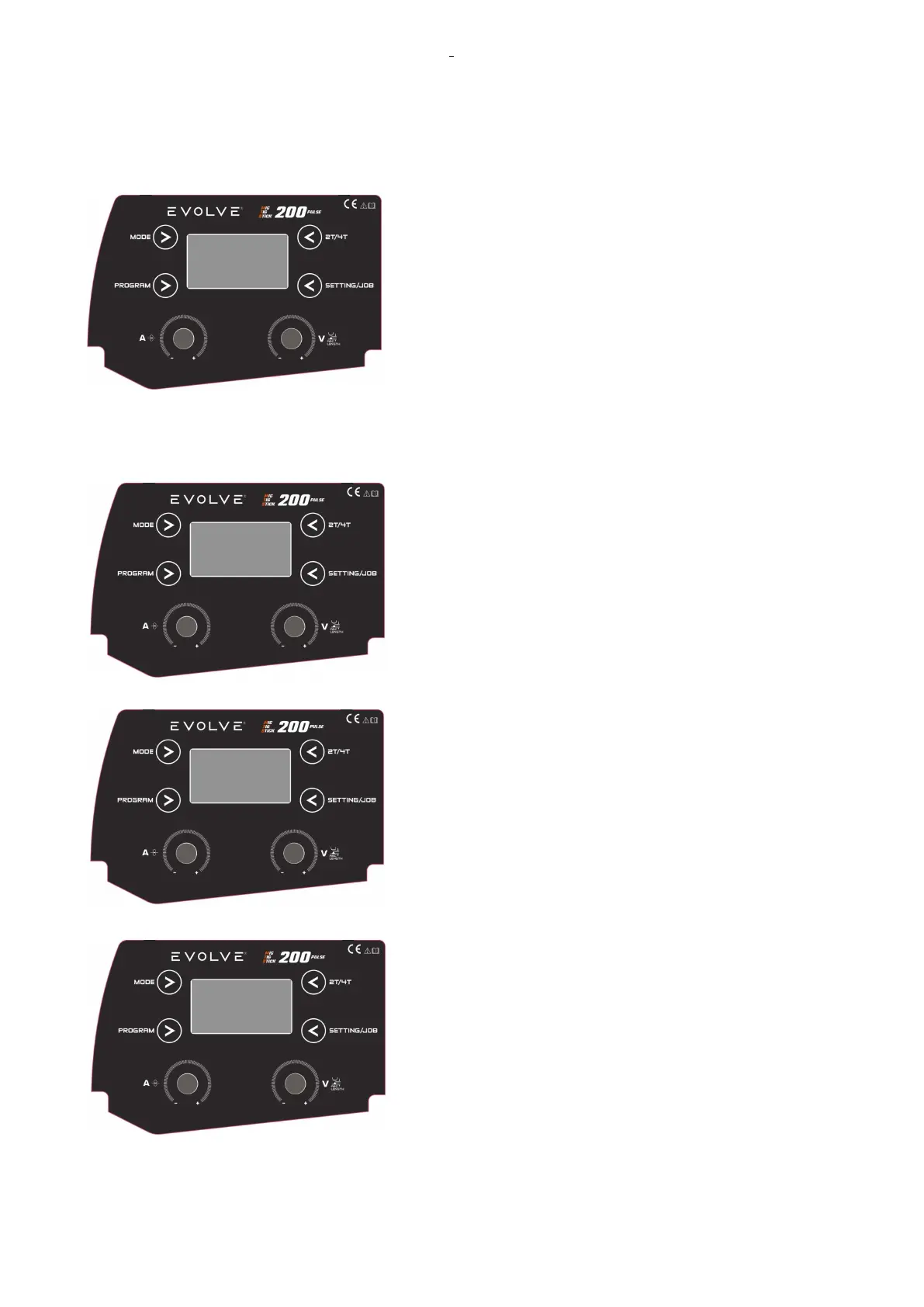
TIG welding display is as follows:
In this case, there was a set current of 100A with Welding
operate mode selected 2T, the system set a synergy for the
stainless steel with 1, 6 mm electrodes.
2.7.2.2 TIG Electrode adjustments
SETTING TIG MODE
To select the TYPE of TIG MODE, push the button MODE
twice: the TIG type flashing.
Select the TIG TYPE by rotating the KNOB1 and confirm by
pushing KNOB1.
Select the TIG TYPE by rotating the KNOB1 and confirm by
pushing KNOB1.
The TIG type settings are:
- STANDARD MANUAL,
- PULSE,
- MIX
Press the PROG button to enter in the material selection menu.
Select the material by KNOB1 and confirm by pushing the
KNOB1.
It is possible to select: MANUAL (this is the standard manual
mode), or materials listed in the display (STEEL, Fe).
In STEEL and Fe, the parameter will be adapted to the material
and tungsten diameter selected.










 To Next Page