EVOLVE 200 USER MANUAL
30
2.8.2.4 MIG welding material setting
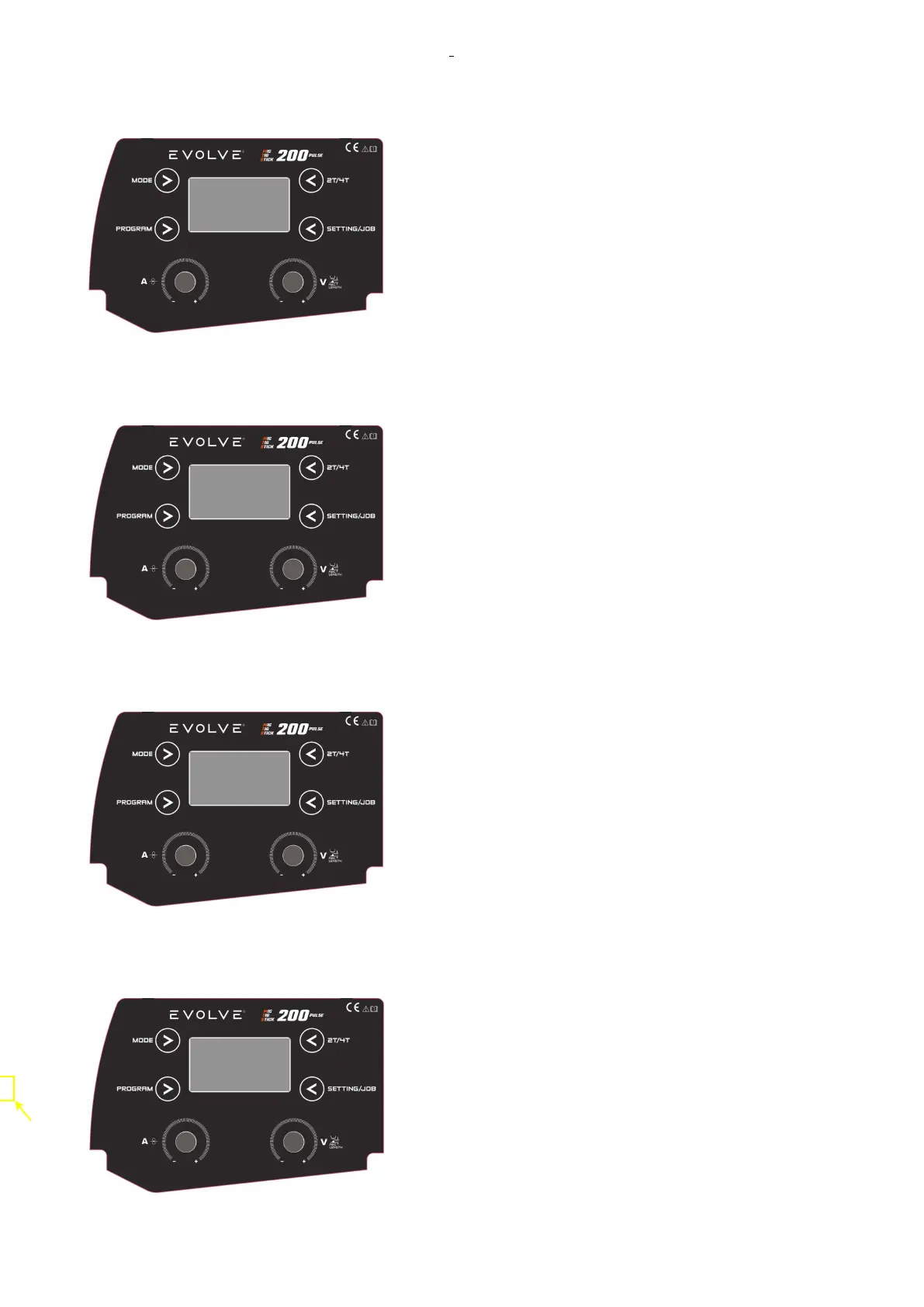
Press the PROG button to enter in the material selection menu.
Select the material by KNOB1 and confirm by pushing the
KNOB1.
2.8.2.5 MIG solder wire diameter setting
Press the PROG button twice to select and enter in the
diameter selection menu. Select the diameter by KNOB1 and
confirm by pushing the KNOB1.
2.8.2.6 MIG welding gas setting
Press the PROG button 3 times to select and enter in the gas
selection menu. Select the gas by KNOB1 and confirm by
pushing the KNOB1.
2.8.2.7 2T/4T Setting
Push the 2T/4T button to enter in the 2T/4T menu.
Select the 2T/4T by the KNOB1 and confirm by pushing
KNOB1.
It is possible to select 2 Time, 4 Time, Special with timer.












 To Next Page