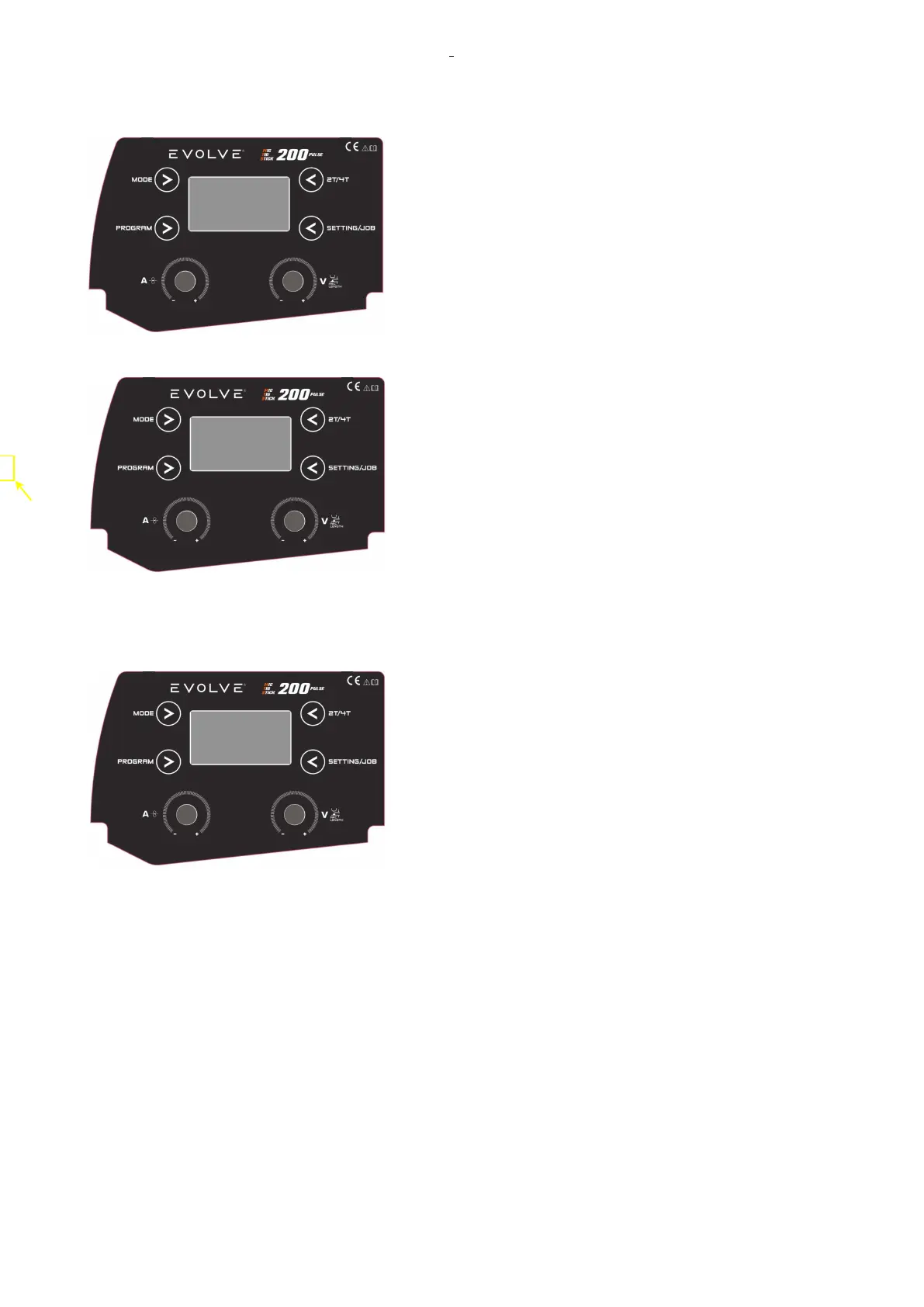
EVOLVE 200 USER MANUAL
31
2.8.2.8 SETTINGS IN MIG MODE
Select the menu by the MODE button and confirm by pushing
KNOB1.
Go in the back menu by pushing the KNOB1 or setting button.
SETTING MENU
Push the SETTING button to enter in the setting menu.
SELECT the sub menu by knob1 and confirm by pushing the
knob1.
- Technical Parameter (See Table 2.2)
- JOB menu: select the job
- MACHINE INFO: can show the machine SN and more
information.
- RESTORE FACTORY: restore default settings of the working data in the selected welding section.
JOB MENU
By the job menu, it is possible to manage the JOBS Nr.
To enter, rotate Knob 1 (left) to select the Job Menu and push
the knob to confirm and enter in the JOB Menu.










 To Next Page