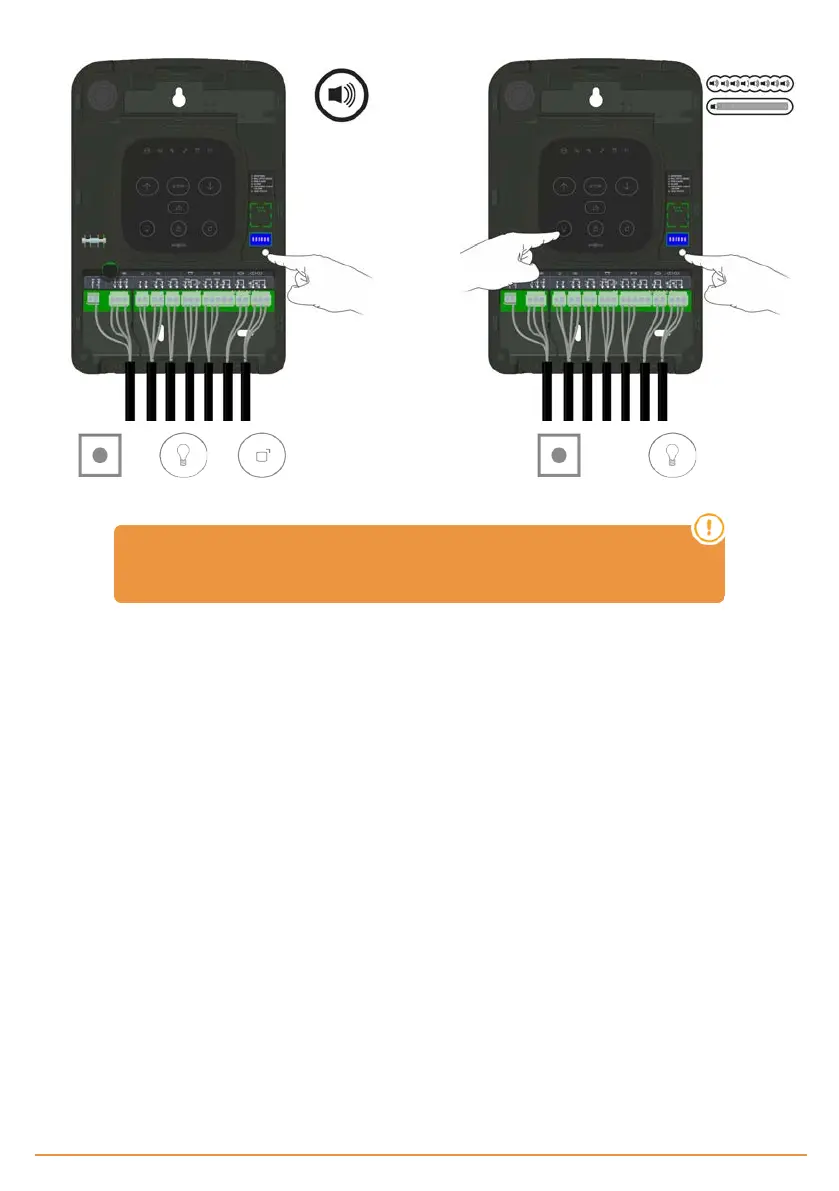
Reset safety elements
Hold until and keys starts flashing,
a beep will be heard.
Without releasing and press , to erase safety
elements, some beeps will be heard followed by a long beep.
In case of erasing safety elements, the manoeuvre has to be reprogrammed
again. See Programming chapter.
Fuse replacement
When you power supply the equipment, if the frontal panel does not light, remove the front cover and replace the fuse with
another fuse with the same characteristics. You have a fuse available on the middle cover for the first time.
jcmtechnologies
20


 To Next Page