radio control system
EN
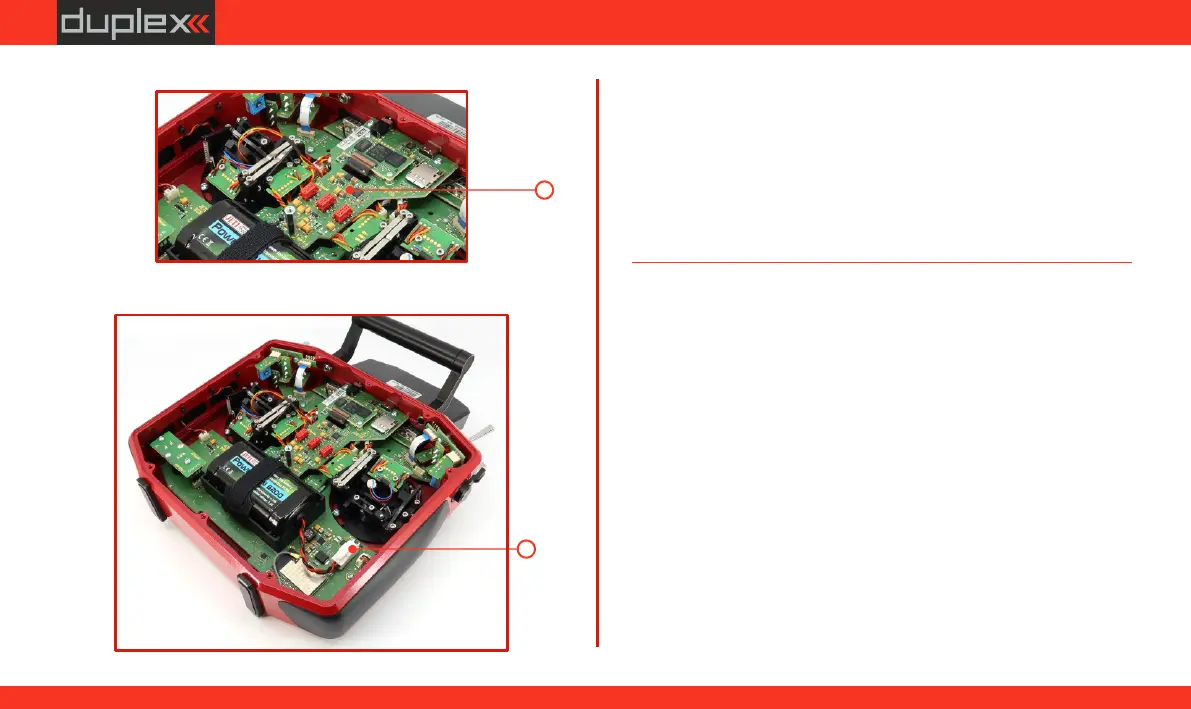
22. (b)(a) Tighten the screws and the spacer column .
(b)(b)(b)
(b)(b)(b)
(a)(a)(a)
23. Connect the battery connector.
23
22
Configuring the Switch in the gimbal stick
After installing the switch into the gimbal stick, it is necessary to
configure the type of switch for proper functionality. You can do this
in the transmitter menu under "Main Menu -> Advanced Settings ->
Stick/Switch Settings."
24. Reinstall the rear cover of the transmitter and screw in all the
screws.
68
www.modellmarkt24.ch



 To Next Page