SECTION 3 - MACHINE OPERATION
3-20 31215821
General
NOTE: SLEEP MODE - During operation if no control functions
have been activated for 10 minutes (default programma-
ble setting), the ground control module will power the
machine down to conserve battery power. Cycle power
back on using either the main power selector switch (key)
or the emergency stop/power down button either on the
platform controller or on the ground control station.
The following conditions must be met before the machine can
be operated from the platform control console:
• Ground Control Station - Main Power Selector Switch must
be set to PLATFORM CONTROL MODE.
• Ground Control Station - Emergency Stop/Shut Down But-
ton must be in the RESET position (POWER ON).
• If equipped with the PSL (Programmable Security Lock) it
must be set to the ON position.
NOTE: Refer to Section 3.14 for PSL instructions.
• Both platform entry gates are equipped with an interlock
switch and must be completely closed before the drive and
platform lift functions can be operated.
Platform On/Off Key Switch
Set the ON/OFF Key Switch to the OFF position to power
machine down.
If necessary, when machine is not in use, remove key from plat-
form key switch to disable machine from unauthorized use.
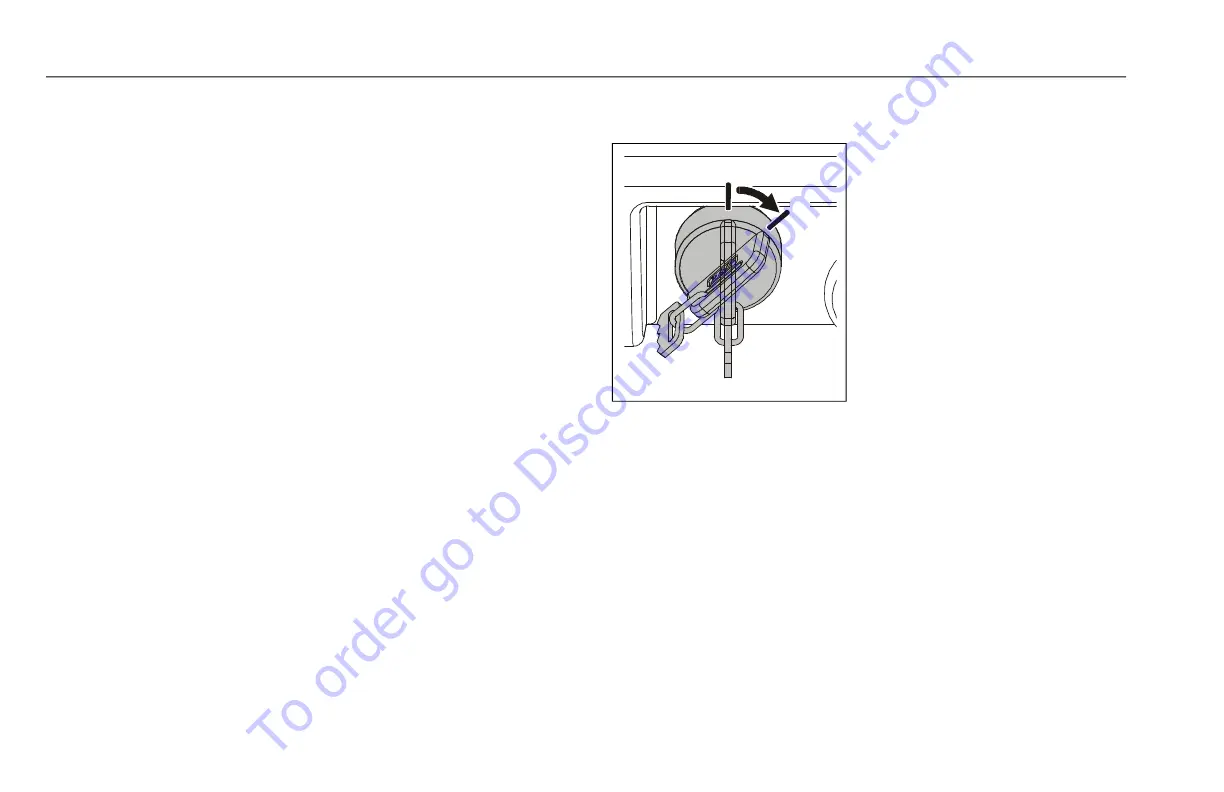
At the Platform Control Console
- Set the On/Off Key Switch to
the ON position (2) to operate
machine.
1. OFF Position
2. ON Position
To order go to Discount-Equipment.com


 To Next Page