5-40
b) CONTROLLER
Select 2.CONTROLLER at “SELF DIAGNOSIS” screen, and then press ENT key.
In order to perform the self-diagnosis test, select [ENT], and then press ENT key.
If you do not perform the self-diagnosis test, press ▲ key or ▼ key and select [CANCEL], and
then the cursor is returned back without the test.
When the result of the self-diagnosis test is normal, "OK" is displayed at RESULT:.
- The diagnosis result
The list of the diagnosis result is shown in the following table.
Diagnosis Item
Diagnosis
Result
Defective
Unit
Contents of Failure Corrective Action
CONTROLLER NG SRAM CDJ-2983 SRAM error Replace
CDJ-2983.
NG FROM CDJ-2983 Flash ROM error
NG CDJ-2983 Multiple errors in CDJ-2983
c) CONTROLLER LAN
Select 3.CONTROLLER LAN at “SELF DIAGNOSIS” screen, and then press ENT key.
In order to perform the self-diagnosis test, select [ENT], and then press ENT key.
If you do not perform the self-diagnosis test, press ▲ key or ▼ key and select [CANCEL], and
then the cursor is returned back without the test.
When the result of the self-diagnosis test is normal, "OK" is displayed at RESULT:.
- The diagnosis result
The list of the diagnosis result is shown in the following table.
Diagnosis Item
Diagnosis
Result
Defective
Unit
Contents of Failure Corrective Action
CONTROLLER
LAN
NG CPU FROM CDJ-2983 CPU internal Flash ROM error Replace
CDJ-2983.
NG CPU DRAM CDJ-2983 CPU DRAM error
NG CPU RAM CDJ-2983 CPU RAM error
NG LAN CDJ-2983 LAN error
NG CDJ-2983 Multiple errors in CDJ-2983
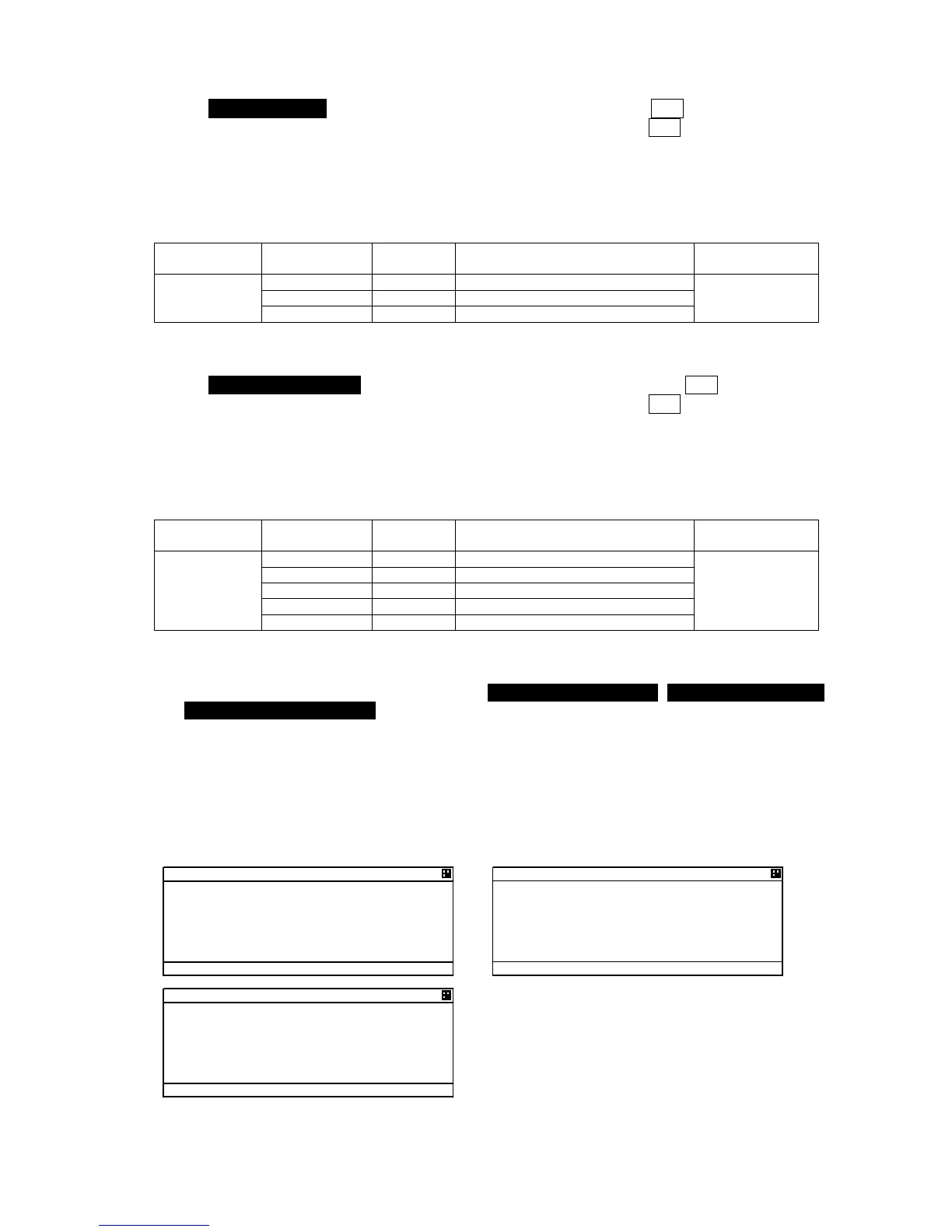
[LOG DISPLAY OF SELF DIAGNOSIS RESULT]
The past self-diagnosis results are displayed at 4.TRANSPONDER LOG,, 5.CONTROLLER LOG,,
and 6.CONTROLLER LAN LOG, .
When any of the logs are selected, the selected unit’s self-diagnosis results are displayed up to
last 20 results. Log display order is displayed from first to 20
th
sequentially from a new result.
Results and contents according to each diagnostic value are displayed as shown in the following
figure. In the last diagnostic time is displayed.
In addition,”--/-- --:--“ is displayed when time cannot be acquired.
Press ▲ key or ▼ key to change to next page.
CONTROLLER LOG
1.CONTROLLER:OK



 To Next Page