5-7
5.2.3 Adjusting the Backlight
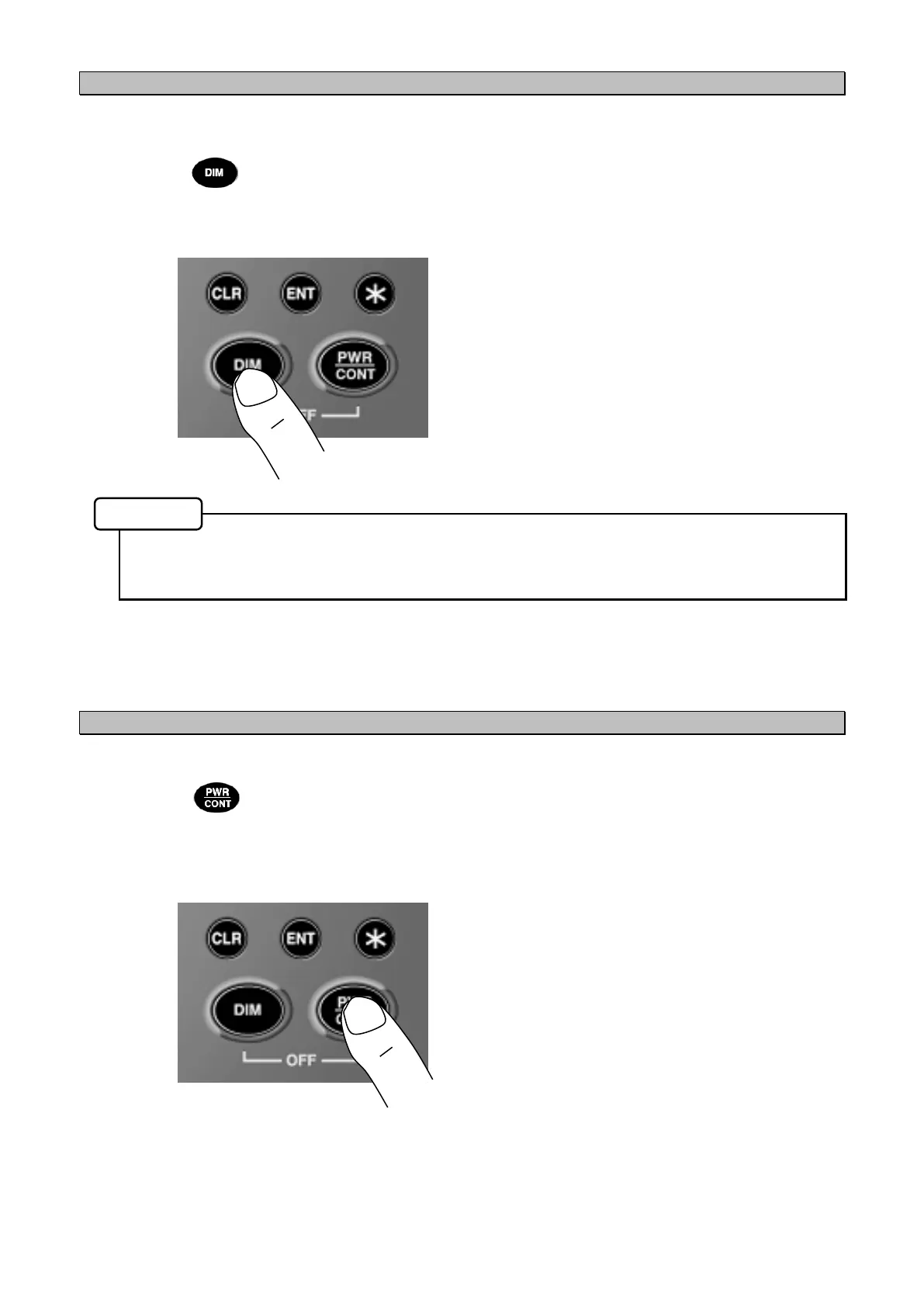
The brightness of the display can be set to one of four levels.
The brightness is set to medium when the unit is turned on.
Each time the key is pressed, the brightness of the backlight cycles as below:
Bright (MAXIMUM) → Medium (TYPICAL) → Dark (MINIMUM) → Off → Dark (MINIMUM) →
Medium (TYPICAL) → Bright (MAXIMUM)
Level settings can be performed for all brightness levels except "Off". (Refer to "5.3.1 Display
Settings")
The key panel brightness changes in accordance with the display brightness.
5.2.4 Adjusting the Contrast
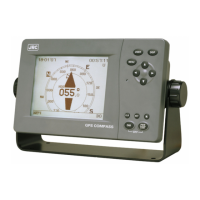
The contrast of the display can be set to one of 13 levels.
Each time the key is pressed, the display contrast decreases, and after the lightest level is
reached, the contrast gradually increases back.
Memo


 To Next Page