5-18
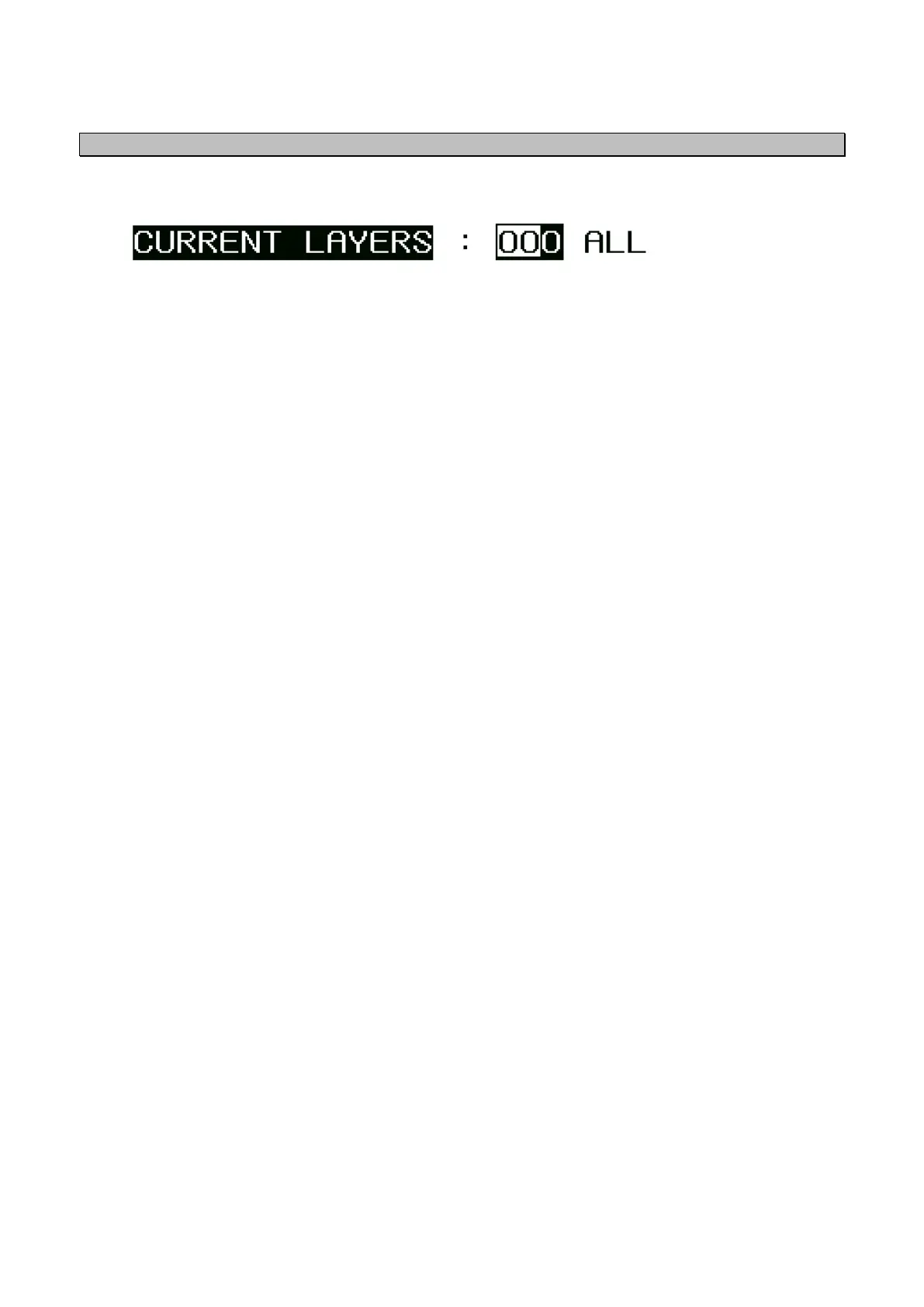
5.3.1.8 Current Layers Setting
When the current meter is connected, the layer to be displayed can be selected.
1~999 :Select the layer number for displayed.
ALL :Display the data for received.
● For connection of a current meter
When a current meter is connected, STW (speed through water), CURRENT (current set and speed
of tidal stream), and DEPTH (depth of tidal stream) can be displayed.
(For the screen, refer to 4.1.5.)
1. Connect the current data to 1 and 2 pins of DATA IN/OUT2 connector. (Format is VBW and
CUR sentence, 4800bps. There is no setting item for inverval. Outputting in every 1 - 1.5
seconds from the output side is favourable.)
2. Select NMEA/CURRENT or BEACON/CURRENT in the DATA OUT4/IN4 menu in the DATA I/O
screen. (IN4 port will be set for CURRENT input.) By this procedure, the data of VBW, CUR
sentence, and 4800bps can be received.
3. Select the LAYER.


 To Next Page