Commissioning
26
9.1 Filling
Basic dangers.
The volume of oil used as bath fluid changes with the temperature.
Starting from the volume when the bath is filled (room temperature)
it may increase or decrease during operation.
The bath temperature rises - hot bath fluid can overflow.
The bath temperature falls - the low level alarm will stop the
tempering process.
Monitor the level until it reaches working temperature.
Filling process
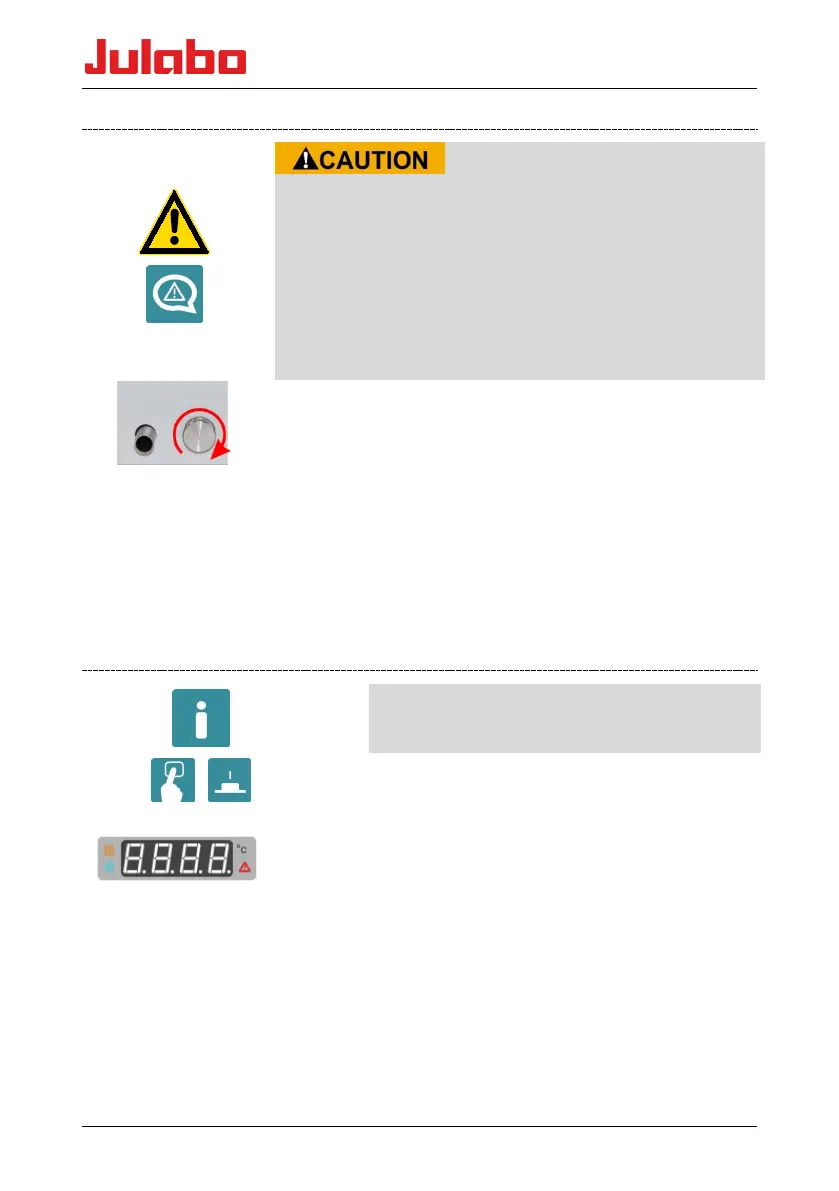
• Ensure that the drain valve is closed. Turn the knurled screw.
• Carefully insert bath fluid - never allow bath fluid to get inside
the circulator.
• Do not exceed the maximum bath capacity (see Technical Data).
• 1 - The bath temperature rises - hot bath fluid can overflow.
• 2 - The bath temperature falls - the low level alarm will stop the
tempering process.
• Monitor the level until it reaches working temperature.
9.2 Switching on / Start - Stop
When pressing the keys, it is advisable to
hold the circulator head with one hand.
OF
F
Switching on
• The device is switched on by pressing the power
switch (1).
The unit performs a self-test. All the segments of
the four digit LED temperature display will
illuminate.
Thereafter, the thermostat software version with
PX.Y.Z, the version of the configuration unit C X
and the voltage variant A.BC are displayed in
succession. The "OFF" signal then indicates that
the unit is ready to operate.










 To Next Page