Operation via the USB or RS232 interface
38
10.1 Data logging
6x
dAtA
LoG
Data logging
It is possible to read out every second setpoint, actual value, power
(in%) .
To do so:
1. Stick on an empty USB stick.
2. Select menu
LoG .
3. Press
.
4. Select with or OFF or On.
5. Confirm with
(The display flashes briefly)
The active data logging is displayed by a flashing point behind the
last decimal place (28.33..). Every logging is automaticly stored in
a txt file with a log file name. Replace the USB stick if it is not
recognized.
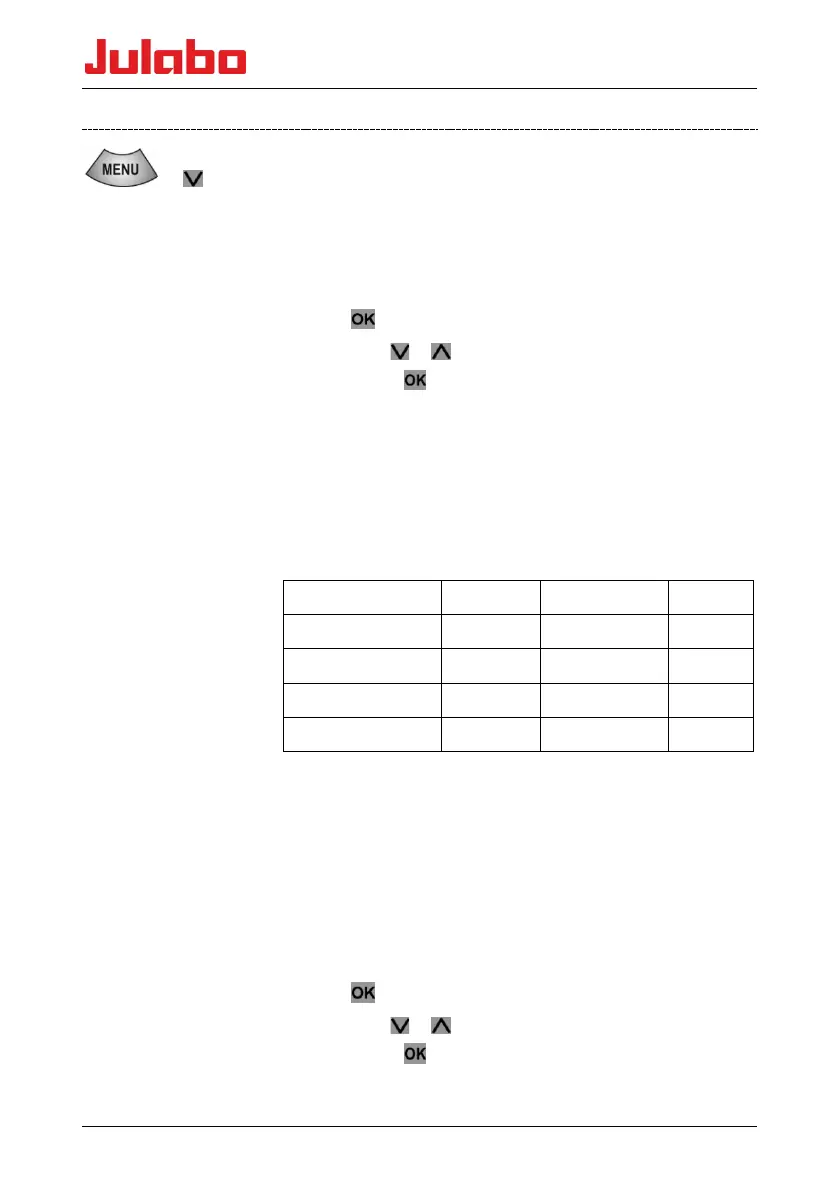
Example of a LOG file (beginning)
% filename: 0:LOG0000.txt
% temperature unit: °C
%RecordingTime Setpoint InternalTemp Power
1 45.00 11.45 100
2 45.00 11.68 100
3 45.00 11.89 100
4 45.00 12.10 100
bb
Reading black box data:
The black box is integrated into the controller and stores all relevant
data from the last 20 minutes. In addition, persisting alarms and
warnings are logged to an alarm memory. This data can be read in
OFF mode (temperature control off).
Installation is easy and is carried out step by step. Please follow the
instructions.
1. Stick on an empty USB stick.
2. Select menu bb.
3. Press
.
4. Select with
or no or yEs.
5. Confirm with
(The display flashes briefly)
Po










 To Next Page