EasyManua.ls Logo

JVC GY-HM70E - User Manual

JVC GY-HM70E
128 pages
Print Icon
To Next Page IconTo Next Page
Loading...
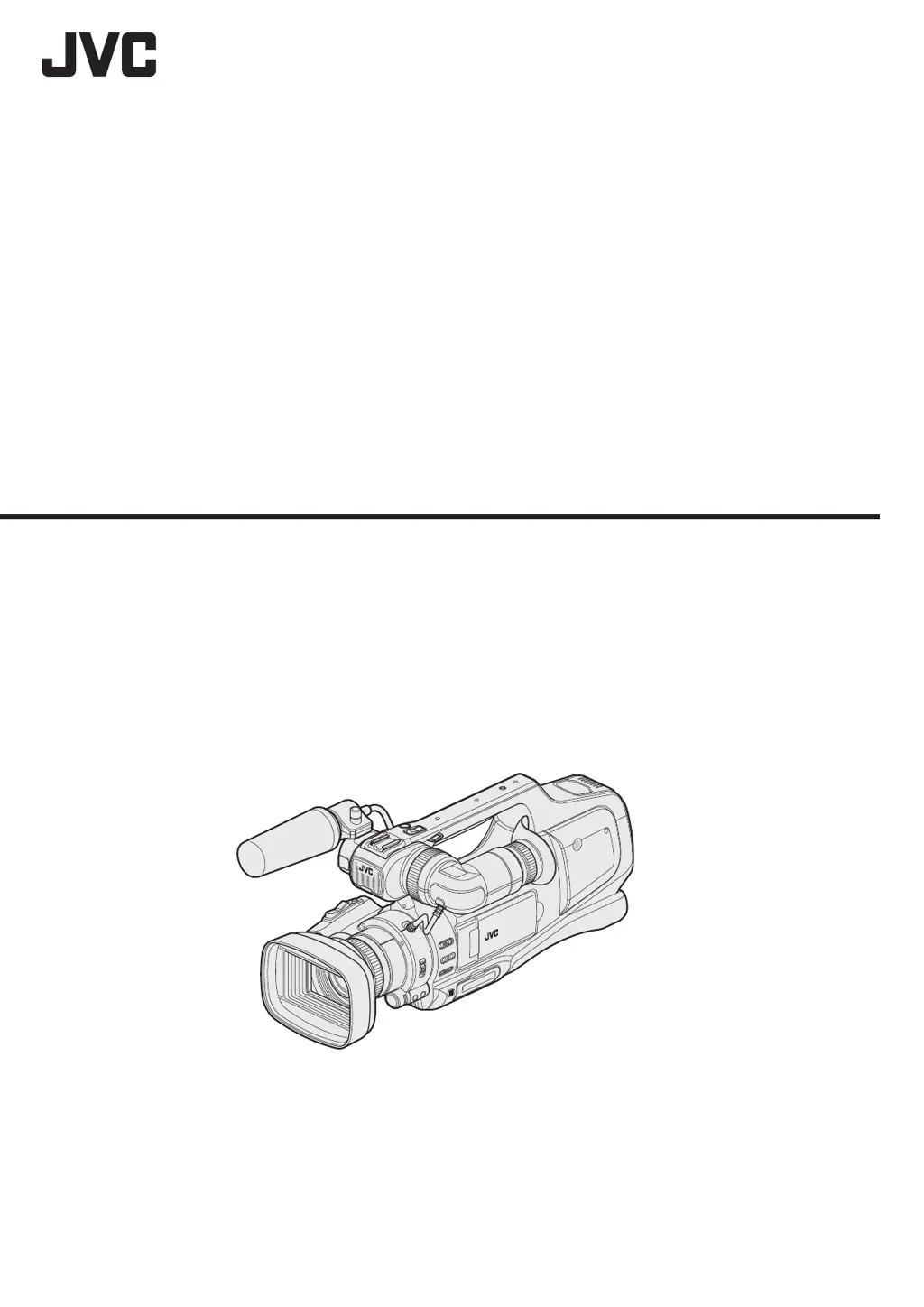
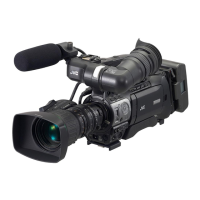
* This illustration shows the GY-HM70E with an optional microphone.
HD MEMORY CARD CAMERA RECORDER
LYT2624-008A
Detailed User Guide
GY-HM70E

Table of Contents

Other manuals for JVC GY-HM70E

Questions and Answers

  • M
    Monica GrahamJul 27, 2025
    What to do if recording stops automatically on my JVC Camcorder?
    • M
      Mr. Henry RodriguezJul 27, 2025
      If your JVC Camcorder's recording stops automatically, try the following: 1. Turn the unit off and on again. 2. Remove the AC adapter and battery pack, then remove and re-insert the SD card. 3. Remove any dirt from the SD card terminals. 4. If the problem persists, back up your files and format the SD card in the 'MEDIA SETTINGS' menu (note that all data will be deleted).
  • D
    Diane SummersAug 1, 2025
    What to do if recording cannot be performed on my JVC Camcorder?
    • M
      marissa53Aug 1, 2025
      If your JVC Camcorder is unable to record, try turning the unit off and on again. If that doesn't work, back up your files and format the SD card in the 'MEDIA SETTINGS' menu. Keep in mind that all data will be deleted.
  • D
    David MooreAug 8, 2025
    What to do if the POWER/CHARGE lamp is blinking on my JVC GY-HM70E when off?
    • N
      Nathaniel KellyAug 8, 2025
      If the POWER/CHARGE lamp on your JVC Camcorder is blinking when the power is turned off, check the remaining battery power. The lamp will not flash when the battery pack is fully charged.
  • S
    Stacy MillerAug 14, 2025
    Why POWER/CHARGE lamp is blinking when the JVC GY-HM70E Camcorder power is turned off?
    • A
      Albert LeeAug 14, 2025
      If the POWER/CHARGE lamp on your JVC Camcorder starts blinking when the power is turned off, check the remaining battery power. The lamp does not flash when the battery pack is fully charged.
  • A
    Ashley VargasAug 20, 2025
    Why sound or video is interrupted on my JVC GY-HM70E Camcorder?
    • A
      Anthony JimenezAug 20, 2025
      If the sound or video on your JVC Camcorder is interrupted, try turning the unit off and on again. If the problem continues, back up your files and format the SD card in the 'MEDIA SETTINGS' menu. Be aware that this will delete all data.

JVC GY-HM70E Specifications

General IconGeneral
Sensor typeCMOS
Total megapixels12 MP
Optical sensor size1/2.3 \
Filter size46 mm
Optical zoom10 x
Image stabilizerYes
Focal length range3.76 - 37.6 mm
Interchangeable lens-
Maximum aperture number2.8
Minimum aperture number1.2
Focal length (35mm film equivalent)29.5 - 476 mm
Memory slots2
Camcorder media typeMemory card
Disc types supportedNo
Compatible memory cardsSD, SDHC, SDXC
Internal storage capacity- GB
Focus adjustmentAuto/Manual
Camera shutter speed0.00025 - 0.5 s
Display diagonal3 \
Display aspect ratio16:9
Display resolution (numeric)230000 pixels
Viewfinder screen size0.24 \
Camcorder typeShoulder camcorder
Product colorBlack
Video resolutions720 x 576, 1920 x 1080 pixels
Video formats supportedAVCHD, H.264, MPEG4
Maximum video resolution1920 x 1080 pixels
Image formats supportedJPG
Maximum image resolution- pixels
Headphone outputs1
Headphone connectivity3.5 mm
USB 2.0 ports quantityUSB 2.0 ports have a data transmission speed of 480 Mbps, and are backwards compatible with USB 1.1 ports. You can connect all kinds of peripheral devices to them.
Component video (YPbPr/YCbCr) out0
Battery voltage7.2 V
Battery capacity- mAh
Battery life (max)- h
Storage temperature (T-T)-20 - 50 °C
Operating temperature (T-T)0 - 40 °C
Operating relative humidity (H-H)35 - 80 %
Cables includedRCA, USB
Weight and Dimensions IconWeight and Dimensions
Depth476 mm
Width227 mm
Height232 mm
Weight3000 g

Related product manuals