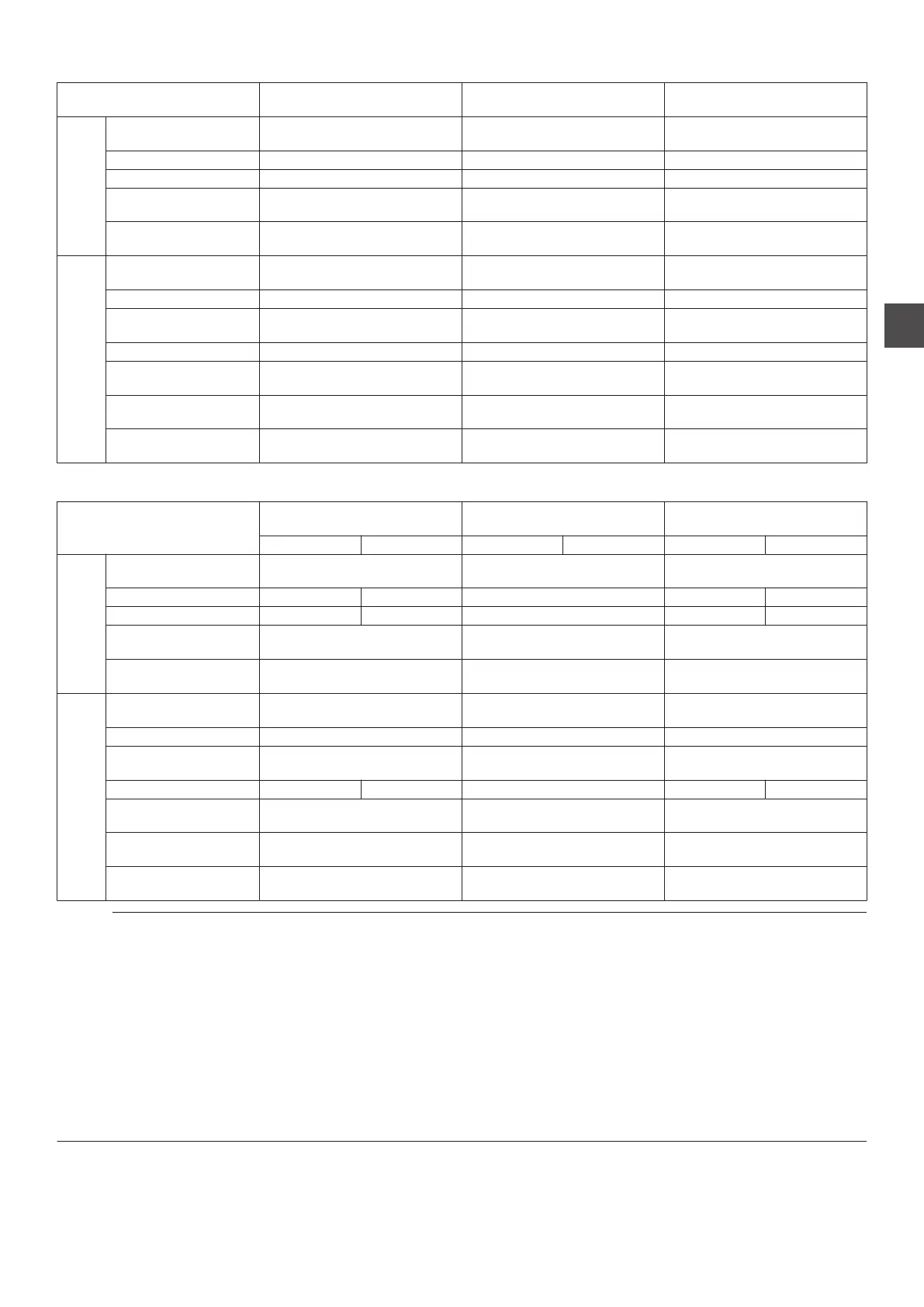
Recordable Input Signal (SR-HD2700U)
Input Signal
DOWNCONVERSION
(OFF)
DOWNCONVERSION
(SD CONVERSION)
DOWNCONVERSION
(1440 CONVERSION)
SDI
1920×1080/59.94i 1920×1080/59.94i
XP to LP: 720×480/59.94i
EP: 352×240/29.97p
1440×1080/59.94i
1920×1080/23.98p 1920×1080/59.94i - 1440×1080/59.94i
1920×1080/23.98psf 1920×1080/59.94i - 1440×1080/59.94i
1280×720/59.94p 1280×720/59.94p
XP to LP: 720×480/59.94i
EP: 352×240/29.97p
1280×720/59.94p
720×480/59.94i
XP to LP: 720×480/59.94i
EP: 352×240/29.97p
XP to LP: 720×480/59.94i
EP: 352×240/29.97p
XP to LP: 720×480/59.94i
EP: 352×240/29.97p
HDMI
1920×1080/59.94i 1920×1080/59.94i
XP to LP: 720×480/59.94i
EP: 352×240/29.97p
1440×1080/59.94i
1920×1080/59.94p - (*1) - - (*1)
1920×1080/29.97p 1920×1080/59.94i
XP to LP: 720×480/59.94i
EP: 352×240/29.97p
1440×1080/59.94i
1920×1080/23.98p 1920×1080/59.94i - 1440×1080/59.94i
1280×720/59.94p 1280×720/59.94p
XP to LP: 720×480/59.94i
EP: 352×240/29.97p
1280×720/59.94p
720(1440)×480/59.94i
XP to LP: 720×480/59.94i
EP: 352×240/29.97p
XP to LP: 720×480/59.94i
EP: 352×240/29.97p
XP to LP: 720×480/59.94i
EP: 352×240/29.97p
720×480/59.94p
XP to LP: 720×480/59.94i
EP: 352×240/29.97p
XP to LP: 720×480/59.94i
EP: 352×240/29.97p
XP to LP: 720×480/59.94i
EP: 352×240/29.97p
Recordable Input Signal (SR-HD2700E)
Input Signal
DOWNCONVERSION
(OFF)
DOWNCONVERSION
(SD CONVERSION)
DOWNCONVERSION
(1440 CONVERSION)
HDD BD HDD BD HDD BD
SDI
1920×1080/50i 1920×1080/50i
XP to LP: 720×576/50i
EP: 352×288/25p
1440×1080/50i
1920×1080/23.98p - 1920×1080/50i - - 1440×1080/50i
1920×1080/23.98psf - 1920×1080/50i - - 1440×1080/50i
1280×720/50p 1280×720/50p
XP to LP: 720×576/50i
EP: 352×288/25p
1280×720/50p
720×576/50i
XP to LP: 720×576/50i
EP: 352×288/25p
XP to LP: 720×576/50i
EP: 352×288/25p
XP to LP: 720×576/50i
EP: 352×288/25p
HDMI
1920×1080/50i 1920×1080/50i
XP to LP: 720×576/50i
EP: 352×288/25p
1440×1080/50i
1920×1080/50p - (*1) - - (*1)
1920×1080/25p 1920×1080/50i
XP to LP: 720×576/50i
EP: 352×288/25p
1440×1080/50i
1920×1080/23.98p - 1920×1080/50i - - 1440×1080/50i
1280×720/50p 1280×720/50p
XP to LP: 720×576/50i
EP: 352×288/25p
1280×720/50p
720×576/50p
XP to LP: 720×576/50i
EP: 352×288/25p
XP to LP: 720×576/50i
EP: 352×288/25p
XP to LP: 720×576/50i
EP: 352×288/25p
720(1440)×576/50i
XP to LP: 720×576/50i
EP: 352×288/25p
XP to LP: 720×576/50i
EP: 352×288/25p
XP to LP: 720×576/50i
EP: 352×288/25p
Memo :
0
If the input signal is not being output, setting “FRAME SYNCHRONIZER
” to “ON” will enable the signal to be recorded.
0
For (*1), setting “FRAME SYNCHRONIZER
” to “ON” will enable the signal to be recorded.
0
The default setting for
“FRAME SYNCHRONIZER” is “ON”.
0
Recording is performed at the resolutions shown in the table.
(SR-HD2700E only)
0
If
the SDI/HDMI input signals are in “23.98p/23.98psf”, signals cannot be recorded to the HDD. Direct recording to BD-R/RE(BDAV)
in “59.94i” is possible.
0
If
the SDI or HDMI input signals are in “23.98p/23.98psf” and the Input Selection is set to “SDI” or “HDMI”, the following buttons are
disabled.
[DUBBING], [NAVIGATION] , [EDIT] , [INFORMATION CORRECT] , [SETUP] , [PROGRESSIVE SCAN]
To enable these buttons, change the SDI or HDMI signals, or change the Input Selection by selecting other than “SDI” or “HDMI”.
0
To input
“23.98p/23.98psf” signals, set “FRAME SYNCHRONIZER” under “SDI/HDMI CONNECTION” to “OFF” in advance.
Recording Using External Inputs
57
Recording



 To Next Page