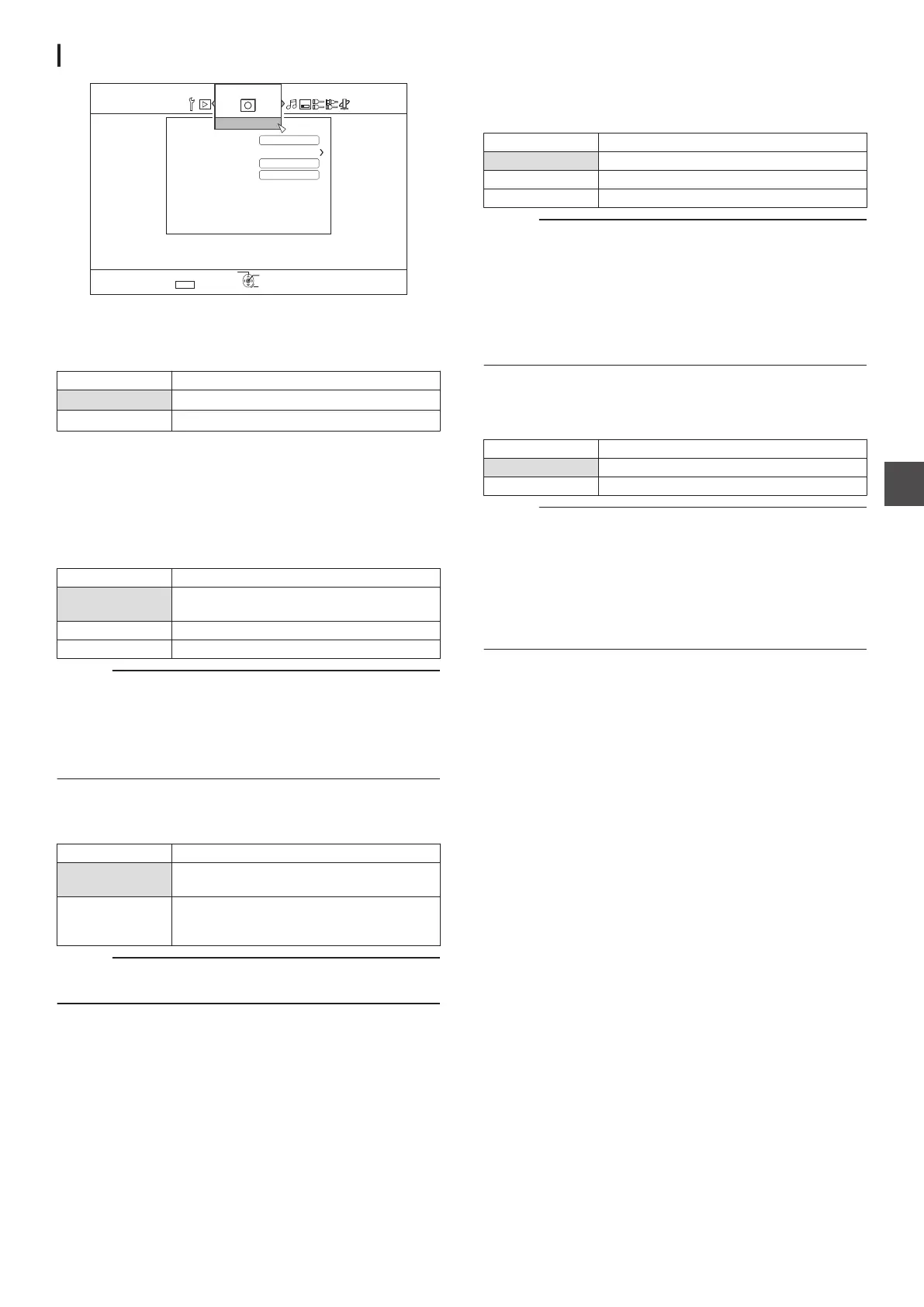
RECORD
.
5'672
4'6740
1-
5'.'%6
':+6
5+/7.6#0'1754'%14&+0)
1((
1((
#761/#4-+0)
*+)*52''&&7$$+0)
&QND[&KIKVCN
:2/1&'4'%14&+0)#7&+1
4'%14&
XP MODE RECORDING AUDIO
For changing the settings of audio mode during recording in the
XP mode.
Setting Values Description
Dolby Digital Records in “Dolby Digital”.
LPCM Records in “LPCM”.
HIGH-SPEED DUBBING
Items under “VIDEO
MODE RECORDING ASPECT” and “DISC
RECORDING AUDIO” can be set to support high-speed
dubbing.
0
VIDEO MODE RECORDING ASPECT
For setting the aspect ratio during recording.
Setting Values Description
AUTO Performs recording in the aspect ratio
setting when recording starts.
4:3 Records at the fixed aspect ratio of 4:3.
16:9 Records at the fixed aspect ratio of 16:9.
Memo :
0
High-speed dubbing to a DVD-Video disc cannot be
performed when there are different aspect ratios in a title. In
this case, fix the aspect ratio to 4:3 or 16:9. This setting
remains valid during re-encode dubbing.
For details on high-speed dubbing and re-encode dubbing, refer
to the “Dubbing chart” (A P
29).
0
DISC RECORDING AUDIO
For changing the settings of audio to be recorded to the disc
when in the AF, AN, AE or AL mode.
Setting Values Description
AUTO Records “Stereo”, “Surround” or “Dual
broadcast” audio sounds as they are.
FIXED Records “Stereo” and “Surround” sounds in
“Stereo”. “Dual broadcast” audio sounds are
recorded as they are.
Memo :
0
Surround sounds of a title become stereo sounds when re-
encode dubbing is performed.
AUTO MARKING
During direct recording to a recording media (HDD or optical
disc), you can append chapters by adding a mark at a fixed
interval of 10 minutes or 1 hour.
Setting Values Description
OFF Disables addition of chapters.
10 MINUTES Adds chapters at 10-minute intervals.
1 HOUR Adds chapters at 1-hour intervals.
Memo :
0
Regardless of whether “AUTO MARKING” is set to
“OFF”,
“10 MINUTES”, or “1 HOUR”, you can perform manual
marking using the Mark button on the remote control.
During manual marking, an on-screen message is displayed
regardless of the “ON SCREEN GUIDE” setting under
“DISPLAY”.
0
Operates
during recording of SDI Input, HDMI input, L-1 input
and HDV/DV input signals.
SIMULTANEOUS RECORDING
You can set simultaneous recording to the HDD and a optical
disc.
Setting Values Description
OFF Disables simultaneous recording.
ON Enables simultaneous recording.
Memo :
0
Records to the HDD or the optical disc when “OFF
” is
selected.
0
Performs
simultaneous recording to both the HDD and optical
disc (if this is supported) when “ON” is selected.
Individual recording to the HDD or optical disc will be disabled
in this case.
0
Deck selection switches automatically to BD during
simultaneous recording.
Setting Menu List
87
Settings Menu



 To Next Page