DV IN AUDIO SETTING
For changing the audio recording settings during DV input.
Setting Values Description
STEREO 1 Records the audio sound during video
recording (L1, R1).
STEREO 2 Records audio sound that is added later (L2,
R2), such as during editing.
MIX Records “STEREO 1” and “STEREO 2”
sounds.
BD MIX SOUND
For setting a mixture of BD video secondary audio and operation
sounds output.
Setting Values Description
OFF Outputs main audio only.
ON Outputs a mixture of BD video secondary
audio and operation sounds during
playback of BD-Videos that contain BD
video
secondary audio and menu operation
sounds.
Memo :
0
Output is converted to Dolby Digital or DTS according to the
main audio when the
“DIGITAL OUT” item is set to
“BITSTREAM”.
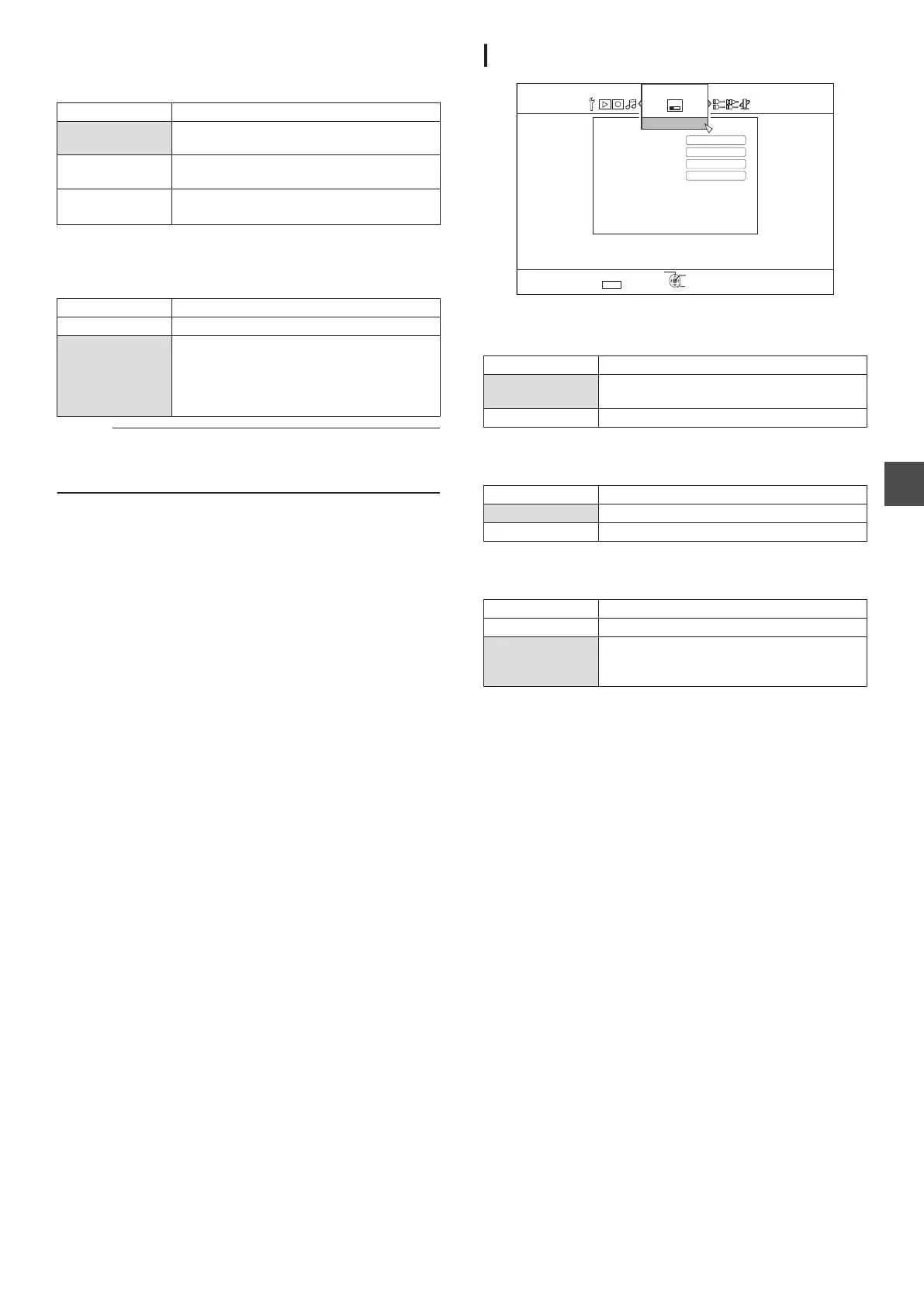
DISPLAY
.
5'672
4'6740
1-
5'.'%6
':+6
'0).+5*
15&.#0)7#)'
5%4''05#8'4
10
10
$.7'$#%-
#761
105%4''0)7+&'
&+52.#;
ON SCREEN GUIDE
For displaying operation details.
Setting Values Description
AUTO Appears for five seconds when an operation
is performed.
OFF Not displayed.
BLUE BACK
For setting the screen display when there is no signal input.
Setting Values Description
OFF Displays screen as it is.
ON Switches display to a blue screen.
SCREEN SAVER
For setting whether to use a screensaver.
Setting Values Description
OFF Screen saver is not used.
ON Screen saver is used. Switches to the burn-
in prevention screen when the unit is not
operated for more than five minutes.
OSD LANGUAGE
For setting the language for messages displayed on-screen.
Setting Menu List
89
Settings Menu



 To Next Page