External Control
This unit can be controlled using a PC, etc. by connecting them with an RS-232C or LAN cable.
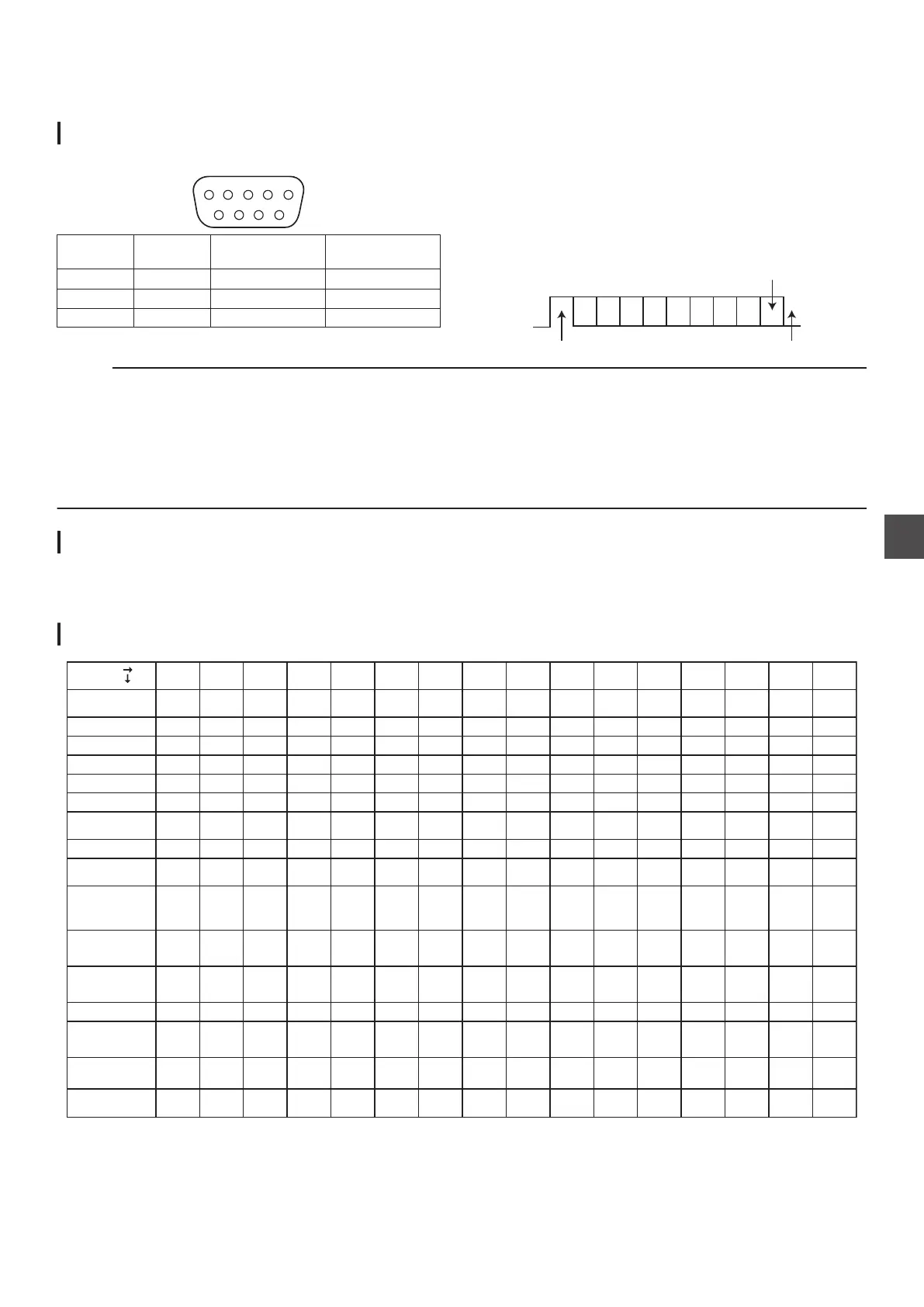
RS-232C Specifications
0
Pin layout
.
PIN No. Signal Operation
Direction of
signal
2 TxD Transmit data This unit h PC
3 RxD Receive data This unit i PC
5 GND Signal grounding
Mode : Non-synchronous
Character length
: 8 bits
Parity check : Odd
Start bit : 1
Stop bit : 1
Data rate : 9600 bps
0
Bit configuration
.
D6 D7D4 D5D2 D3D0 D1
Starting bit Stopping bit
Parity check
Memo :
0
When using the Serial Command Connector, the cable to be used should be an RS-232C interface cable (straight type, 3 m or
shorter).
0
During command transmission, a minimum interval of 50 ms is required between each command.
0
During
command transmission, do not send the next command until the ACK (refer to “System Commands” (A P 104)) or response
(refer to “Response Commands” (A P 104)) for each command is received.
0
The recommended maximum waiting time for the ACK or response for each command is as follows.
ACK : About 50 ms
Response : About 5 seconds
.
LAN Connection
To use a LAN connection, run the IP settings in “ NETWORK SETTING ” (A P
95).
Connect by specifying 1111 for the port.
During command transmission, a minimum interval of 100 ms is required between each command.
.
Command Table
.
0123456789ABCDEF
0
1
2
3
4
5
6
7
8
9
A
B
C
D
E
F
Higher Order
Lower Order
Title
Sense
Sense
Chapter
Clear
Still
Stop
Play
NAK
ACK
Not
Ready
Not
Ta r g e t
Cassette
Out
Error
Complete
Remote
Data
Prev
Title
Next
Title
LEFTRIGHTDOWNUP
SET
Setup
PREV
CHAPTER
NEXT
CHAPTER
MEDIA
MANAGE
TOP
MENU
Disc
Erase
Cancel
Disc
Finalization
Finalize
Clock
Preset
Date
Preset
Title
Search
Chapter
Search
Rec/Dub
Request
Command
Ta r g e t
JVC
Status
Sense
CTL
Data
Sense
TC Data
Sense
Status
Sense
Rec
Clock
Data
Sense
Date
Data
Sense
Select
Sense
Select
Preset
Rev Shtl
Fwd Shtl
Rev
Field
Step
Fwd
Field
Step
REW
FF
EjectStandby
Off
Standby
On
Opt CTL
Data
Sense
Opt TC
Data
Sense
RecPause
External Control
97
Others



 To Next Page