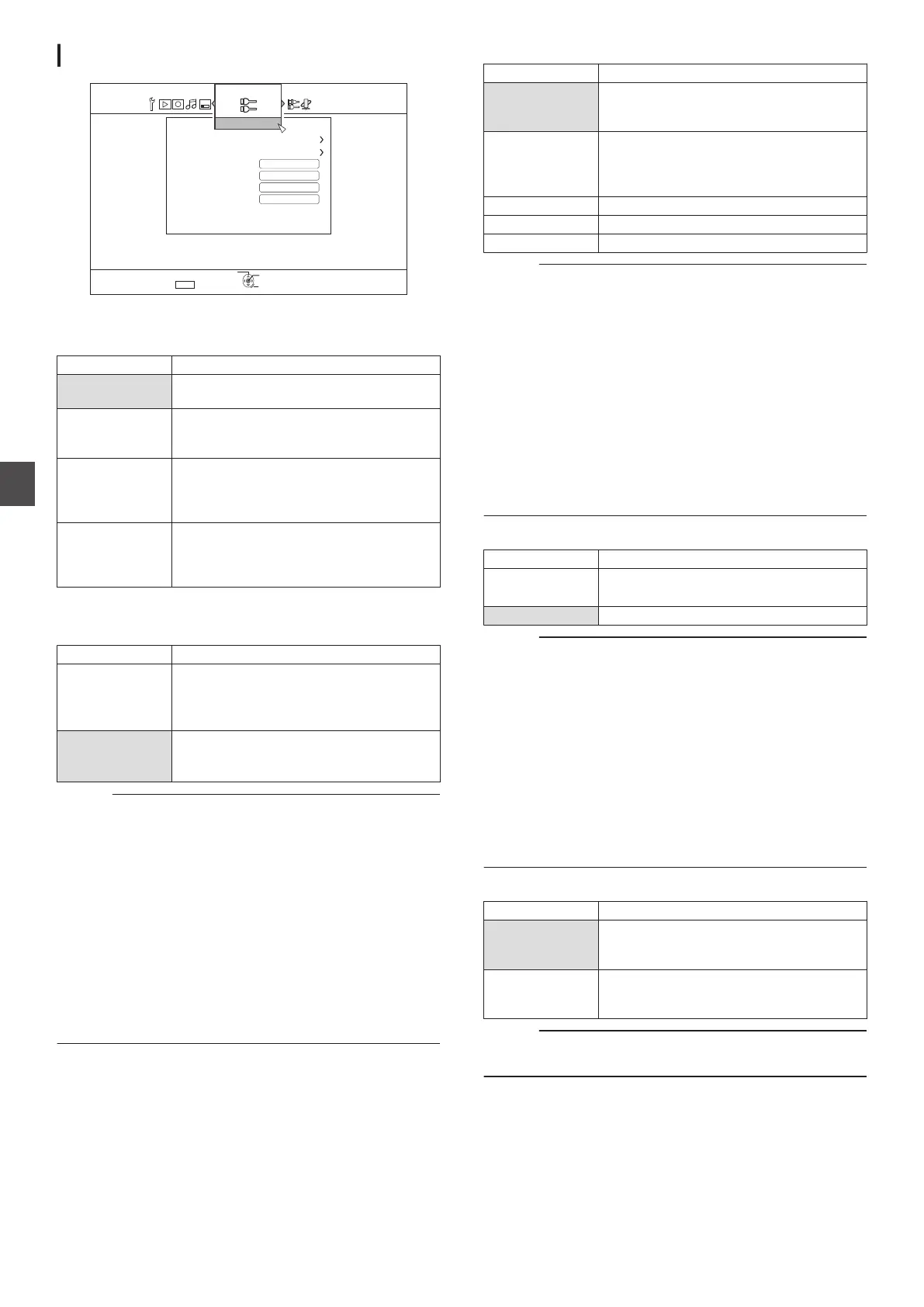
CONNECTION
.
5'672
4'6740
1-
5'.'%6
':+6
014/#.
*&%2
8+&'1
8+&'1+02765'66+0)
K
5&+%1/210'06176276
1((
*&/+%'%
*&/+%100'%6+10
/10+6146;2'
%100'%6+10
MONITOR TYPE
For setting the aspect ratio according to the connected monitor.
Setting Values Description
16:9 Set to this value when connected to
monitors with 16:9 aspect ratio.
16:9FULL Choose this setting when a 16:9 monitor is
connected to display images without the
black borders.
4:3 PAN&SCAN Set to this value when connecting to
monitors with an aspect ratio of 4:3. Plays
back videos with the left and right edges
trimmed off.
4:3 LETTERBOX Set to this value when connecting to
monitors with an aspect ratio of 4:3. Plays
back videos with a black band at the upper
and lower ends.
HDMI CONNECTION
0
VIDEO PRIORITY MODE
Setting Values Description
SDI/
COMPONENT
Set to this value for output at a resolution of
“480p
” (SR-HD2700U)/“576p” (SR-
HD2700E) or higher from the [SDI OUT] or
[COMPONENT VIDEO OUT] terminal.
HDMI Set to this value when priority is to be given
to the
“HDMI OUTPUT RESOLUTION”
setting.
Memo :
0
During data output from the [HDMI] terminal, setting to “SDI/
COMPONENT
” automatically outputs data in the “SDI/
COMPONENT OUTPUT” setting.
Setting to “HDMI” outputs data in the “HDMI OUTPUT
RESOLUTION” setting.
0
During data output from the [HDMI] and [COMPONENT
VIDEO OUT] terminals, setting to “SDI/COMPONENT
”
automatically outputs data in the “SDI/COMPONENT
OUTPUT” setting.
Setting to “HDMI” outputs data at the “576i” resolution from
the [COMPONENT VIDEO OUT] terminal.
0
When the [SDI OUT] terminal and the [HDMI] terminal are
connected at the same time, setting to
“SDI/COMPONENT”
outputs data from the [SDI OUT] terminal.
0
HDMI OUTPUT RESOLUTION
Setting Values Description
AUTO Automatically selects an appropriate
resolution according to the connected
device.
480p
(SR-HD2700U)
576p
(SR-HD2700E)
Fixes the resolution at 480p or 576p.
1080i Fixes the resolution at 1080i.
720p Fixes the resolution at 720p.
1080p Fixes the resolution at 1080p.
Memo :
0
When the resolution is set to
“720p”, videos are output at
“1080i” other than those recorded at “720p” even though
“720p” is shown on the display.
0
Depending on the conditions (monitor type 4:3, resolution
“720p”
and above, aspect “16:9”), the on-screen display from
the component output may be cut off.
In this case, set “VIDEO PRIORITY MODE” to “SDI/
COMPONENT”.
The on-screen display from the [VIDEO OUT]/[S-VIDEO
OUT] terminal may be cut off when “VIDEO PRIORITY
MODE” is set to “SDI/COMPONENT”.
In this case, set “COMPONENT OUTPUT” to “480p”
(SR-HD2700U)/“576p” (SR-HD2700E) or below, or set the
monitor type to a setting other than “16:9”.
0
BD-VIDEO 24p OUT
Setting Values Description
OFF Outputs in the resolution set by “HDMI
OUTPUT RESOLUTION
”.
ON Outputs 24p elements at 24p.
Memo :
0
24p playback is possible for commercially available BD-
Videos or BDMVs that are recorded in 24p. Content other
than BDMVs that is dubbed or recorded on this unit at 24p,
as well as 24p content on SD cards are played back at 60p
or 60i.
0
This is applicable for BD-ROM and DVD-Video titles.
This is available when connected to a 24p compatible
monitor.
0
Elements other than 24p ones are output at 60p
(SR-HD2700U) or 50p (SR-HD2700E).
0
No video images will be output from the [VIDEO OUT], [S-
VIDEO OUT] and [COMPONENT VIDEO OUT] terminals
when the output resolution from the [HDMI] terminal is at
1080/24p.
0
x.v.Color
Setting Values Description
AUTO Outputs x.v.Color information with HDMI
when video images that include
x.v.Color
information are played back.
OFF Does not output x.v.Color information with
HDMI when video images that include
x.v.Color
information are played back.
Memo :
0
This is applicable when an
x.v.Color compatible monitor is
connected.
90
Setting Menu List
Settings Menu



 To Next Page