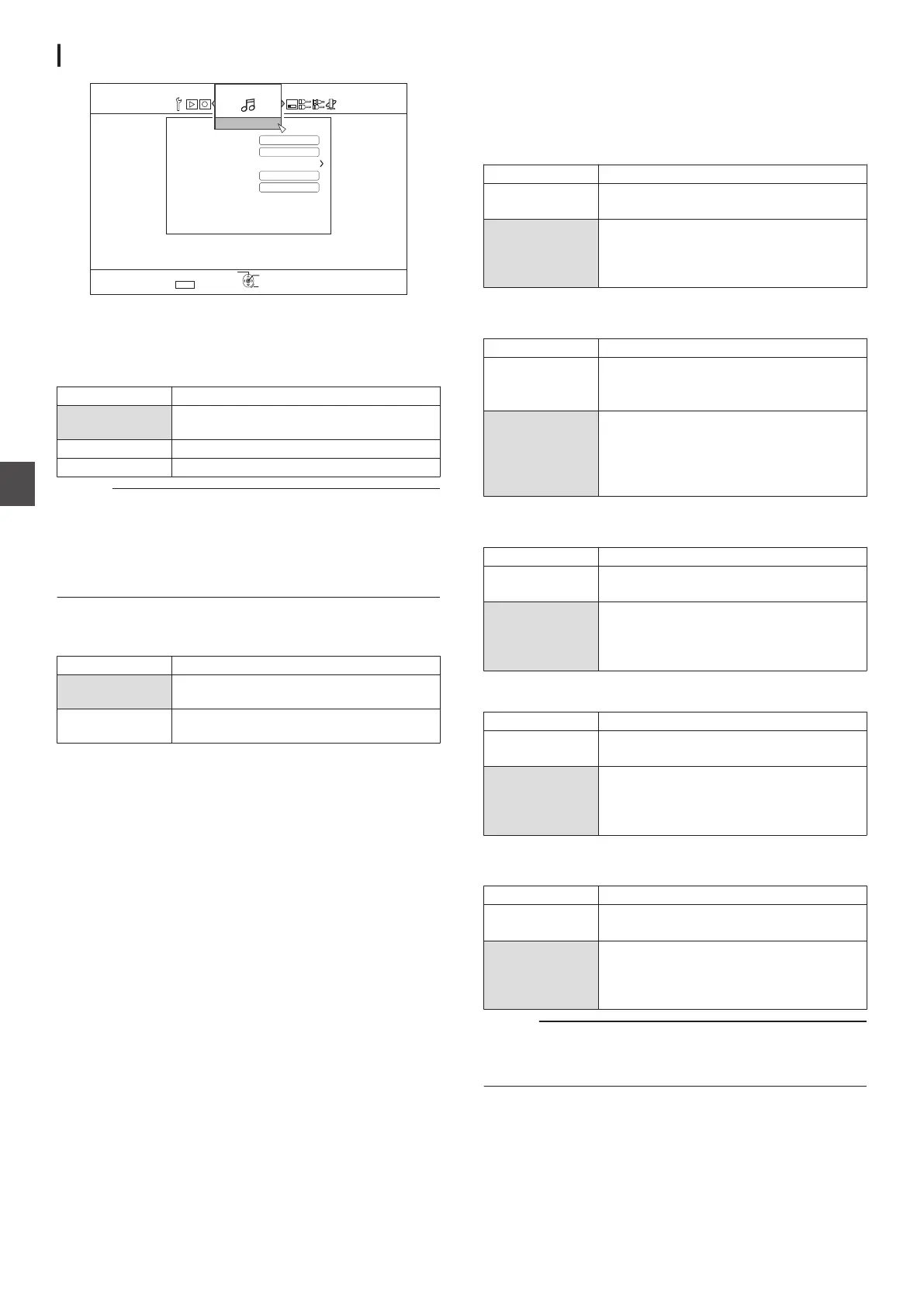
AUDIO
.
5'672
4'6740
1-
5'.'%6
':+6
$&/+:5170&
56'4'1
&8+0#7&+15'66+0)
&+)+6#.176
56'4'1
&190/+:
10
10
&;0#/+%4#0)'%10641.
#7&+1
DYNAMIC RANGE CONTROL
For setting the dynamic range compression ratio (ratio between
the maximum and minimum volume) during Dolby Digital
playback.
Setting Values Description
AUTO Perform compression only for Dolby
TrueHD.
OFF Not compressed.
ON Perform maximum compression.
Memo :
0
Setting to “OFF
” may produce the same effects as the “ON”
mode for some discs.
0
Performing compression allows even the slightest sound to
be heard clearly.
0
There
may be differences in the effect depending on the disc
used.
DOWN MIX
For setting whether to output analog audio.
Setting Values Description
STEREO Use this setting when connecting an audio
amplifier or TV.
DOLBY
SURROUND
Use this setting when connecting an
amplifier that supports Dolby Surround.
DIGITAL OUT
Set this item according to the device connected to the digital
audio output terminal.
0
Dolby Digital
For setting audio output to “BITSTREAM” or “PCM”.
Setting Values Description
BITSTREAM Use this setting when connecting a device
that is able to decode
“Dolby Digital”.
PCM Audio input will be changed and output as
“PCM
”.
Use this setting when connecting a device
that is unable to decode “Dolby Digital”.
0
Dolby Digital Plus/TrueHD
For setting audio output to “BITSTREAM” or “PCM”.
Setting Values Description
BITSTREAM Use this setting when connecting a device
that is able to decode
“Dolby Digital Plus/
TrueHD”.
PCM Audio input will be changed and output as
“PCM
”.
Use this setting when connecting a device
that is unable to decode “Dolby Digital Plus/
TrueHD”.
0
DTS
For setting audio output to “BITSTREAM” or “PCM”.
Setting Values Description
BITSTREAM Use this setting when connecting a device
that is able to decode
“DTS”.
PCM Audio input will be changed and output as
“PCM
”.
Use this setting when connecting a device
that is unable to decode “DTS”.
0
DTS-HD
For setting audio output to “BITSTREAM” or “PCM”.
Setting Values Description
BITSTREAM Use this setting when connecting a device
that is able to decode “DTS-HD”.
PCM Audio input will be changed and output as
“PCM
”.
Use this setting when connecting a device
that is unable to decode “DTS-HD”.
0
AAC
For setting audio output to “BITSTREAM” or “PCM”.
Setting Values Description
BITSTREAM Use this setting when connecting a device
that is able to decode
“AAC”.
PCM Audio input will be changed and output as
“PCM
”.
Use this setting when connecting a device
that is unable to decode “AAC”.
Memo :
0
Audio sound may not be properly played back if the audio
equipment in use does not support “BITSTREAM
” output. In
this case, set to “PCM”.
88
Setting Menu List
Settings Menu



 To Next Page