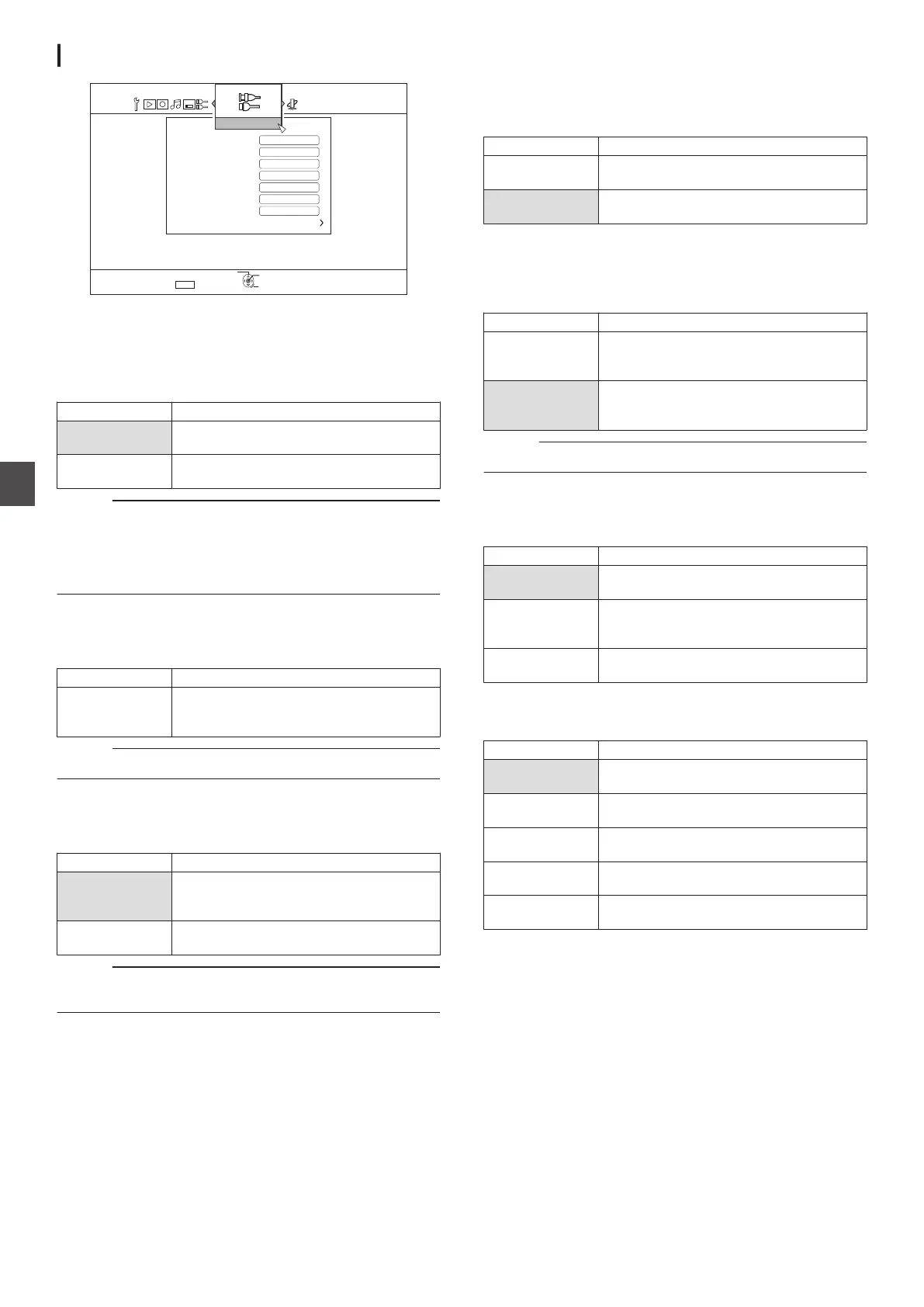
SDI/HDMI CONNECTION
.
.%*4%*
.%*4%*
5'672
4'6740
1-
5'.'%6
':+6
&+5%5'%74+6;5'66+0)
.19'4.'(6
(4#/'5;0%*410+<'4
10
10
6+/'%1&'&+52.#;215+6+10
6+/'%1&'+02765'66+0)
5&+4'%.1%-
*&/+
*&/++0276#7&+15'66+0)
5&+#7&+11762765'66+0)
5&+#7&+1+02765'66+0)
5&+*&/+%100'%6+10
1((
For specifying settings related to the SDI and HDMI input/output
terminals.
SDI AUDIO INPUT SETTING
Set the destination (Lch, Rch) to which the video/audio of the
SD-SDI/HD-SDI input is to be recorded.
Setting Values Description
Lch (1ch to 8ch)
Rch (1ch to 8ch)
Use this setting to record the digital audio
input separately to Lch and Rch.
ANALOG Use this setting to record analog audio
signals to Lch/Rch.
Memo :
0
When “EMBEDDED” is selected, you can specify the audio
to record to Lch and Rch respectively from the SD-SDI/HD-
SDI digital audio input (1ch to 8ch).
0
You can also specify to record the same audio input to Lch
and Rch.
SDI AUDIO OUTPUT SETTING
Set the channel (Lch, Rch) for outputting the SD-SDI/HD-SDI
audio.
Setting Values Description
Lch (1ch to 8ch)
Rch (1ch to 8ch)
Sets the audio output from this unit (Lch,
Rch) individually to a channel from 1ch to
8ch.
Memo :
0
Lch and Rch cannot be set to the same output channel.
HDMI INPUT AUDIO SETTING
For specifying the selection of two audio channels from the
HDMI signal input during playback and recording.
Setting Values Description
HDMI Use this setting to record the CH1 and CH2
digital audio inputs to Lch and Rch
respectively.
ANALOG Use this setting to record analog audio
signals to Lch/Rch.
Memo :
0
In
the event of multi channel input, recording is performed with
two downmixed channels.
SDI RECLOCK
Setting to “ON” helps to further stabilize the [THROUGH OUT]
output.
To output signals as they are, set to
“OFF”.
Setting Values Description
OFF Use this setting if you do not want to use the
Reclock feature.
ON Use this setting if you want to use the
Reclock feature.
FRAME SYNCHRONIZER
For specifying the Frame Synchronize mode, which continues
recording
even when signals are interrupted during recording of
SDI/HDMI signals.
Setting Values Description
OFF Stops recording when signals are
interrupted during recording of SDI/HDMI
signals.
ON Continues recording even when signals are
interrupted during recording of SDI/HDMI
signals.
Memo :
0
Images where the signals are interrupted may be distorted.
TIME CODE INPUT SETTING
You can select whether to add a time code while recording SDI/
HDMI input signals with this unit.
Setting Values Description
OFF Use this setting if you want to disable time
code input.
TIME CODE When there are multiple time code inputs
from
the SDI device, such information will be
superimposed over the SDI video input.
DATE & TIME This unit superimposes the current date/
time over the SDI or HDMI video input.
TIME CODE DISPLAY POSITION
For setting the time code display position.
Setting Values Description
LOWER LEFT Sets the time code display position to the
bottom left.
LOWER RIGHT Sets the time code display position to the
bottom right.
UPPER LEFT Sets the time code display position to the top
left.
UPPER RIGHT Sets the time code display position to the top
right.
CENTER Sets the time code display position to the
center.
92
Setting Menu List
Settings Menu



 To Next Page