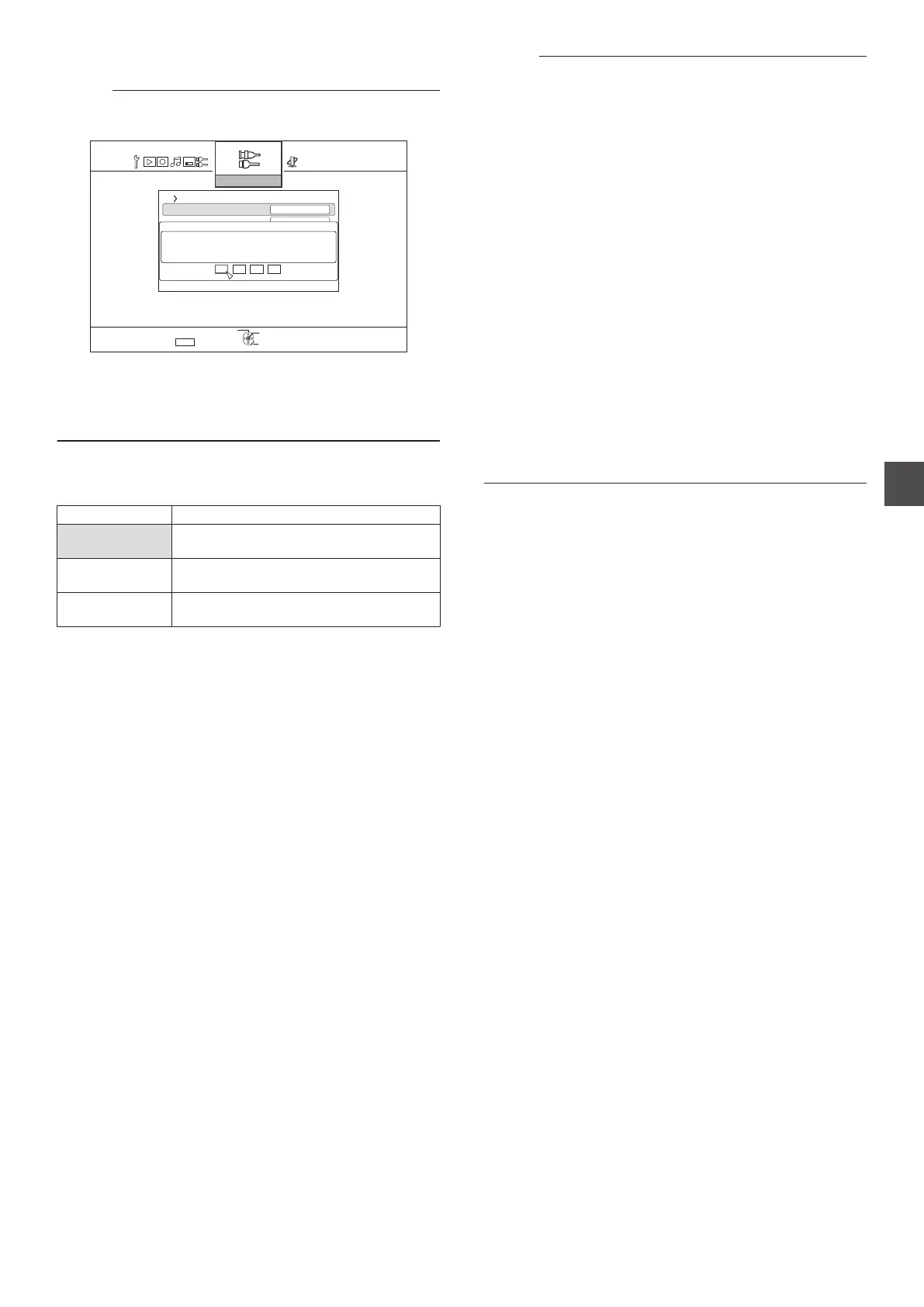
DISC SECURITY SETTING
Memo :
0
You can protect against changes made to the disk security
settings using a password.
.
5'.'%6
1((
':+6
2#55914&+0+6+#.+<#6+10
18'4.#;6;2'5'66+0)
1((
&190%108'45+10
&+5%5'%74+6;5'66+0)
5&+*&/+%100'%6+10
2#55914&
1-
4'6740
5'672
6*'024'55=1-?
24'55=?-';561'06'4&+)+6
2#55914&
0
If you do not wish to use a password, press the
[OK] or
[RETURN] button without entering any value on the password
entry screen.
0
The
password you have specified will not be reset even when
the factory settings are restored.
0
DOWNCONVERSION
During input of SDI or HDMI signals, you can specify whether to
convert to the SD or 1440×1080 resolution before recording.
Setting Values Description
OFF Does not down-convert the SDI or HDMI
signals.
SD
CONVERSION
Converts the SDI or HDMI signals to the SD
resolution before recording.
1440
CONVERSION
Converts the SDI or HDMI signals to the
1440×1080 resolution before recording.
Memo :
0
SD conversion
0
SDI and HDMI video input signals supported by this unit
are as follows. Conversion is not performed for signal
inputs that are not supported.
Signal inputs that are supported may vary depending on
whether
“FRAME SYNCHRONIZER” in the settings menu
is “OFF” or “ON”. (The default “FRAME
SYNCHRONIZER” setting is “ON”.)
For details on the input signal, refer to “Recordable Input
Signal” (A P
57).
0
Conversion is not performed when SD-resolution signals
are received.
0
The aspect ratio for recordings after SD conversion is 16:9.
0
SD-SDI appears in the display window of the unit when
HD-SDI signals are SD-converted.
0
1440 conversion
0
SDI and HDMI video input signals supported by this unit
are as follows. Conversion is not performed for signal
inputs that are not supported.
Signal inputs that are supported may vary depending on
whether “FRAME SYNCHRONIZER” in the settings menu
is “OFF” or “ON”. (The default “FRAME
SYNCHRONIZER” setting is “ON”.)
For details on the input signal, refer to “Recordable Input
Signal” (A P
57).
Setting Menu List
93
Settings Menu



 To Next Page