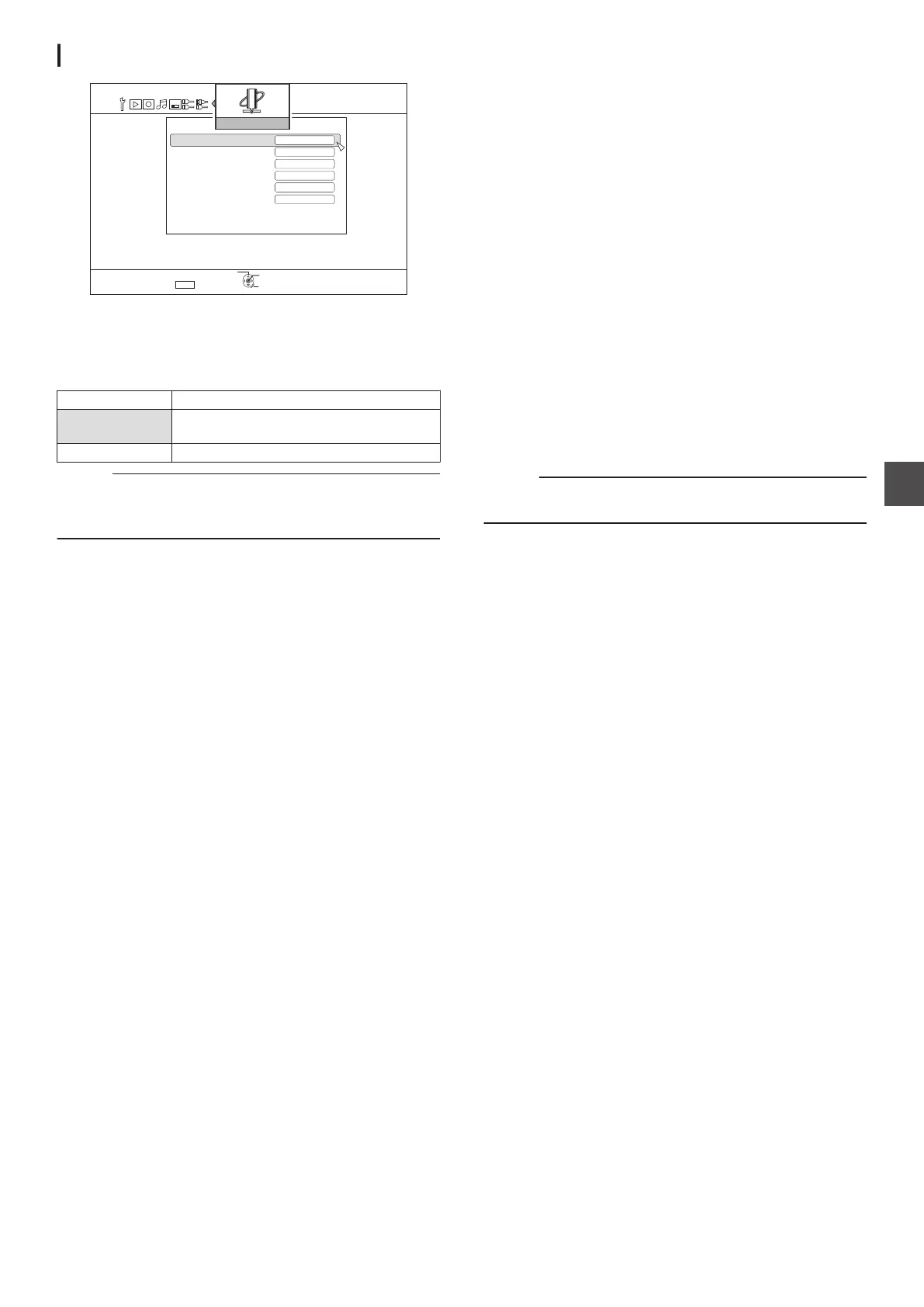
NETWORK SETTING
.
京京京京
京京京京
京京京京
5'672
4'6740
1-
5'.'%6
':+6
%10(+4/
&'(#7.6)#6'9#;
+2#&&4'55
&*%2
+2#&&4'555'66+0)
0'6914-5'66+0)
/#%#&&4'55
(6275'45'66+0)
57$0'6/#5-
For specifying settings related to the LAN terminal.
IP ADDRESS SETTING
For setting whether to obtain the IP address using “DHCP
” or to
enter it manually using “MANUAL”.
Setting Values Description
DHCP Obtains information from the DHCP server
each time the unit starts up.
MANUAL For entering the IP address manually.
Memo :
0
Upon setting to DHCP,
“IP ADDRESS”, “SUBNET MASK”,
and “DEFAULT GATEWAY” are grayed out, and input is
disabled.
IP ADDRESS
For setting the IP address.
SUBNET MASK
For setting the subnet mask.
DEFAULT GATEWAY
For setting the default gateway.
FTP USER SETTING
0
The username and password can be set in the
“FTP USER
SETTING”.
0
Select
“FTP USER SETTING” and press the [OK] button on
the remote control to display the “USERNAME INPUT”
screen.
Enter the username and press the colored (*1) button on the
remote control. This confirms the username and the
“PASSWORD INPUT” screen appear.
Enter the password and press the colored (*1) button on the
remote control. This completes the username and the
password settings.
*1 U: [YELLOW], E: [BLUE]
0
Up to 16 characters can be used for the username and
password.
0
The username and password are not set at factory default.
0
To
reset the username and password that have been set, do
so using “DEFAULT SETTING” in the “SETUP” menu.
MAC ADDRESS
Displays the MAC address.
CONFIRM
Confirms the network settings that are currently displayed.
Memo :
0
The settings are not applied until the confirmation items are
selected.
0
The default values when
“IP ADDRESS SETTING” is set to
“MANUAL” are as follows.
IP ADDRESS : 192.168.100.100
SUBNET MASK
: 255.255.255.0
DEFAULT GATEWAY : 192.168.100.254
0
Perform settings such that the same IP address is not used
within the network environment.
0
For details, check with the person in charge of setting the
network.
Setting Menu List
95
Settings Menu



 To Next Page