Menu Setting
1
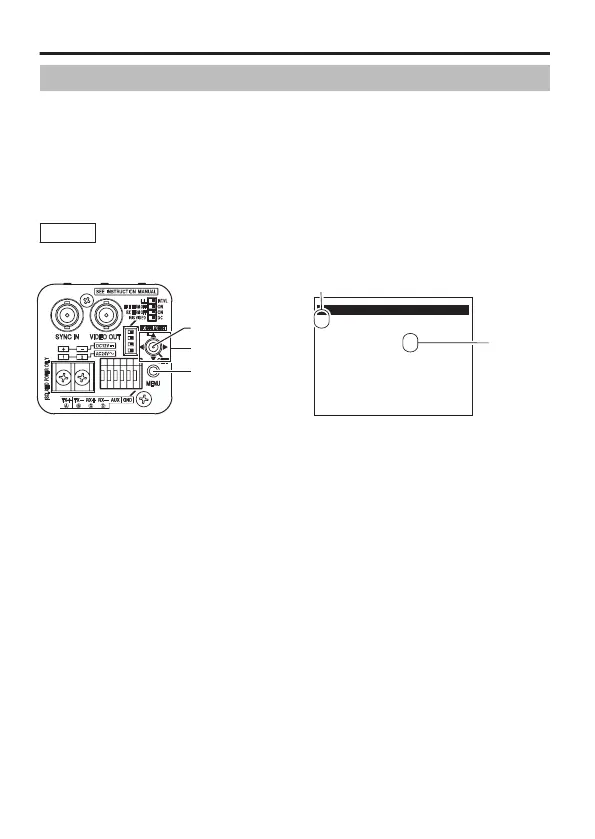
Press the MENU button.
2
Move the cross key up/down to align the cursor (E) with the
item to set.
3
Move the cross key to the left/right to change the setting.
When a setting has been changed, a change mark (Z) is displayed.
4
Press the [MENU] button to exit setting.
Memo
To display the sub-menu, set the cursor (E) to an item with
sub-menu and press the [SET] button.
.
MENU
E
SCENE FILE..
BASIC SETTINGS..
VIDEO SETTINGS..
VIDEO EFFECT..
MOTION DETECT
MAINTENANCE..
PRIVACY MASK..
AUX FUNCTION..
A:GENERAL
OFF
Cursor
Sub-menu
MENU button
CROSS key
SET button
Menu Settings
E-34



 To Next Page