-- 35 --
JVC VR-616
4. Function Explanation and Menu Setting
This system can set-up the motion conditions of the camera, recording conditions,
alarms, audio, and system settings from the monitor menu.
4.1 Front Button Explanation
4.1.1 Before Use
Make sure all the devices are properly connected as described in Chapter 2, then
connect to the power source.
4.1.2 Monitor Out
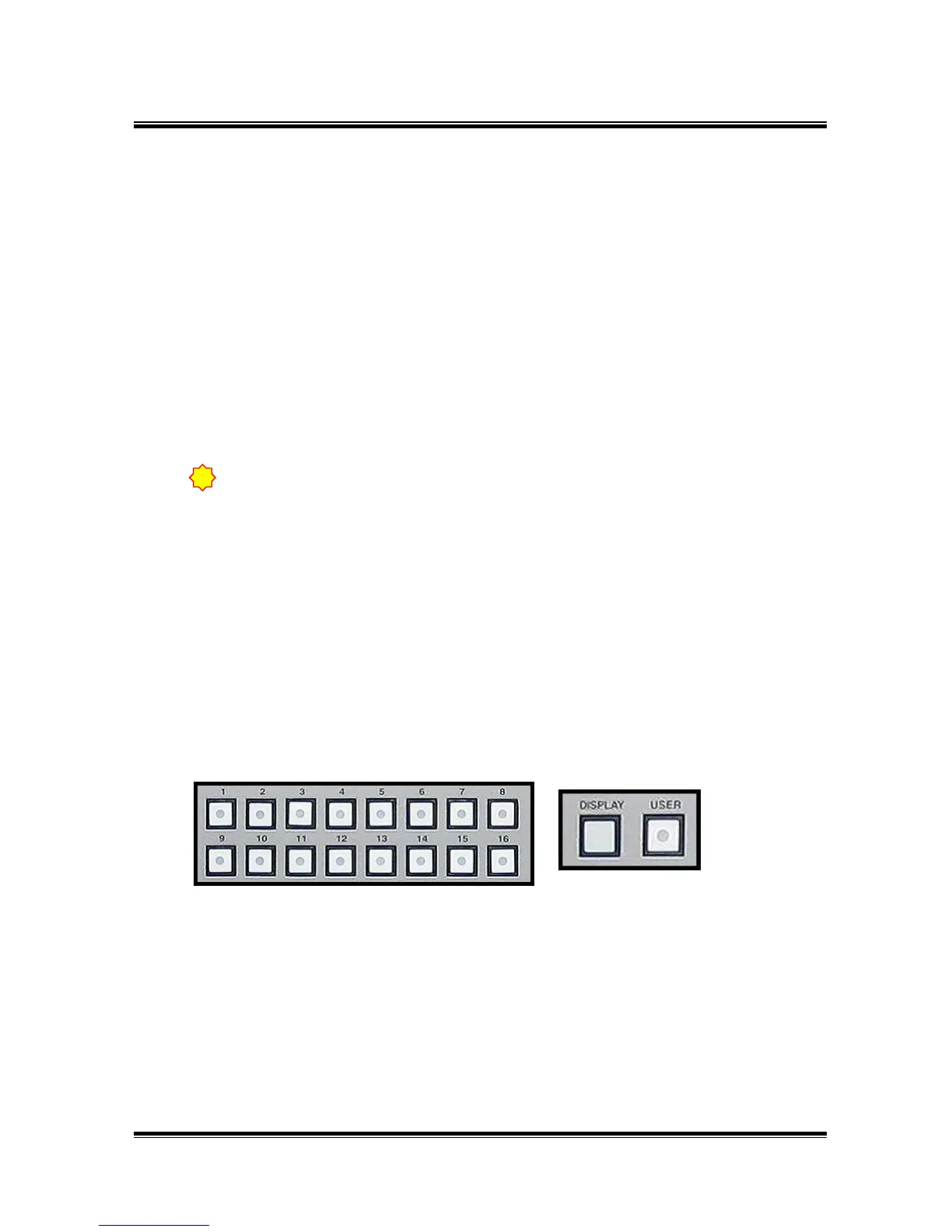
This product can simultaneously record while live monitoring. You can select a
screen form by using the DISPLAY / USER button and INPUT button.
It displays the selected channel on the monitor by pressing the INPUT button during
live or playback. It is used for selecting INPUT_CH at the MENU.
Selected monitor configuration is displayed on the monitor “USER” button is for
screen configuration, which is set-up from the menu. 1,4,9,16,6,7,10 screen is
displayed as pressing the DISPLAY button during live. 1,4,9,16 screen is displayed as
pressing the DISPLAY button during playback.
●
●
!
When you turn on/off the power, please use power switch on the front.
HDD can be damaged as you use main power switch on the rear.



 To Next Page