-- 45 --
JVC VR-616
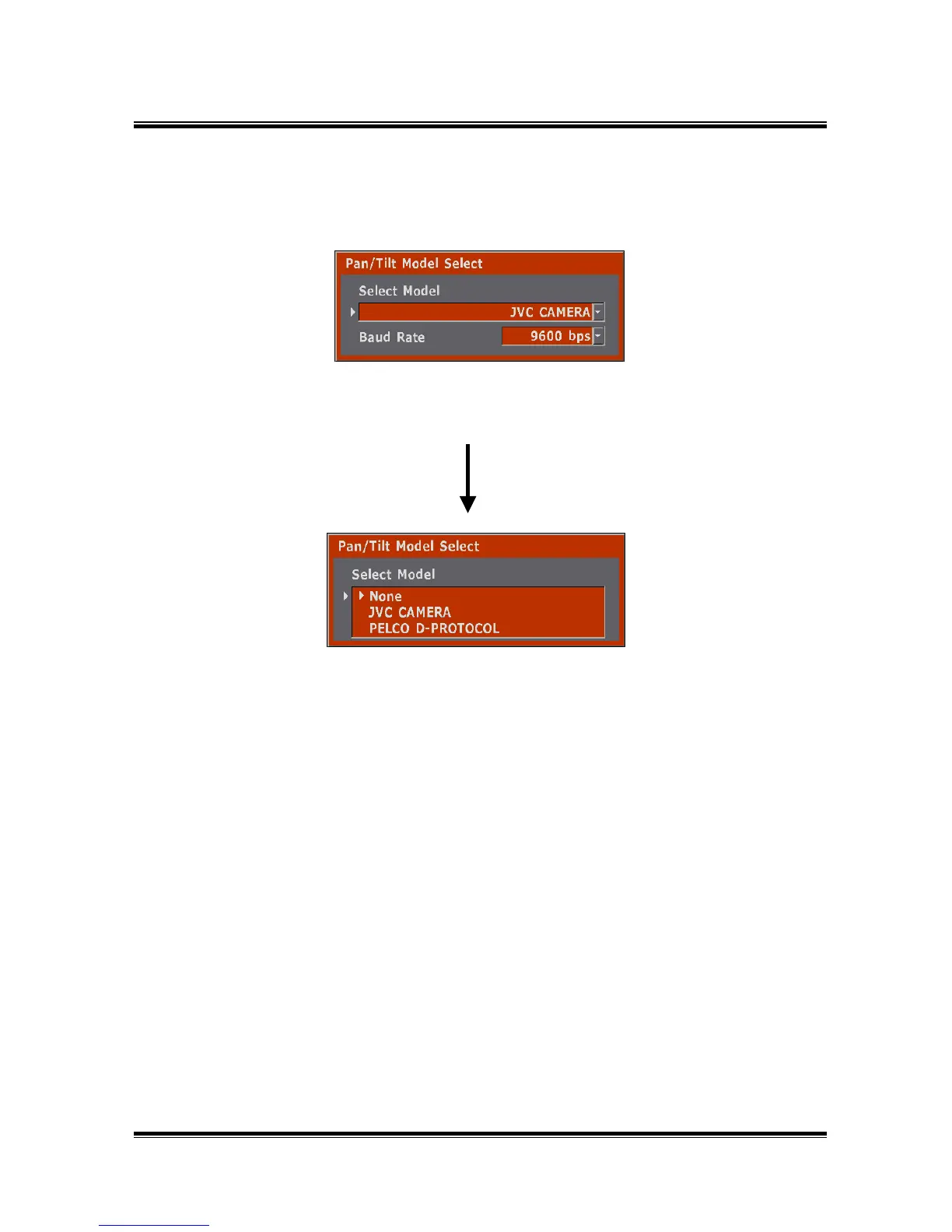
5.1.3 Pan/Tilt Model Select
● How to Setup
1) Connect the Pan/Tilt camera to the RS-485 port.
2) Select the same drive, which is selected from the “Pan/Tilt Model Select”
menu.
3) Set-up the Camera ID at “Camera Setting”.
4) Test it by using Camera Control.
Selects one of Camera
driver.
None
JVC Camera
Pelco Camera
* If you connect with TK-C676/TK-C655, please select "JVC CAMERA"



 To Next Page