-- 38 --
JVC VR-616
4.1.7 Explanation of Image Sequence and Triplex
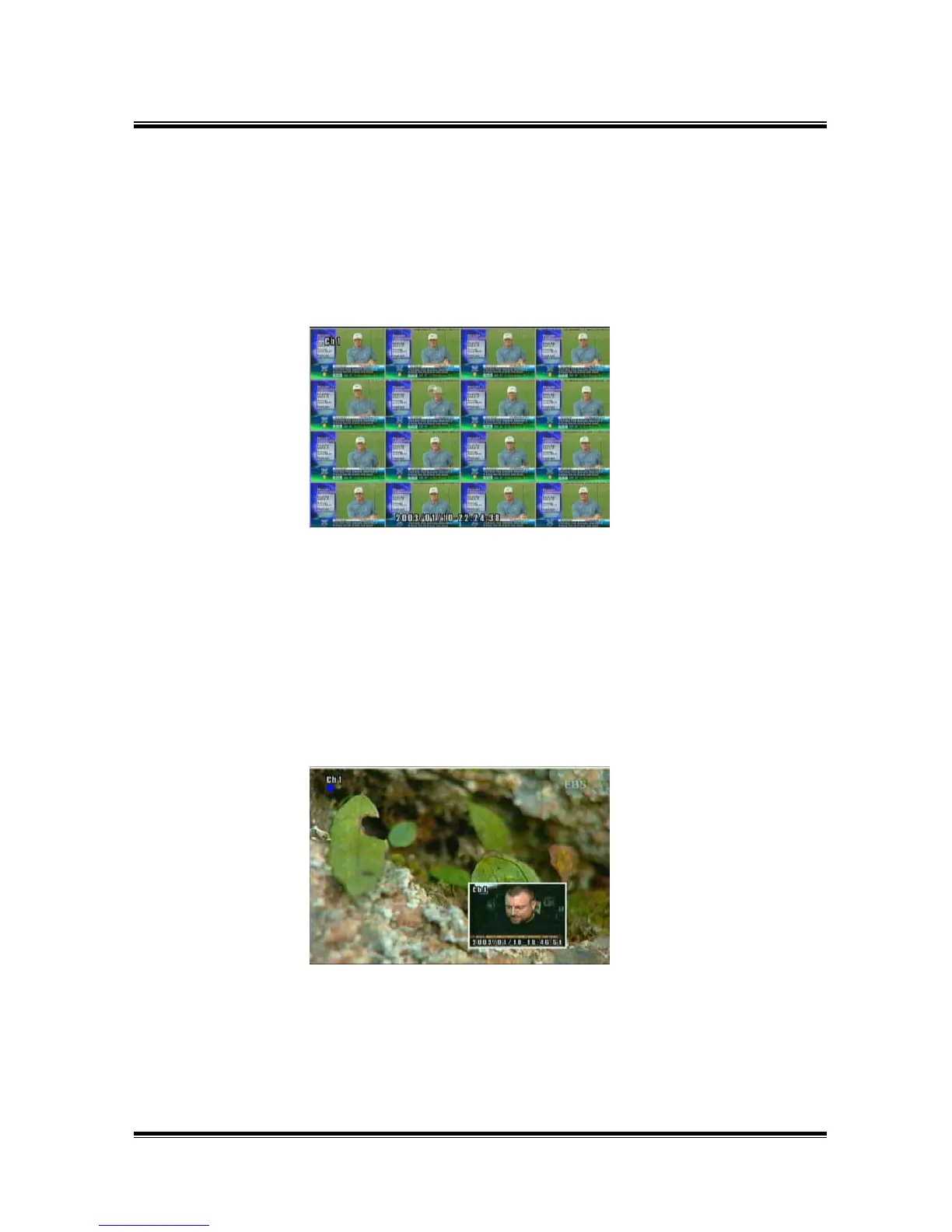
● IMAGE SEQUENCE : One playback channel is replayed to the divided screen field by field
in sequence.
Press the display button to select the type of display division.
Image Sequence Playback Screen of 16 Channel
TRIPLEX Playback Screen
● TRIPLEX : This is an overlay (picture in picture) screen. You can monitor live screen and
playback screen at the same time. It is returned to playback screen as pressing
the PLAY button (ENTER button) after setup monitoring channel you want to
see. If you want to change playback screen, press the Channel Selection
buttons.



 To Next Page