-- 75 --
JVC VR-616
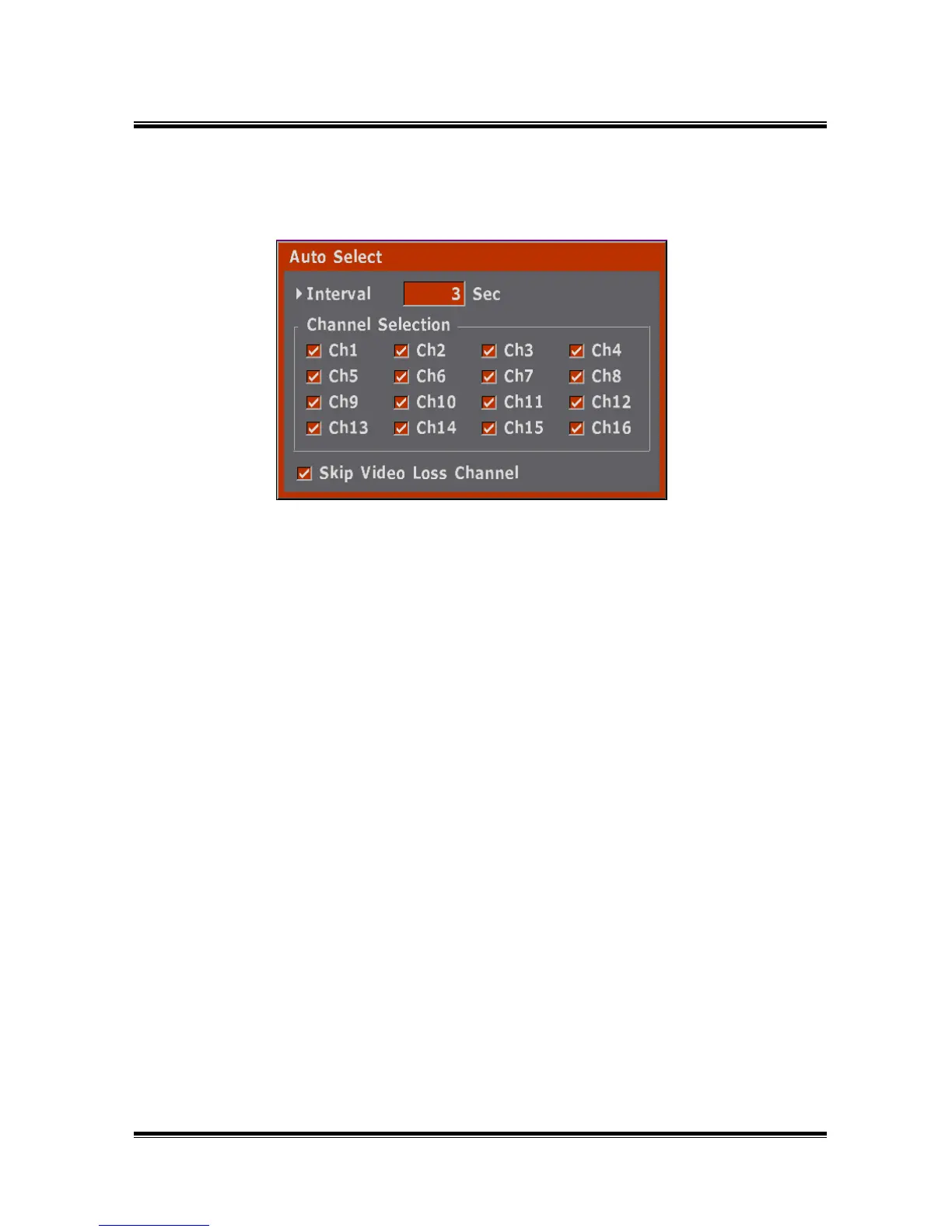
5.7.5 Auto Select
● Select Delay and Skip of the Auto Switch.
● How to Setup
1) Auto Select function is for automatic switchover of the Monitor screen.
2) Delay of the Auto Switch range is 1 ~ 300sec.
3) All Channels are On when the system starts for the first time.
4) When select Skip Video Loss Channel, no signal channel is notdisplayed
in case of sequence which is displayed only one channel.
5) Auto Select of User Define is automatically switching by modeswitching.



 To Next Page