-- 93 --
JVC VR-616
7. Remote Controller
7.1 Outline
!
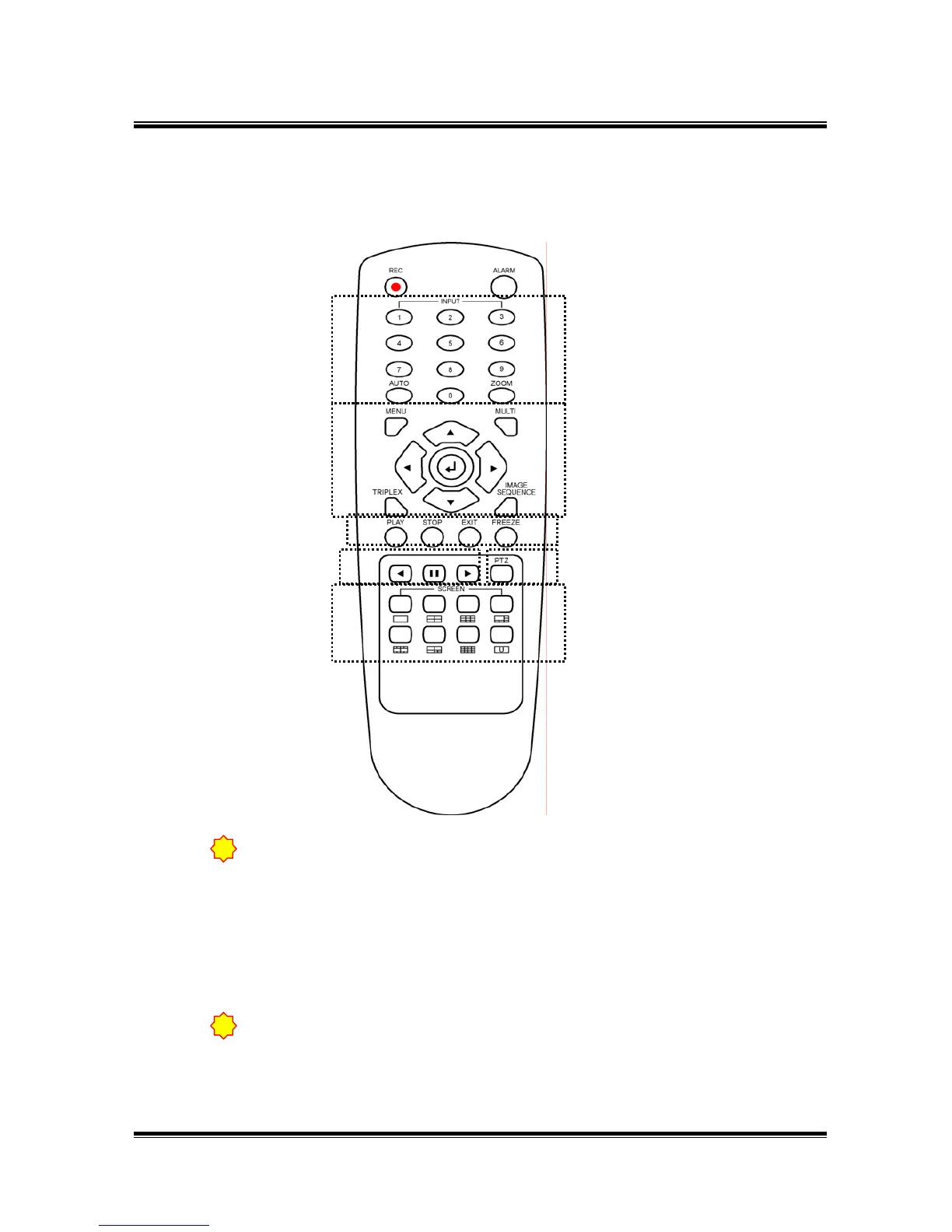
For the first step, you should give an ID for control DVR by one remote controller.
1) Press one of INPUT button (1~9) and STOP on DVR at the same time then
the number which you pressed will be the ID.
2) Press INPUT button (1~9) on remote controller for 3 seconds then remote
LED on front panel of DVR will be flickered.
3) This DVR has ID by pressed button number.
Make sure there is no same ID as using several DVR.
!
For control DVR by remote controller, press the number buttons(1~9)
which are the same with DVR ID, for about 3 seconds. If you do not designate
DVR ID, you can not control remote controller so you must set-upID of remote
controller for the first.
②①
③
④
⑤
⑥
⑦
⑧⑨
⑩



 To Next Page