-- 94 --
JVC VR-616
7.2 Details
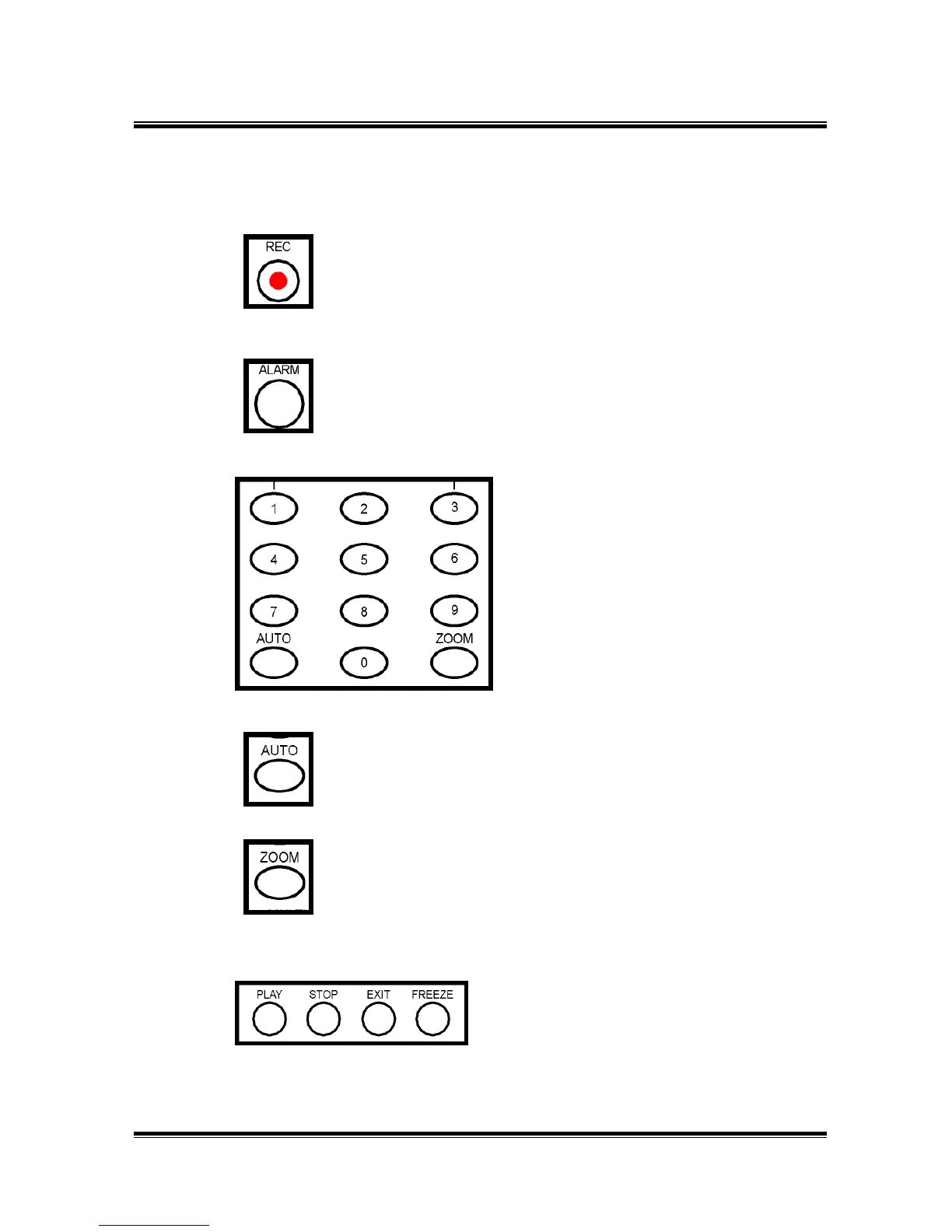
● REC Button : When the REC LED is on, DVR is recording as
per set-up instructions.
● ALARM RESET Button : Stops the Alarm Output.
● INPUT Button :These buttons are used to
select the screen monitors and to change
the channel settings at the menu.
If you want to change channel, press
01,02,03,…10,11,…16.
● AUTO Button : The Input channel is automatically switched in
proportion to the speed setting at the menu.
● ZOOM Button : This is used to zoom a freeze-frame in
playback mode. Power is X2.
●PLAY :This button is for playback.
STOP : To stop playback.
EXIT : To exit the menu after completing
setup.
FREEZE : For pause the image.
①
②
③
④
⑤
⑥



 To Next Page