-- 42 --
JVC VR-616
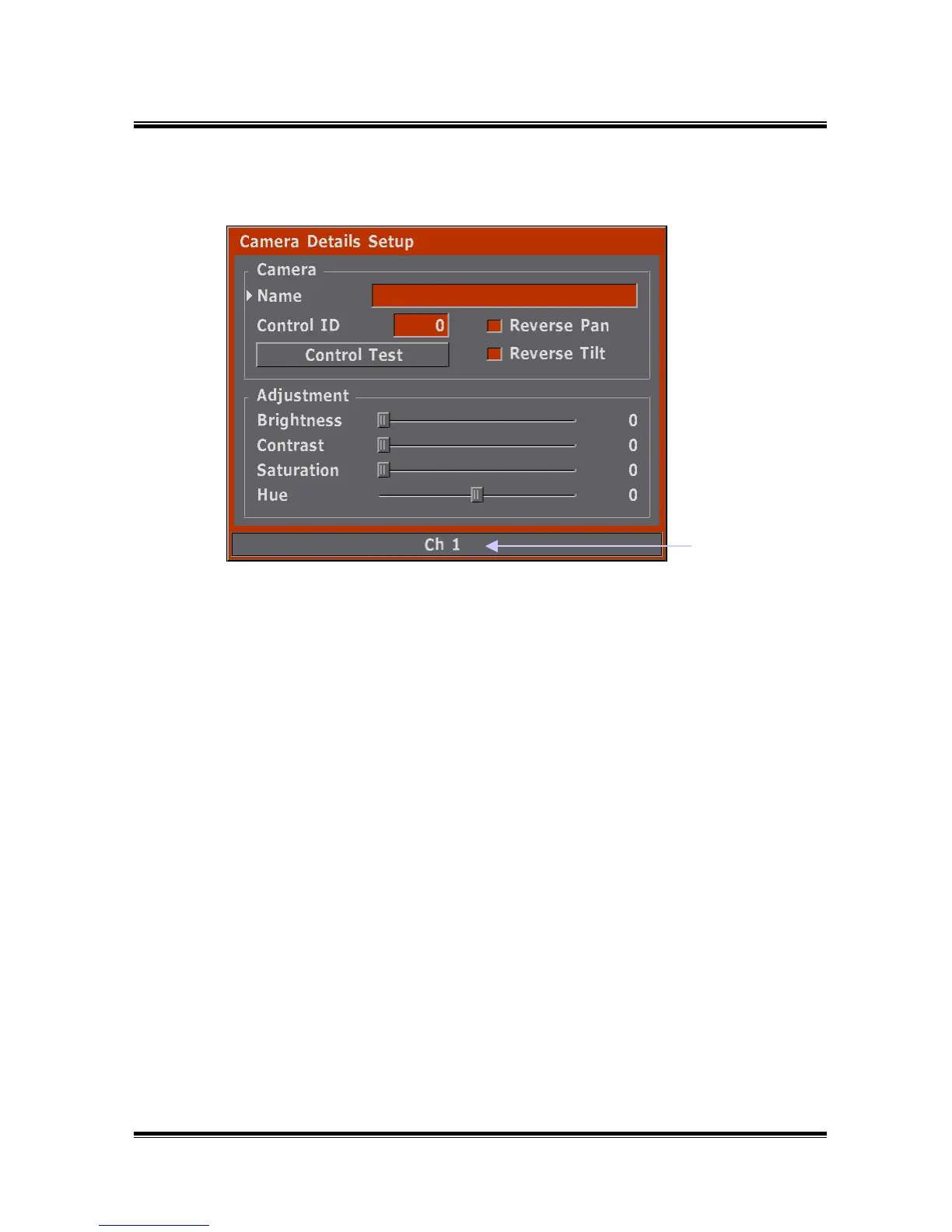
5.1.2 Camera Details
Setup channel
● Installs Name, Camera ID (Pan/Tilt Camera), Model and Color (Brightness,
Contrast, Saturation, Hue) of each channel.
5.1.2.1 How to Setup
1) Checks the channel number as indicated at the bottom of the tab, and then
checks whether the background is the correct screen.
(The channel number can be changed by pressing the INPUT button.)
2) Selects contents which you want to change by jog.
3) Possible to change setup status by using the buttons as follows.
ENTER button : Change and complete selected contents.
EXIT button : Make cancellation.
◀ button : Move to left at the Name.
▶ button : Move to right at the Name.
Jog : Can change character and number by jog rotation.
4) To return to the preset menu, press the EXIT button.
5) If a Pan/Tilt camera is connected, test after setting-up the camera ID.



 To Next Page