-- 82 --
JVC VR-616
● How to Setup
1) Check the box to activate passwords.
2) Select a new password and then enter again for confirmation.
3) Select a new password by using Jog.
4) Enter “New Password” and “Confirm” through Channel Selection
buttons. Please use the each 1-9 Channel Selection button.
5) As “Setting” select, password is changed.
Notice
If you forget the password, you can not operate the system! Please be
sure to remember the password or write it down in a secure place.
!
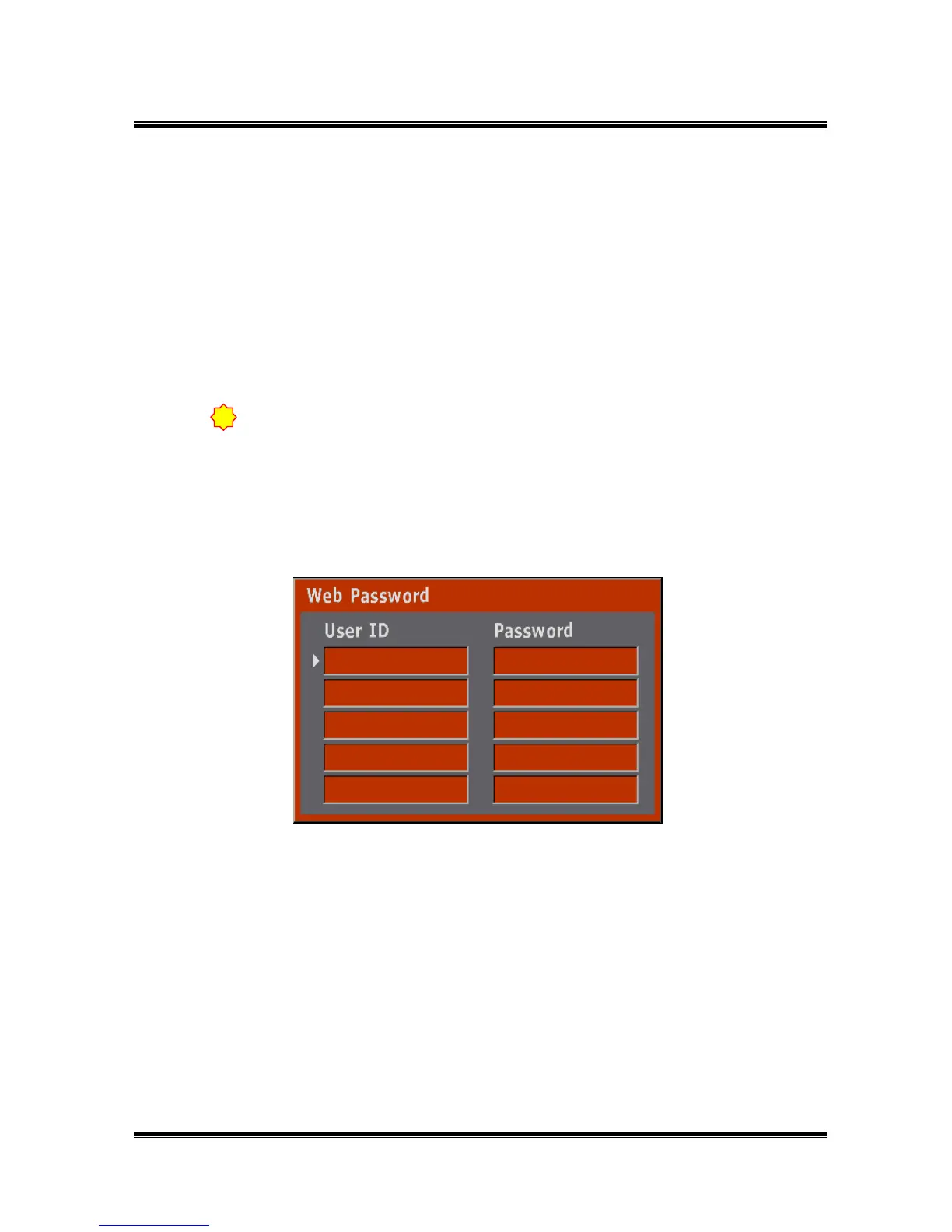
5.7.7.4 Web Password
● This is for remote control by using Network.
● A user ID containing 8 numeric characters is possible.
● After selecting by jog, press the ENTER button for setup. Please use the each
1-9 Channel Selection button.



 To Next Page