-- 85 --
JVC VR-616
5.7.8 About System
5.7.7.7 Lock Front Button
● Lock Front Button : This selection will lock the front panel buttons to prevent
unauthorized operation. Only the Menu and Operation button will operate.
● When you press the LOCKED button, the message is displayed on "the button is
locked" for a moment.
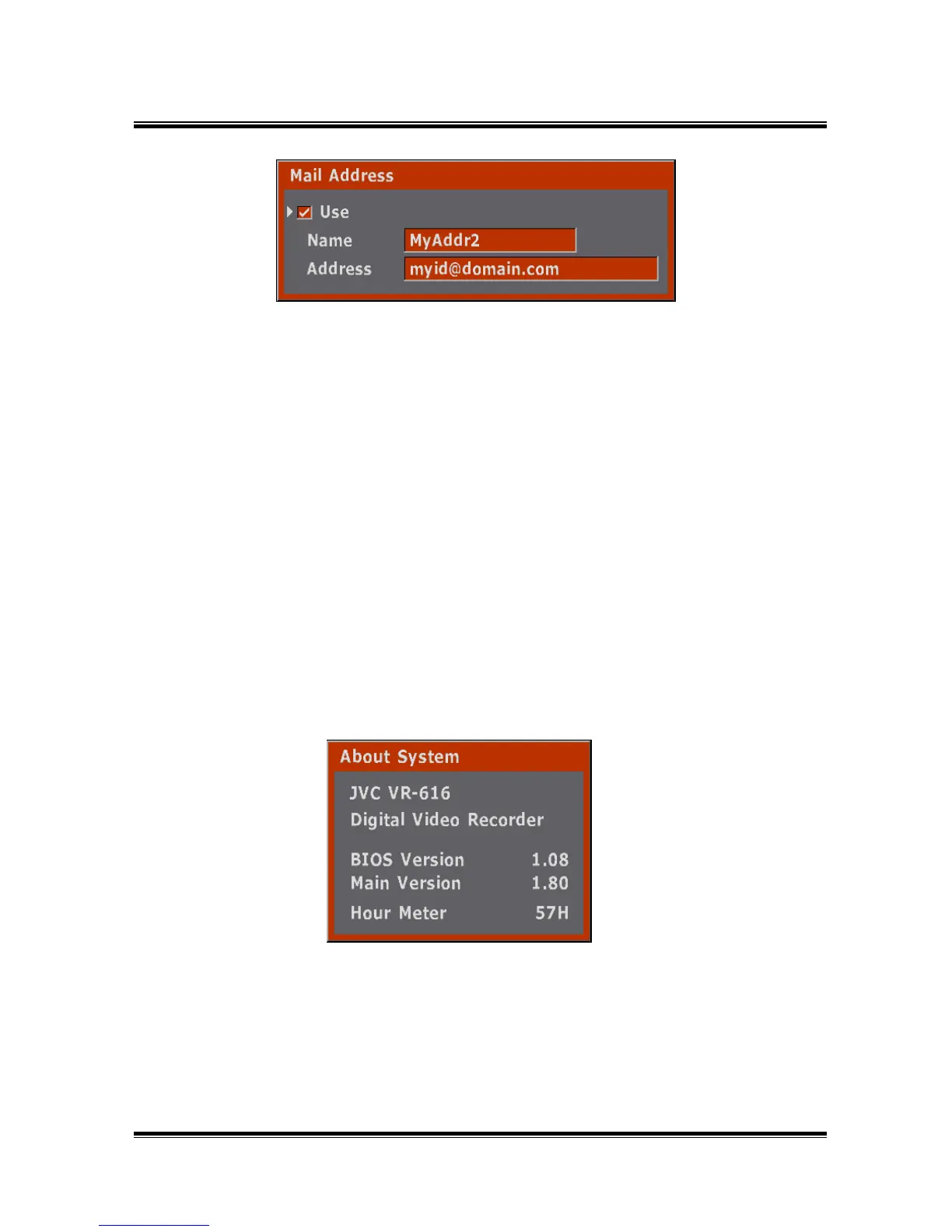
● This is Software and Bios version of the System.
● An 8 character ID may be selected to identify a recipient.
● Email address are entered into the menu and can include up to 128
characters.
5.7.7.8 Lock Remote Control
● Lock Remote Control : This selection will lock out use of the IP remote control to
prevent unauthorized operation.
● When you press the LOCKED button, the message is displayed on "the button is
locked" for a moment.
● Hour Meter indicates the passage time after DVR is on.



 To Next Page