-- 57 --
JVC VR-616
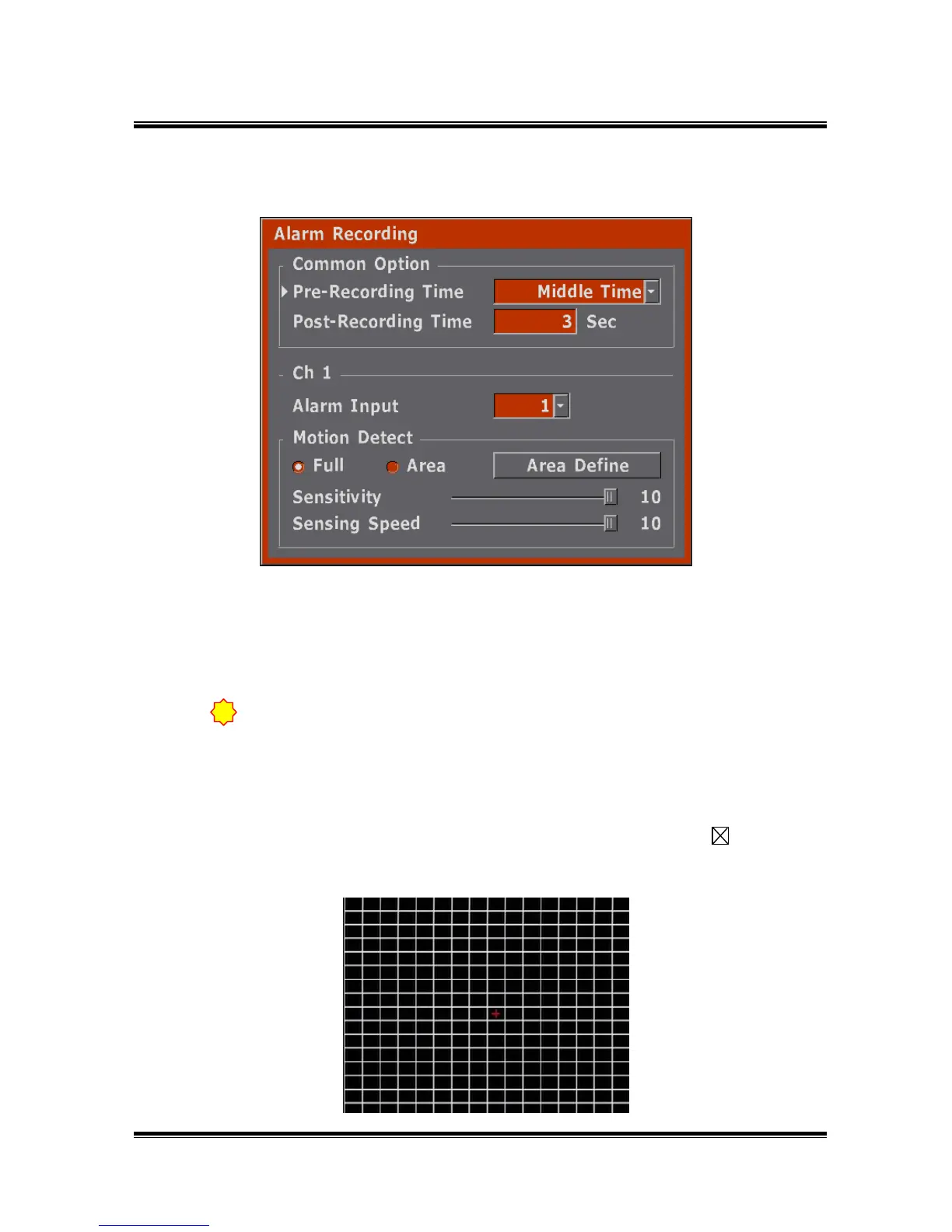
5.2.3 Alarm Recording
● Set-up recording time which is before event and after event when its’ Alarm/Motion
Events.
● The RECORD Indication LED and ONSCREEN display might be displayed 10 - 20
seconds longer than actual record time.
● set-up Alarm Input.(1-16)
● Motion Setup
Full : Recording (REC) is started when motion is detected on the full
screen.
Area : REC is started when motion is detected on the selected grid. ( )
( this grid can be selected by the user. )
● set-up area as pressing the ENTER button at Area Define menu.
If the record is started by alarm / motion detection from the stop mode (the
sensor record mode), audio does not record even though it is set to on.
!



 To Next Page