-- 49 --
JVC VR-616
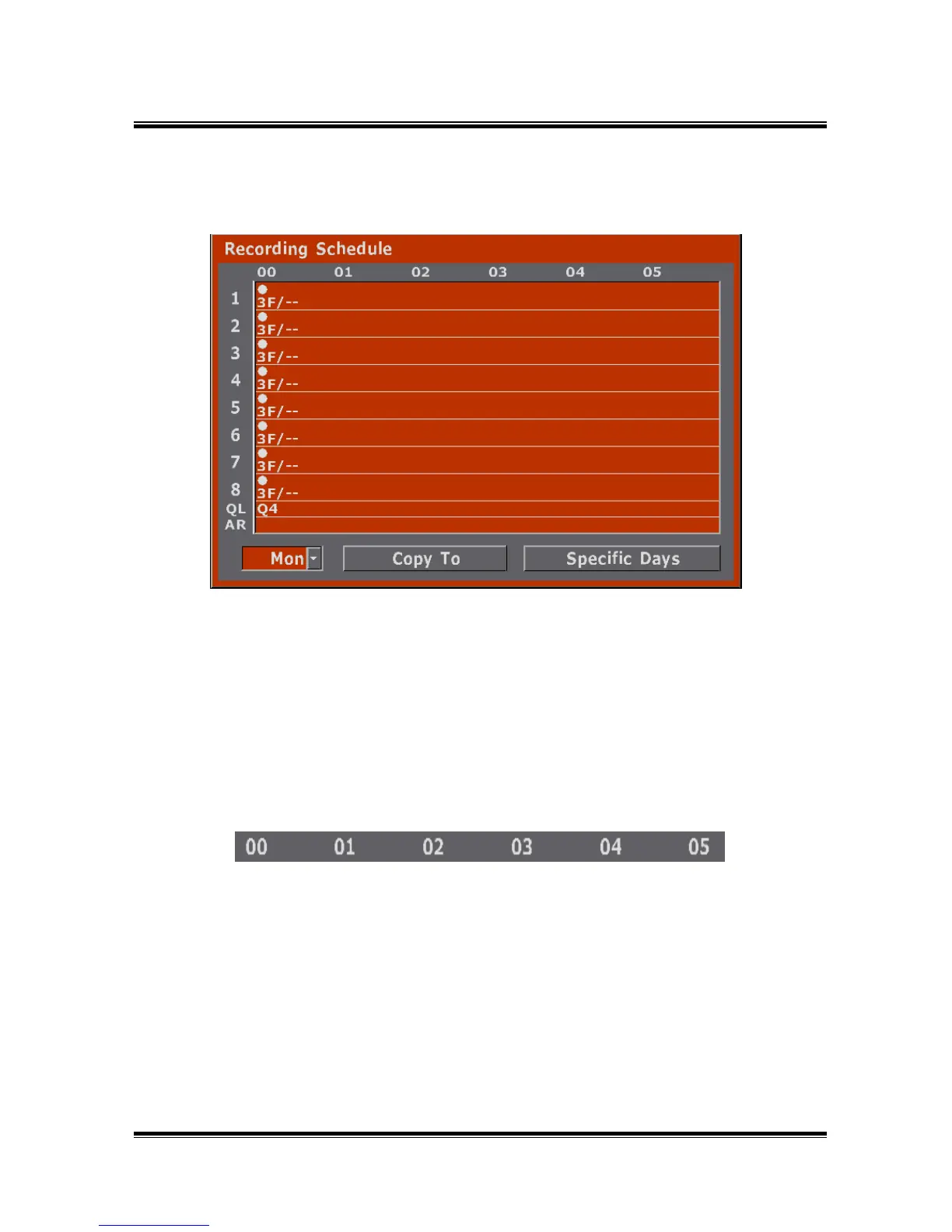
5.2.2 Schedule
● Schedules recording by date, time and channels.
● Schedules recording for specific day.
● If it changes from a menu, a clock mark is displayed on the screen lower right,
and it will be in the state of TIMER STANDBY or TIMER RECORD. VR-616
does not have a power-saving mode.
5.2.2.1 Explanation of Recording Schedule
● The above numbers indicate the hour in the day. (00 ~ 23)
1) Time



 To Next Page