-- 81 --
JVC VR-616
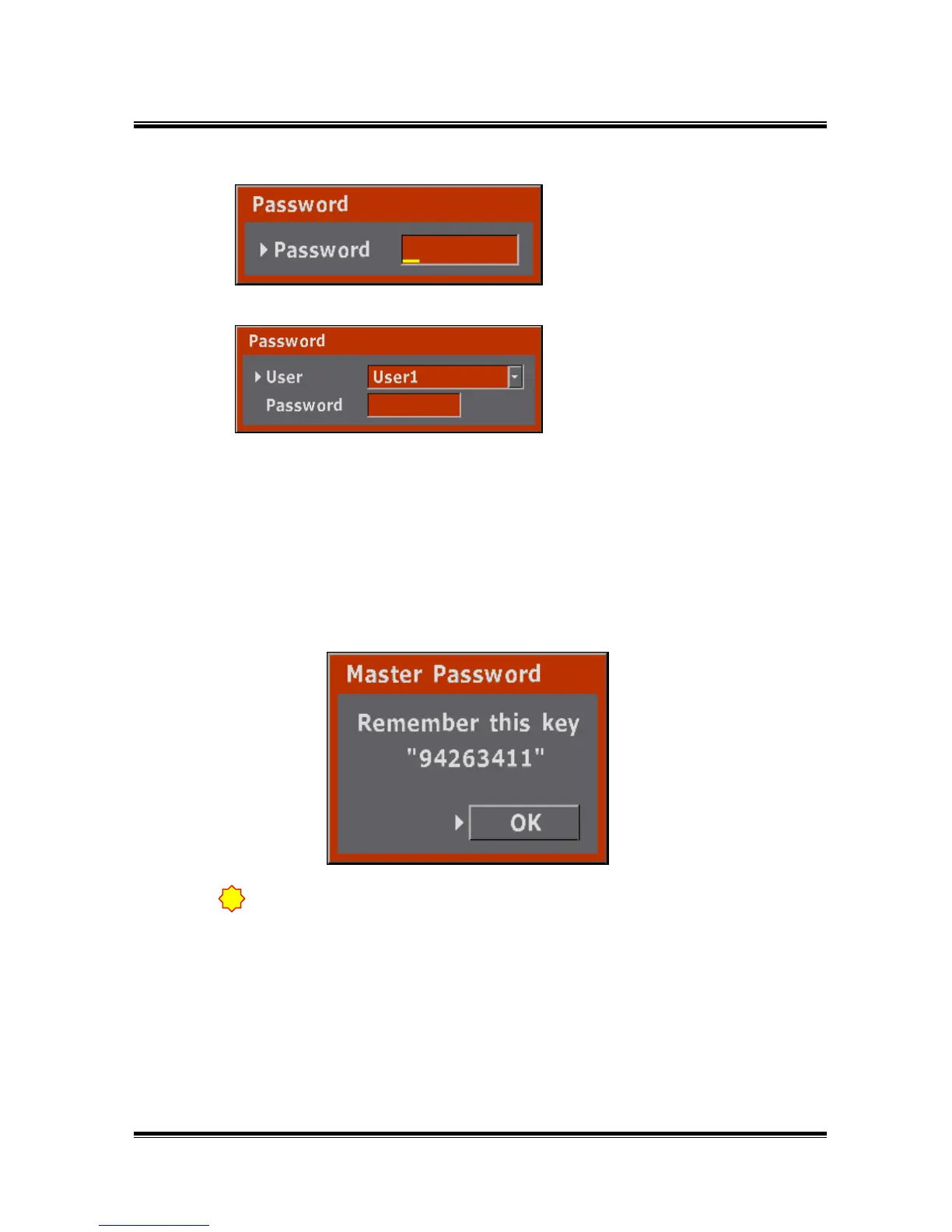
● This message is displayed when enter “MENU” after setting password.
● Enter the Password.
● If you input wrong password, you can not enter the MENU.
If you input wrong password 3 times, MENU screen will disappear.
To input password again, please press the MENU button.
● It is displayed when using Admin Password for the first time.
It shows for one time when set-up password after initializing system.
● It is important to remember the Master Password and write down in a secure
place.
● Enter Master Password on Password.
● As use Master Password, possible to enter to the menu.
● It is displayed if there is no User
ID.
● It is displayed if there is User ID.
Please input a password after
choosing a user name.
!
If you operate quickly, possible to miss Master Password. Pleasebe careful.



 To Next Page