-- 71 --
JVC VR-616
2) Overwrite Disk When Disk Full
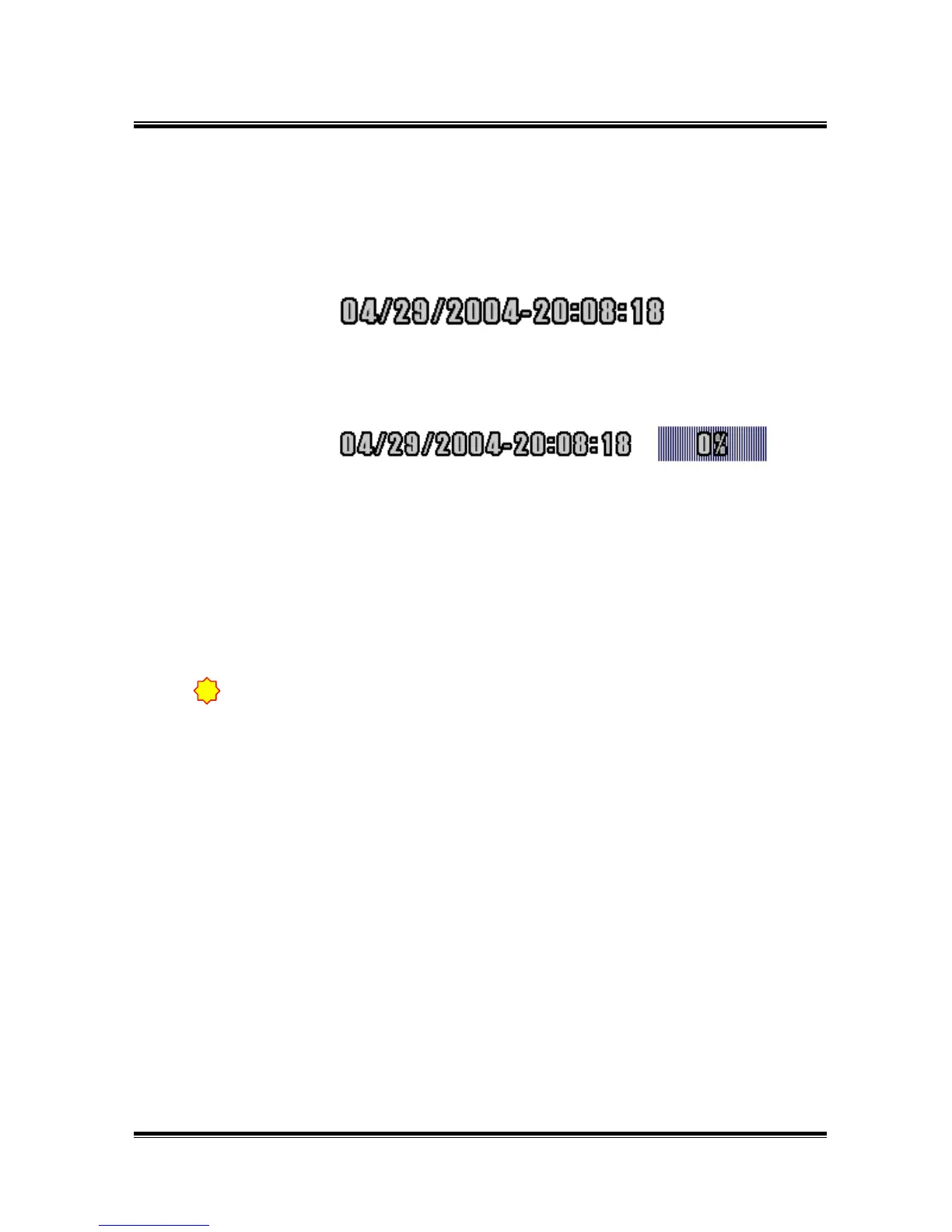
Monitor screen displays a similar message as the following according
to overwrite on/off.
On
Main HDD is full, it starts to overwrite old DATA.
Off
When Main HDD is full (100%), recording is stopped.
3) Clear All Previous Log.
It is the place for initial Log content.
It is better to initiate Log, when HDD or DATA is changed.
To make back-up with CD-RW etc should be strongly recommended if the
important data seems to be recorded.
!



 To Next Page