Instructions for use DSE Expert
5 Operation | 5.3 Foot control C
Turn on the spray water
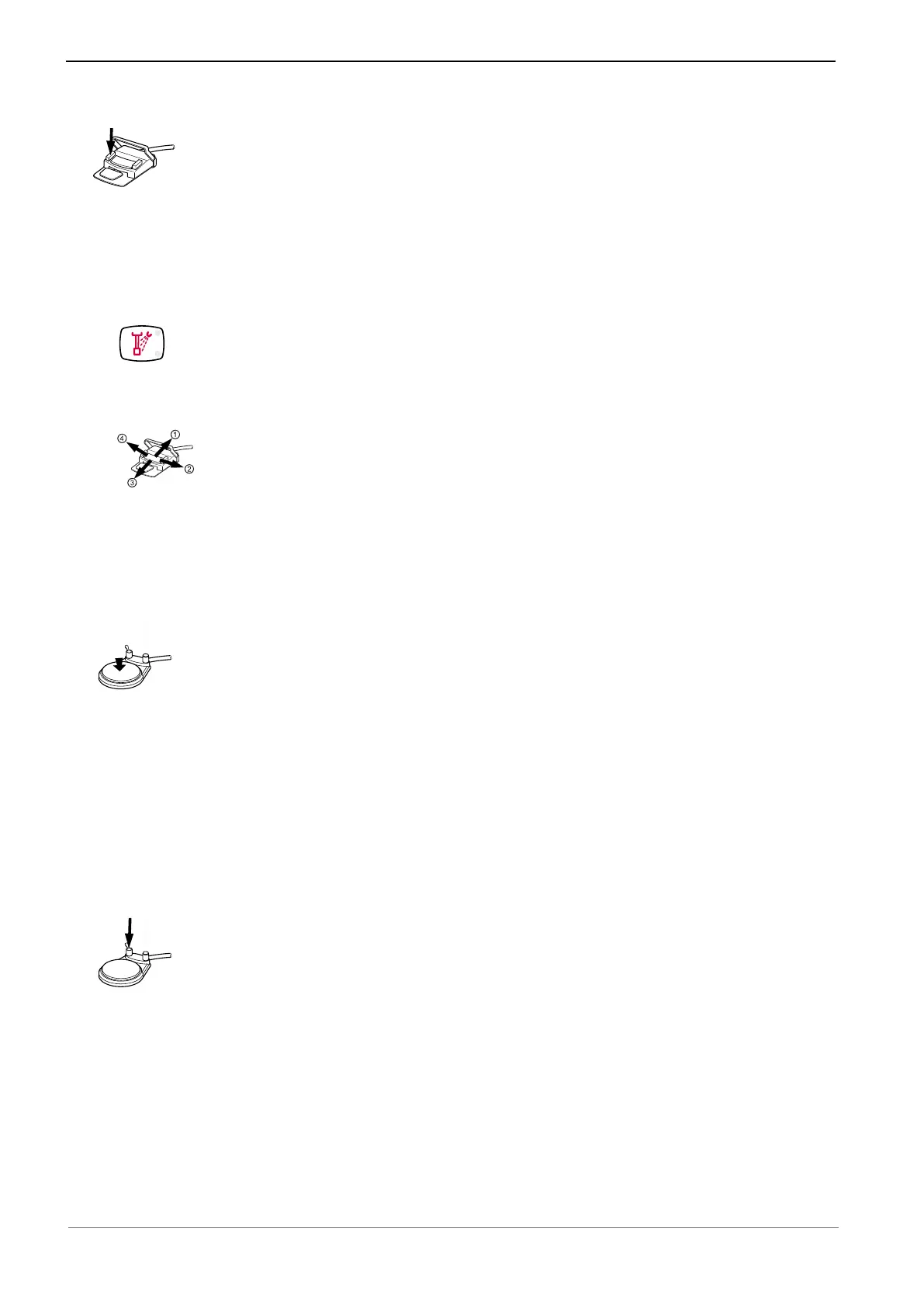
▶ Press the Spray button.
ð The spray air is turned on.
▶ Press the Spray button again.
ð The spray water is turned on.
▶ Press the Spray button again.
ð The spray water is turned off.
The status is displayed by the LED on the membrane keypad.
Setting the patient positioning on the foot control
▶ Move the cross-switch in the desired direction in order to set first the height and
then the inclination of the patient simulator.
5.3 Foot control C
Using the instrument
▶ Press and hold down the footplate.
ð The handpiece starts up.
▶ Increase the pressure.
ð The speed is increased continuously (air-driven handpieces only).
▶ Reduce the pressure.
ð The speed is decreased continuously (air-driven handpieces only).
▶ Release the footplate.
ð The handpiece stops.
Turn on the spray water
▶ Tip the spray button to the left.
ð This switches the spray water on.
▶ Tip the spray button to the right.
ð This switches the spray water off.
37 / 74



 To Next Page