Instructions for use DSE Expert
5 Operation | 5.6 Using functions through the menu
50 / 74
▶ Press the "Next" key (S4) to start-up the user menu.
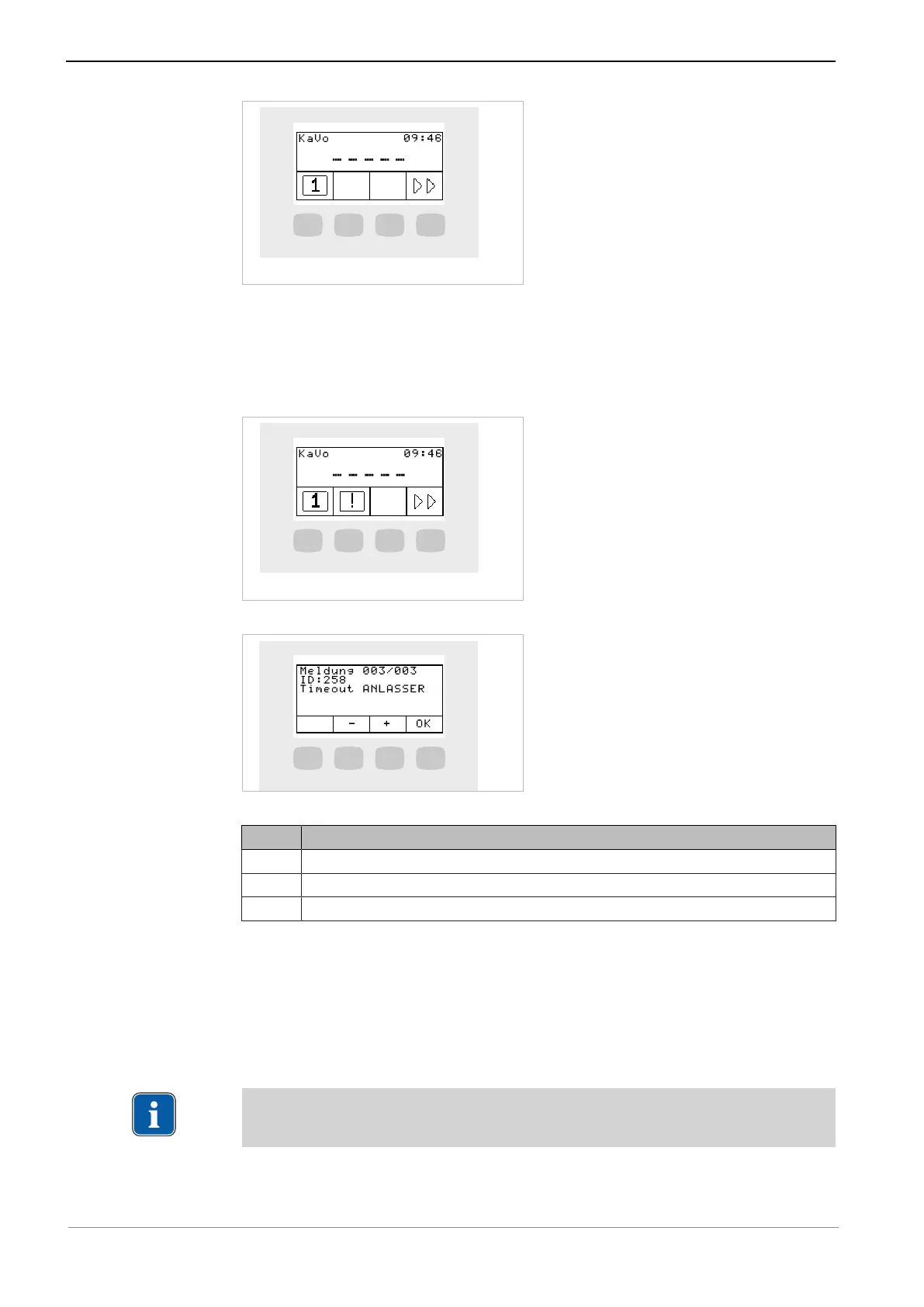
Service and error messages in the stand-by menu
Service and error messages are displayed in the stand-by menu through the "!" sym-
bol.
▶ Press the "S2" button to display messages.
▶ Press the function keys to navigate between the messages.
Key Settings
S2 Previous message
S3 Next message
S4 Switch to stand-by menu
Error messages in the status display
See also:
2 Troubleshooting
5.6.4 ENDO menu (optional)
Note
The functions of the ENDO menu are available only if an ENDO license is existent.



 To Next Page